
What to Check in a Statement for Bank Account Records
Thomas Gak-Deluen10 min read
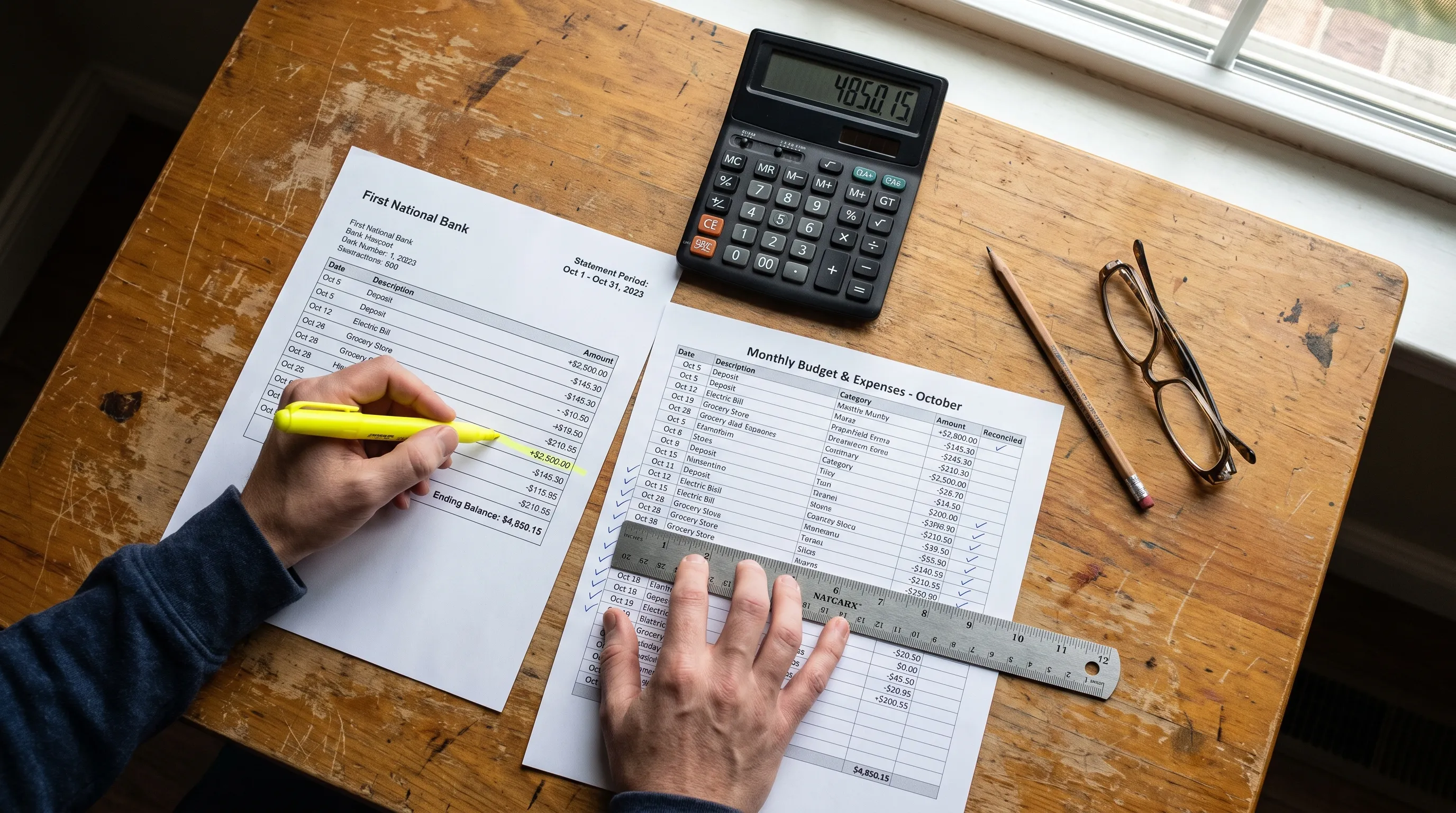
A statement for bank account records is more than a monthly summary. It is evidence of cash movement, fees, deposits, withdrawals and balance changes that may later support bookkeeping, tax filings, loan applications, audits or internal controls. Before you store it, convert it or share it with an accountant, the goal is simple: confirm that the statement is complete, readable and consistent with the activity you expect.
Many recordkeeping problems begin with small assumptions. A PDF may look official but have a missing page. An Excel export may balance but still contain a mislabeled transaction. A scanned statement may read a 3 as an 8. This checklist helps you review bank account records in a practical order, from the statement header to converted data files.
What to Check in a Statement for Bank Account Records Before You File It
Start with the parts that identify the statement itself. If the document cannot be tied to the right account, person, entity and time period, everything after that becomes harder to trust. When you treat a statement for bank account records as financial evidence, the header is not administrative fluff, it is the anchor for the file.
Check the account holder name, business name, mailing address, masked account number, bank name and statement period. For business accounts, confirm that the legal entity matches your accounting records, especially if you manage multiple companies, locations or subsidiaries.
Also check the page count. A statement that says “Page 1 of 6” should include all six pages. Missing pages can hide transactions, fee details or ending balance calculations. If the statement was downloaded from online banking, save the original PDF before making edits or conversions.
| Header item | What to verify | Why it matters |
|---|---|---|
| Account holder | Name or legal entity is correct | Prevents misfiling between people or companies |
| Account number | Last digits match your records | Confirms the right account was reviewed |
| Statement period | Start and end dates are clear | Avoids gaps or overlaps in bookkeeping |
| Page count | All pages are present | Protects against missing transactions |
| Bank details | Institution name and branch details make sense | Helps with audit support and source tracking |
Confirm the Opening, Closing and Running Balances
The balance section tells you whether the statement is internally consistent. First, compare the opening balance with the previous statement’s closing balance. If they do not match, there may be a missing statement, a revised statement or an account adjustment you need to explain.
Next, review the closing balance against the final running balance shown in the transaction list. Banks vary in how they format statements, but the ending balance should reconcile with the activity shown for the period. A statement for bank account records should not be accepted for bookkeeping until its balance logic is clear.
Running balances are especially useful because they show the account after each transaction. If the statement includes them, spot check several rows by adding deposits and subtracting withdrawals from the prior balance. This catches transposed figures, OCR errors and incorrect debit or credit signs after conversion.
If you want a deeper method for reading balance sections, this guide on how to read a bank statement and verify every transaction walks through the process in more detail.
Review Every Transaction Detail That Affects Records
After the balances make sense, move to the transaction list. Each row should have enough information to support classification, reconciliation and future review. At a minimum, confirm the date, description, amount, direction and balance impact.
Dates deserve special attention. Some statements show both transaction dates and posting dates. The transaction date reflects when the purchase or transfer happened, while the posting date reflects when the bank recorded it. For bookkeeping, tax cutoff and accrual review, that difference can matter.
Amounts also need a sign check. In exports, withdrawals and deposits can be placed in separate columns or shown as positive and negative numbers in one column. A converted statement for bank account records file should preserve that distinction without forcing a reviewer to guess.
Common transaction-level checks include:
- Duplicate rows, especially after PDF conversion or manual copy and paste
- Missing rows at page breaks or across multi-page statements
- Reversed signs for refunds, chargebacks or credit card payments
- Truncated descriptions that remove vendor names or reference numbers
- Bank fees, interest and foreign exchange charges that are easy to overlook
Do not rely only on the bank’s final total. A statement can appear to add up while still containing descriptions that are too vague for audit support or categories that are wrong for tax reporting.
Check Payees, Memos and Transaction Context
Descriptions are often messy, but they are still one of the best clues for proper recordkeeping. Review recurring vendors, payroll entries, loan payments, transfers between accounts and large one-off payments. If a transaction description is ambiguous, attach a note or supporting document before the memory fades.
For business records, separate owner draws, reimbursements, client payments, merchant processor deposits and intercompany transfers. These can look similar on a bank statement but belong in very different accounting categories.
A statement for bank account records review should also flag transactions that need backup. Large deposits may need invoices, remittance reports or payment processor statements. Large withdrawals may need receipts, contracts or approval records. The bank statement proves money moved, but it usually does not prove what the money was for.
Give Extra Attention to Converted or Scanned Statements
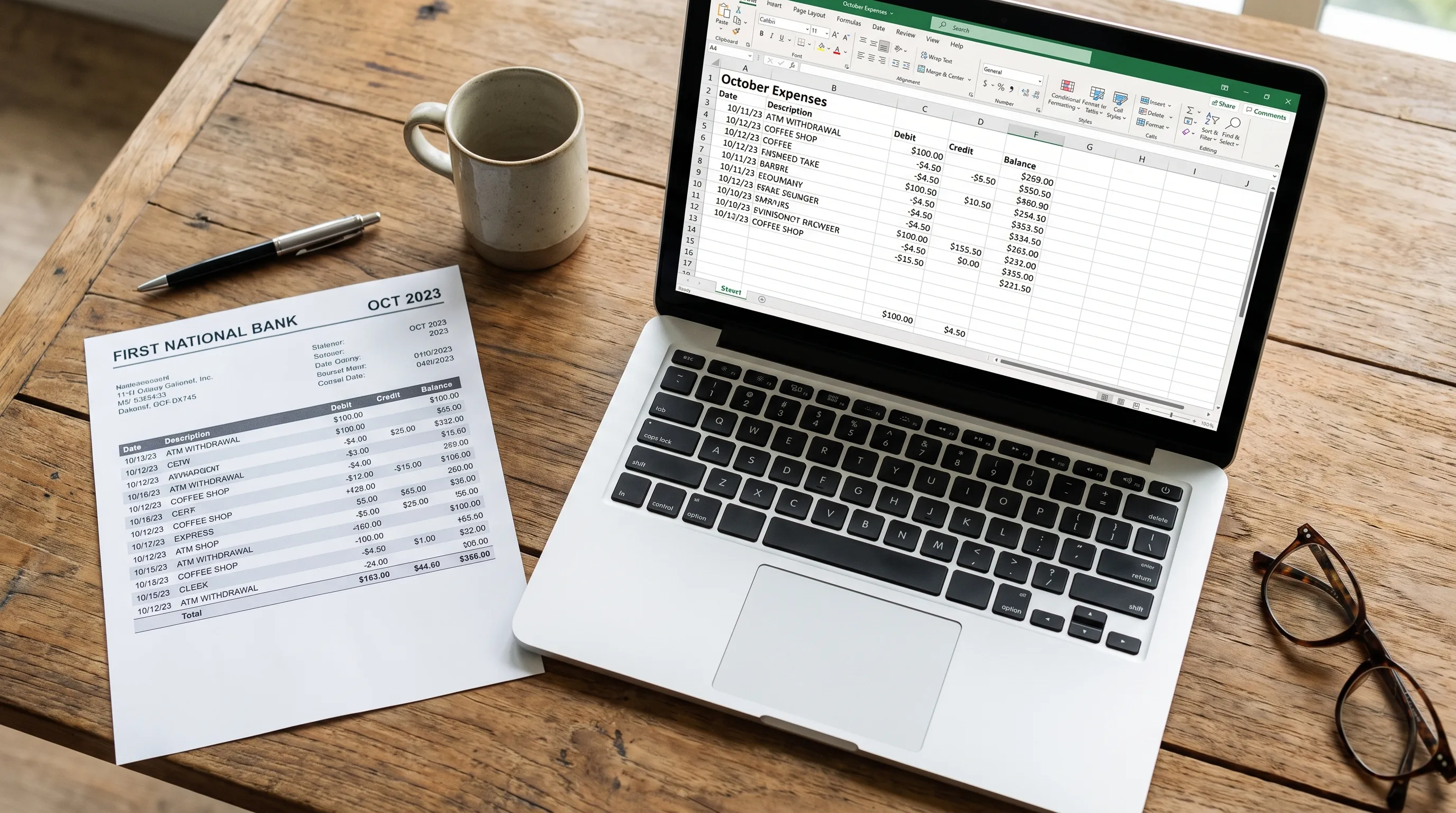
If you convert PDFs into Excel, CSV, OFX or JSON, review both the original statement and the exported file. Conversion creates a second version of the records, so you need to know whether the exported data matches the source.
Scans and photos introduce added risk because optical character recognition can misread numbers, dates and merchant names. A 0 may become an 8, a comma may be treated as a decimal point or a negative amount may lose its sign. If the source file is blurry, tilted or shadowed, review the output more carefully. This article on how an OCR reader online handles blurry statement scans explains why image quality changes extraction reliability.
When exporting a statement for bank account records file to a spreadsheet, check that the column structure is usable before importing it into accounting software. Date, description, amount, currency and balance should each be in predictable fields. If deposits and withdrawals are split into separate columns, confirm that your accounting system expects that format.
Match Statement Activity to Business Reality
A bank statement is not reviewed in isolation. It should agree with invoices, receipts, payroll records, card processor payouts, loan schedules and accounting ledgers. This is where many errors appear, not because the bank is wrong but because a transaction has been recorded in the wrong period or category.
For example, a card processor may deposit a net amount after fees, refunds and reserves. The deposit on the bank statement may not match a single invoice total. A loan payment may include principal and interest in one withdrawal. A payroll debit may include wages, taxes and provider fees.
Teams that reconcile marketing spend should be especially careful with ad platform charges, agency retainers, creator payments and software subscriptions. If marketing data feeds revenue reporting or campaign ROI analysis, resources such as AI marketing automation guides can help teams think through how operational tools connect to financial workflows.
A statement for bank account records check should therefore ask two questions: does the math work, and does the transaction make business sense? Both are needed for reliable records.
Look for Gaps, Overlaps and Duplicates Across Periods
A single statement can look fine while the full year contains problems. Review statements as a sequence, especially at month-end, quarter-end and year-end. The closing balance of one period should become the opening balance of the next period unless the bank issued an adjusted statement or the account changed format.
Gaps often happen when a statement is not downloaded before online access rolls forward or when a business changes banks. Overlaps happen when custom date ranges are exported from online banking and then mixed with official monthly statements. Duplicates happen when both a PDF statement and a transaction download are imported into accounting software.
Use a simple continuity check:
| Sequence check | Red flag | Action |
|---|---|---|
| Prior closing to next opening | Balances do not match | Locate missing or revised statement |
| Statement dates | Gap between periods | Download the missing range |
| Imported transactions | Same amount and date repeated | Check for duplicate import |
| Transfers | One side missing | Match against the other bank account |
| Year-end activity | Transactions posted in wrong year | Review cutoff and supporting documents |
This kind of review is different from proving a file adds up. As explained in this article on why a converted bank statement can add up and still not be correct, mathematical consistency is only one part of data reliability.
Protect the Audit Trail Before You Edit Anything
Before you rename columns, delete rows or add categories, keep the original source file. Store it with a clear file name that includes the bank, account identifier and statement period. If possible, keep converted files in the same folder so reviewers can trace the spreadsheet back to the PDF.
Avoid editing the original export without saving a working copy. If you clean descriptions, add categories or remove duplicates, document what changed. This is especially important for bookkeepers, accounting firms and finance teams that need to explain their process later.
A statement for bank account records workflow should leave a trail from source document to final ledger entry. That trail does not need to be complicated, but it should be consistent. The more automated your process becomes, the more valuable clear source retention becomes.
Security also matters. Bank statements contain sensitive account details, addresses, transaction histories and sometimes personal information. Use trusted storage, restrict access to people who need it and be careful when sending files by email.
When Automation Helps, and What Still Needs Human Review
Automation is useful when you have many statements, scanned PDFs or recurring finance workflows. Extract Bank Statements converts bank statement PDFs into CSV, Excel, OFX or JSON, supports scans and photos with OCR and verifies figures against the statement’s own running balance and totals before export.
That verification helps catch many extraction problems before data reaches a spreadsheet or accounting system. It is particularly helpful for personal, business and credit card statements where formatting varies and manual entry would be slow.
Still, automation does not replace judgment. A tool can check whether numbers follow the statement’s balance logic, but you still need to decide whether a transaction belongs to travel, meals, software, payroll, owner distribution or loan repayment. You also need to identify unusual activity, missing receipts and business context that does not appear on the statement.
The best process combines automated extraction with targeted review: let software handle repetitive structure and arithmetic, then have a person review exceptions, classifications and supporting documents.
Frequently Asked Questions
What is the most important thing to check first in a bank statement? Start with the account identity, statement period and page count. If the statement is for the wrong account, covers the wrong dates or is missing pages, transaction review will not be reliable.
How do I know if a converted bank statement is accurate? Compare the export against the original PDF, then verify opening balance, closing balance and running balance calculations. Also spot check transaction descriptions, dates, signs and page breaks.
Can a bank statement balance and still contain errors? Yes. A file can balance mathematically but still include duplicate transactions, incorrect categories, incomplete descriptions or missing business context. Balance checks are necessary, but they are not the whole review.
How long should I keep bank account records? Retention rules vary by country, entity type and tax situation. Many businesses keep financial records for several years, but you should confirm the period with your accountant or tax adviser.
Should I use Excel, CSV or OFX for bank statement records? Use Excel or CSV when you need reviewable tables, filtering and manual cleanup. Use OFX when importing into compatible accounting software. The best format depends on your workflow and the system receiving the data.
Turn Statement Review Into a Repeatable Process
Reliable records come from a repeatable checklist, not from glancing at a balance and hoping the details are right. Check the identity, period, pages, balances, transactions, supporting documents and converted files before you rely on the data.
If you work with PDF statements often, Extract Bank Statements can help turn them into CSV, Excel, OFX or JSON while checking figures against running balances and totals before export. That gives you cleaner data to review and a stronger starting point for bookkeeping, reconciliation and reporting.