
How an OCR Reader Online Handles Blurry Statement Scans
Thomas Gak-Deluen10 min read
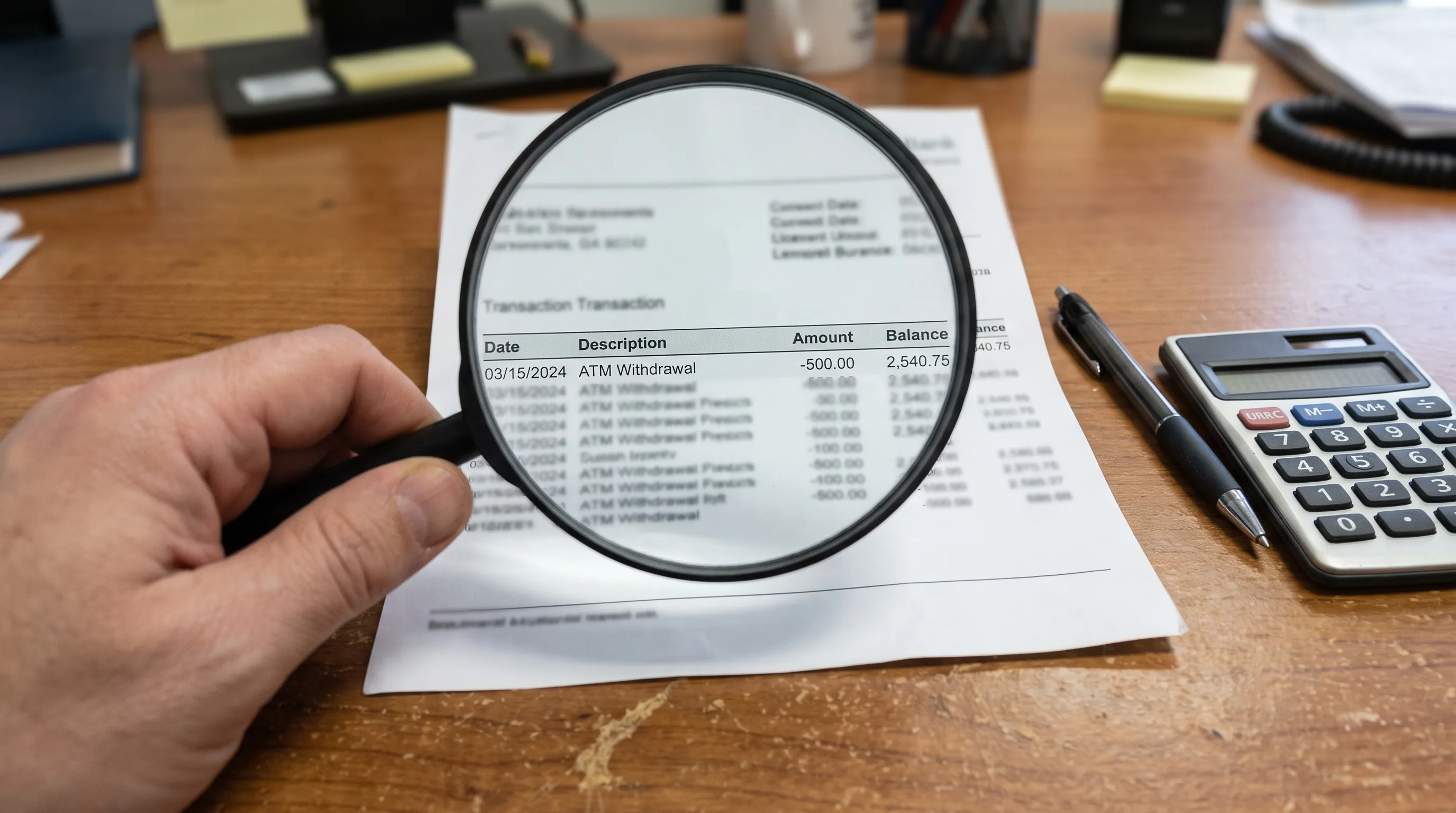
Blurry bank statements are frustrating because one soft digit can turn a clean export into a reconciliation problem. When you use an OCR reader online to extract statement data, the tool is not simply reading text from an image. It has to clean the scan, reconstruct rows and columns, identify financial formats and check whether the numbers still make accounting sense.
That last part matters. A blurry invoice may produce a typo that is easy to spot, but a blurry statement scan can create subtle errors in dates, balances, debits, credits or currency symbols. If the exported CSV or Excel file feeds bookkeeping, tax prep, underwriting or cash flow analysis, the conversion process needs more than plain optical character recognition.
What an OCR reader online has to solve in a blurry statement scan
Bank statements are structured documents, not normal pages of prose. They contain headers, account details, dates, descriptions, debit and credit columns, running balances, page totals and sometimes multi-page summaries. Blur affects each of these zones differently.
A soft merchant description may still be readable because humans can infer words from context. A soft amount is different. If 8.00 becomes 3.00 or 1,295.40 becomes 1,285.40, the row may still look plausible until the balance check fails. This is why statement extraction systems need to combine OCR with document understanding.
A reliable OCR reader online also has to preserve layout. Bank statement transactions often sit in dense tables where line spacing is tight and columns are separated by whitespace instead of borders. When a scan is tilted, compressed or photographed at an angle, the extraction system must decide which text belongs to each transaction row before it can export anything useful.
Why statement scans become blurry in the first place
Blur usually enters before OCR begins. A user may upload a photo taken under poor lighting, a low-resolution scan, a compressed PDF attachment or a printout that has been scanned again. Each generation can remove detail from small characters such as decimal points, minus signs and currency symbols.
Common causes include out-of-focus camera shots, motion blur from handheld photos, low scanner DPI, heavy JPEG compression, page curvature near a book spine, shadows across folded paper and skewed pages captured at an angle. None of these makes the file impossible to read in every case, but each one reduces confidence.
The open-source Tesseract documentation on improving OCR quality highlights practical issues such as image resolution, deskewing, noise removal and borders. Commercial systems vary, but the same core idea applies: better input quality gives the recognition engine more signal to work with.
The image cleanup stage comes before text recognition
Before extracting text, an OCR pipeline usually performs preprocessing. This can include detecting the page boundary, rotating the image, correcting skew, increasing contrast, removing speckles, sharpening edges and converting the page into a cleaner black-and-white or grayscale representation.
At this stage, an OCR reader online may create multiple versions of the same page internally. One version might improve faint text, another might handle dark table lines and another might preserve gray background bands. The engine can then compare results or choose the version that gives the highest confidence for a specific zone.
Preprocessing does not invent missing detail. If a number is completely smeared, no responsible tool should pretend certainty. Good preprocessing improves readability, but the extraction workflow still needs confidence scoring and validation so that unclear rows can be flagged instead of silently exported.
| Scan issue | What preprocessing can do | What still needs validation |
|---|---|---|
| Low resolution | Enlarge the image and enhance edges | Whether small digits and decimal points were read correctly |
| Motion blur | Sharpen contrast and segment clearer zones | Whether adjacent characters were merged |
| Page skew | Rotate and align text lines | Whether table columns still match the right amounts |
| Shadows | Normalize brightness across the page | Whether faint values were lost in dark areas |
| Compression artifacts | Remove noise around characters | Whether punctuation, minus signs and commas survived |
How OCR turns a cleaned scan into transaction data
After cleanup, the recognition engine detects text blocks, words and characters. For a bank statement, the harder task is not just reading the characters. It is determining that a date, a description, a withdrawal, a deposit and a balance belong to the same transaction.
The system first separates document zones. The header might contain the account holder, statement period and opening balance. The transaction area contains repeating rows. The footer may include page numbers, disclaimers or subtotals. Treating all text as one plain block would destroy the structure needed for CSV or Excel export.
For statements, an OCR reader online should also normalize financial conventions. Dates can appear as MM/DD/YYYY, DD/MM/YYYY, short month names or local formats. Amounts can use commas or periods as decimal separators. Credit card statements may display charges, payments and credits differently from checking accounts. Multi-currency statements add another layer because the symbol alone may not be enough to identify the currency.
Why confidence scores are not enough
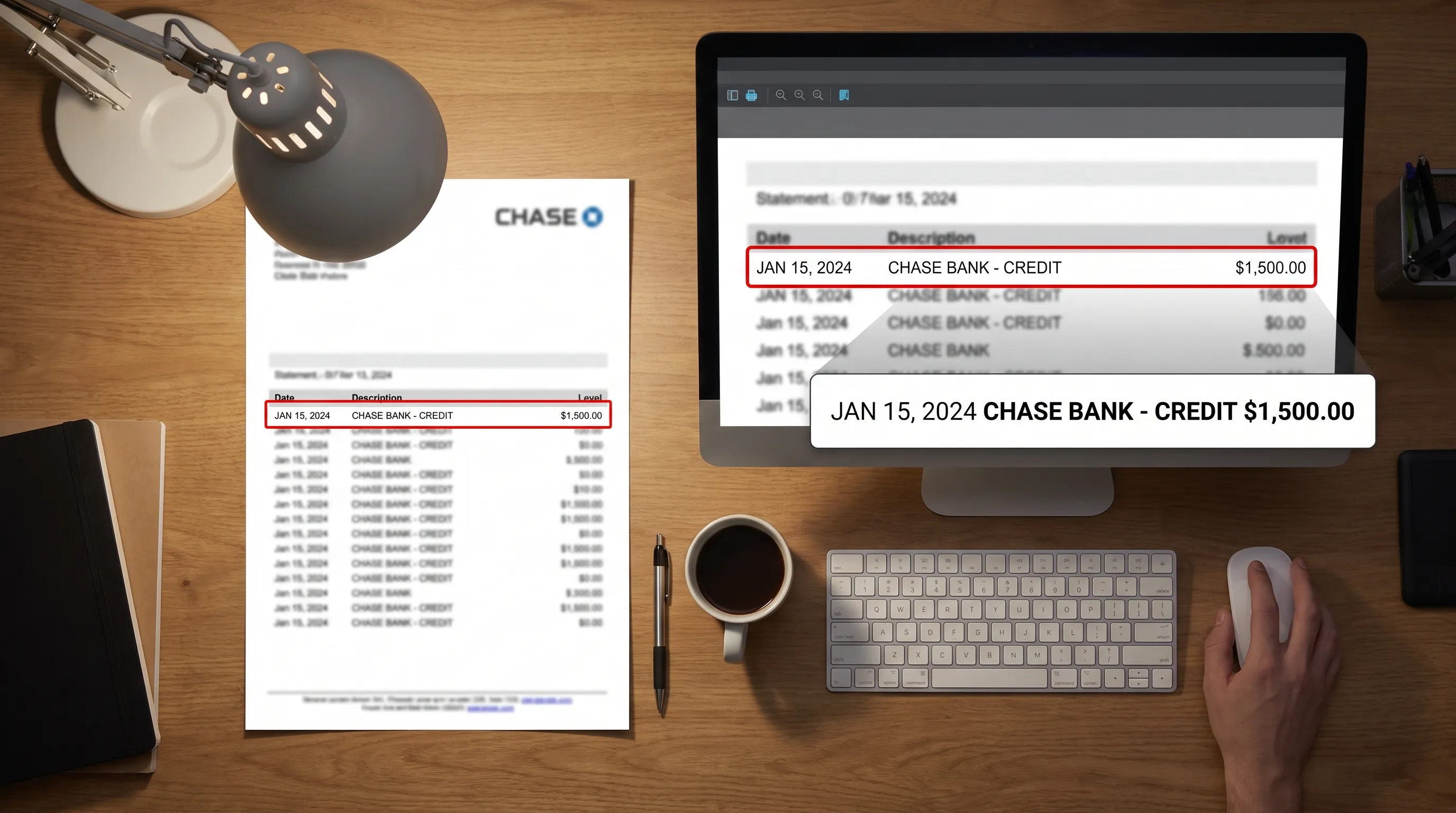
Most OCR systems produce confidence scores, but confidence is not the same as correctness. A model can be highly confident about the wrong digit if the blur makes a 6 look like an 8. In financial documents, the most dangerous errors are the ones that look ordinary.
That is why bank statement extraction should use accounting checks after OCR. Running-balance verification is especially useful because each transaction is connected to the previous and next balance. If the opening balance plus deposits minus withdrawals does not equal the next running balance, something is wrong with the row, the sign, the amount or the page sequence.
This is where an OCR reader online built for statements differs from a generic image-to-text tool. Generic OCR can give you text. Statement extraction should give you structured data with evidence that the numbers add up against the document itself.
If you want a deeper manual framework, the guide on how to read a bank statement and verify every transaction explains the same checks from a reviewer’s point of view.
The balance check catches many blur-related errors
Running-balance math is a practical guardrail because it turns a visual problem into a numerical test. Suppose a blurry scan turns a withdrawal of 69.90 into 89.90. The transaction description may look fine, the date may look fine and the export may appear neat. The running balance will usually fail by 20.00 at that row or at a nearby row.
The same principle helps detect missing rows, duplicated rows, sign errors and page breaks that were misread. If the closing balance in the extracted data does not match the statement’s declared closing balance, the conversion should not be treated as final.
| Verification check | What it can reveal |
|---|---|
| Opening balance comparison | Wrong start point or missing first page |
| Row-by-row running balance | Misread amount, wrong sign or missing transaction |
| Page subtotal comparison | Omitted lines around page breaks |
| Closing balance comparison | Accumulated extraction error |
| Declared deposits and withdrawals | Column mix-ups or transaction classification errors |
A clean balance check is powerful, but it is not a complete audit. The extracted statement can add up and still contain a wrong description, wrong date or transaction assigned to the wrong category. The article Your converted bank statement adds up. That does not make it correct covers that limitation in more detail.
When blur creates ambiguity, the tool should expose it
A trustworthy OCR workflow should not hide uncertainty. If a row has low confidence, mismatched balances or a suspiciously reconstructed amount, the output should make that clear before the data is used downstream.
This matters because finance teams often process statements in batches. A single blurry scan can pass through an automated workflow and affect reconciliations, cash flow models or loan file reviews. The safer approach is to let automation handle the obvious rows and flag exceptions for review.
An OCR reader online designed for bank statements should therefore combine machine reading with validation signals. The goal is not to make every bad scan perfect. The goal is to separate rows that are proven by the statement’s own math from rows that need a human decision.
How to improve a blurry statement before uploading it
You can often improve results before the file reaches OCR. If you are photographing a paper statement, place it on a flat surface, use bright even light, keep the camera parallel to the page and avoid digital zoom. If possible, scan at a higher resolution rather than taking a quick photo.
For PDFs, use the original digital statement whenever available. A born-digital PDF usually contains cleaner text than a photo of a printout. If the bank provides both a PDF and a screenshot, choose the PDF. If you must use a photo, capture each page separately and make sure all four corners are visible.
Avoid editing that changes the underlying content. Cropping out page edges can remove page numbers or totals. Over-sharpening can turn characters into broken shapes. Heavy contrast filters can erase faint gray text. The safest edits are rotation, basic brightness correction and gentle cropping that keeps all statement information visible.
Security and workflow considerations for online OCR
Bank statements contain sensitive personal and financial data, so convenience should not be the only selection criterion. Look for clear handling of uploaded files, secure transmission, appropriate storage practices and export formats that match your workflow.
For businesses, an OCR reader online may need to fit into a repeatable process rather than a one-off upload. That can mean Excel for review, CSV for analysis, OFX for accounting imports, JSON for data pipelines or API access for automated document processing. The more automated the workflow, the more important validation becomes.
Extract Bank Statements is built around that need: it converts bank statement PDFs into CSV, Excel, OFX or JSON and verifies figures against the statement’s running balance and declared totals before export. It also supports scans and photos with OCR, multi-currency statements and REST API access for finance workflows.
What a good result looks like
A good conversion is not just a spreadsheet with rows. It should preserve the transaction sequence, assign amounts to the correct debit or credit side, normalize dates consistently and reconcile against the statement’s own balances. If something cannot be verified, that uncertainty should be visible.
For blurred scans, the best outcome is often a mix of automation and review. Clear rows can be extracted and checked quickly. Problem rows can be isolated rather than forcing someone to inspect the entire statement line by line. This reduces manual work without pretending that every low-quality image is reliable.
In practice, the difference between generic OCR and statement-aware extraction is confidence you can use. Text recognition reads the page. Balance verification proves whether the financial data behaves like the original statement.
Frequently Asked Questions
Can an OCR reader online read a blurry bank statement accurately? It can often read moderately blurry scans, especially when preprocessing improves contrast and alignment. Accuracy depends on the source quality, table layout and whether the tool validates extracted figures against balances and totals.
What makes bank statements harder than normal OCR documents? Bank statements rely on rows, columns, signs, dates and running balances. A small error in a digit or column can change the financial meaning even if most of the text looks correct.
Can OCR fix a completely unreadable statement scan? No. OCR can enhance and interpret imperfect images, but it cannot recover information that is fully missing or smeared beyond recognition. In that case, a better scan or original PDF is needed.
Why is running-balance verification important? It checks whether extracted transactions mathematically connect from the opening balance to the closing balance. This helps catch misread amounts, missing rows, duplicated rows and sign errors.
Is CSV or Excel better for blurry statement conversions? Excel is useful for review because people can inspect rows and formulas more easily. CSV is better for importing into systems. The right choice depends on whether you need human review, automation or both.
Turn blurry statement scans into checked exports
If you need more than plain OCR, use a workflow that reads the statement and tests the numbers before you rely on them. Extract Bank Statements converts bank statement PDFs, scans and photos into Excel, CSV, OFX or JSON, with running-balance and totals verification built into the process.
Upload a statement, review the checked output and export the format your accounting or analysis workflow needs.