
How to Read a Bank Statement and Verify Every Transaction
Thomas Gak-Deluen10 min read
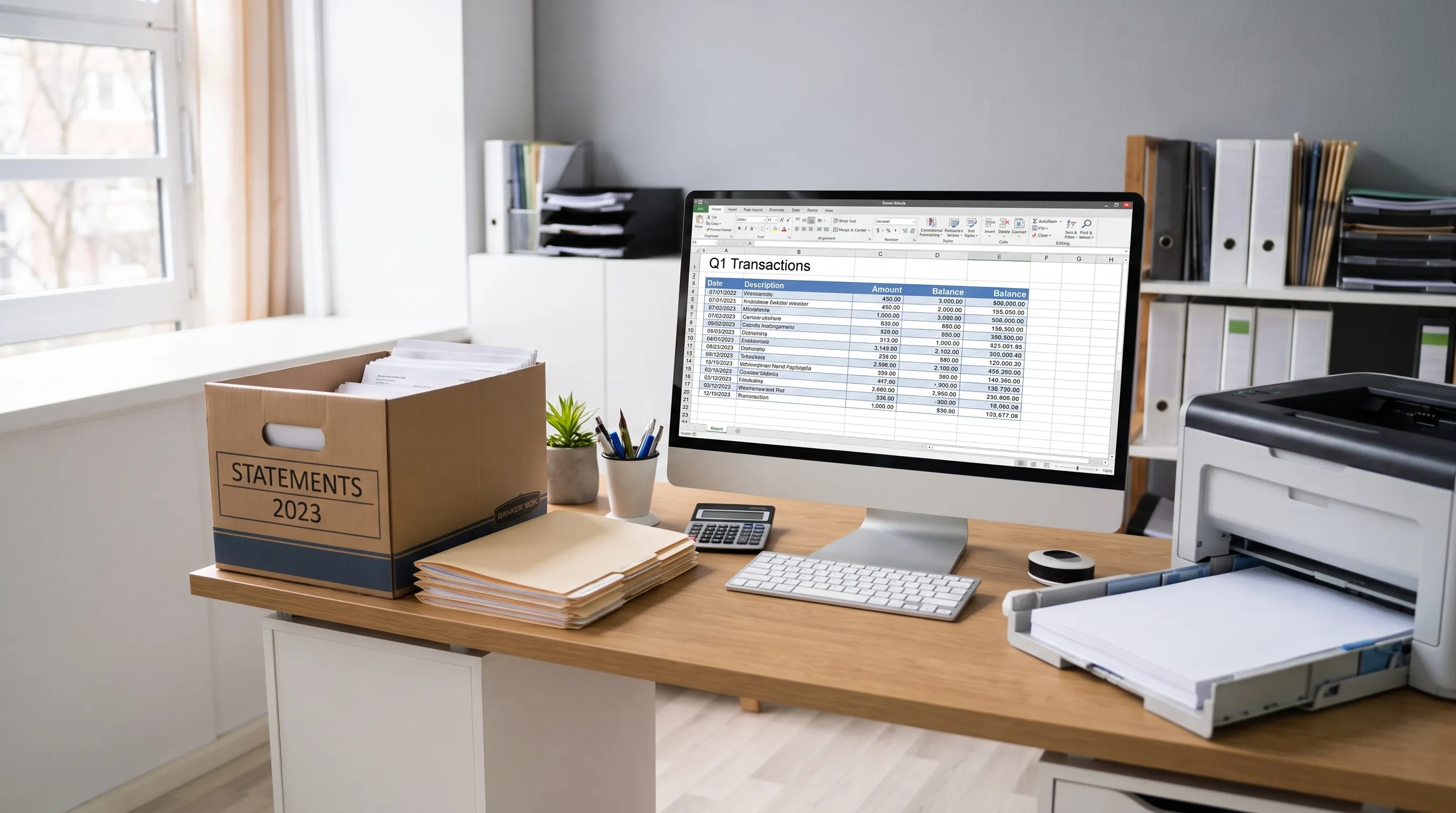
A bank statement is not just a monthly record of what came in and went out. It is a control document: the opening balance, every debit and credit, the running balance and the closing total should all support one another. If you know how to read it systematically, you can spot missing deposits, duplicate charges, extraction mistakes and suspicious activity before the numbers reach your spreadsheet or accounting system.
Most errors are not dramatic. They are quiet, such as a transposed digit, a card refund posted to the wrong period, a bank fee categorized as a vendor payment or a scanned statement where OCR read 8 as 0. The goal is not only to understand the statement. The goal is to prove that every transaction belongs there and that the math still works.
What a statement is supposed to prove
Before checking individual lines, understand the promise the document is making. It says that an account began the period with one balance, changed through a series of posted transactions and ended with a new balance. That is the first job of a bank statement: to connect those three pieces without gaps.
For checking and savings accounts, the statement usually shows deposits, electronic credits, checks, debit card purchases, ACH withdrawals, wire transfers, interest, fees and adjustments. For credit cards, the signs are often reversed from a bank account: purchases increase what you owe, payments reduce it and credits reduce it too.
Do not confuse posted transactions with pending activity. A statement normally covers transactions that cleared during a defined period. A card authorization that appeared in online banking on the last day of the month may not be included until the next cycle.
Start with these document-level facts:
| Statement area | What to verify | Why it matters |
|---|---|---|
| Statement period | Start date and end date | Prevents missing or duplicate days |
| Account identity | Account name, last digits and currency | Confirms you are reviewing the right account |
| Opening balance | First balance in the period | Must agree to the prior statement if available |
| Closing balance | Final balance in the period | Must agree to the transaction math |
| Page sequence | All pages present | Missing pages can hide transactions |
How to read a bank statement from top to bottom
A reliable review follows the layout of the document instead of jumping straight to suspicious lines. Read the summary first, then the transaction detail, then the totals. This keeps your review grounded in the bank's own structure.
Header and account context
The header tells you whose money, which account and which period you are reviewing. Check the account holder name, business name if relevant, mailing address, account type, last four digits and currency. If you manage multiple accounts, never rely on the file name alone. Renamed PDFs are a common source of mix-ups.
Next, confirm whether the statement is for a single account, a combined relationship or a card program with multiple cardholders. Combined documents can include several account sections with their own summaries. If you export or enter the data manually, keep each account separate unless the document clearly presents consolidated totals.
Summary, detail and running balance
The summary usually lists total deposits or credits, total withdrawals or debits, fees, interest and the ending balance. Treat it as a control total, not a replacement for reviewing line items.
When a bank statement includes a running balance beside each transaction, it gives you a stronger way to verify the page. Each line should update from the prior line according to the transaction amount. If there is no running balance, you can still verify the document by recalculating from the opening balance to the closing balance and comparing category totals.
The transaction section should show at least the posting date, description and amount. Some statements also include transaction date, check number, merchant category, reference number or location. Posting date is the date that matters for the statement period, even when the purchase happened earlier.
Verify the document before the transactions
Before relying on a bank statement, make sure the file itself is complete and internally consistent. A perfect line-by-line review will not help if page 3 is missing or the statement period overlaps with another file.
First, check page numbering. If the PDF says page 1 of 5, confirm all five pages exist and that no page is blank, duplicated or cut off. Scans and photos deserve extra attention because a folded corner, glare or low contrast can obscure amounts.
Second, compare the opening balance with the previous period's closing balance if you have it. They should match for the same account and currency, aside from rare bank corrections that should be clearly disclosed. If they do not match, investigate before reviewing individual transactions.
Third, compare the summary totals with the detailed lines. For a checking account, deposits and other credits should sum to the credit total. Withdrawals, checks, card purchases and fees should sum to the debit total. If the statement separates categories, match each category where possible.
This step helps distinguish a real account issue from a document-handling issue. A missing page, duplicated PDF section or partial scan can create a mismatch that looks like a banking error but is really a file problem.
Recalculate the balance math
The safest way to verify a bank statement is to rebuild the balance from the transaction lines. You can do this in a spreadsheet, accounting system or extraction workflow, but the principle is the same: each transaction must explain the movement from one balance to the next.
For deposit accounts, use this basic formula:
| Account type | Balance check |
|---|---|
| Checking or savings | Opening balance + credits - debits = closing balance |
| Credit card | Previous balance + purchases + fees + interest - payments - credits = new balance |
| Loan account | Prior balance + interest and charges - payments = ending balance |
If the document has a running balance, test each row. The prior balance plus or minus the transaction amount should equal the next balance. If the document does not show a running balance, calculate one yourself using the opening balance and transaction order.
Sign handling is the most common source of mistakes. Some banks show withdrawals with a minus sign. Others place deposits and withdrawals in separate columns. Credit card statements may show payments as negative numbers, while card purchases appear positive. Decide the sign convention before you calculate, then apply it consistently.
Small differences deserve attention too. A one-cent mismatch can point to a rounding issue in a multi-currency account, but it can also reveal a missed line or a copied amount with the wrong decimal place.
Match every transaction to real activity
Once the arithmetic is sound, the bank statement still needs a business or personal reality check. The bank can prove that a transaction posted. It cannot prove by itself that the transaction was authorized, categorized correctly or supported by the right receipt.
Match each line to source evidence where available. For a business, that may include invoices, receipts, payroll reports, merchant processor reports, loan schedules and accounting entries. For personal finances, card receipts, transfer confirmations and biller emails are often enough.
| Transaction type | Evidence to match | Red flags |
|---|---|---|
| Deposits | Invoice payments, payroll records or merchant payouts | Expected income missing or posted to another account |
| Card purchases | Receipts, subscriptions or vendor invoices | Unknown merchant, duplicate amount or unfamiliar location |
| ACH and wires | Payment approvals or transfer confirmations | Similar names with different bank references |
| Checks | Check register and cleared check images | Gaps in check numbers or altered payees |
| Fees and interest | Fee schedule or account terms | New fees, unexpected overdrafts or repeated charges |
| Refunds and credits | Vendor credit memo or return confirmation | Credit expected but not posted |
A transaction can be mathematically correct and still be wrong for your records. For example, a subscription may be legitimate but charged to the wrong company card. A vendor payment may clear the bank but be coded to the wrong expense category. Verification should cover both posting accuracy and business meaning.
Investigate discrepancies without breaking the audit trail
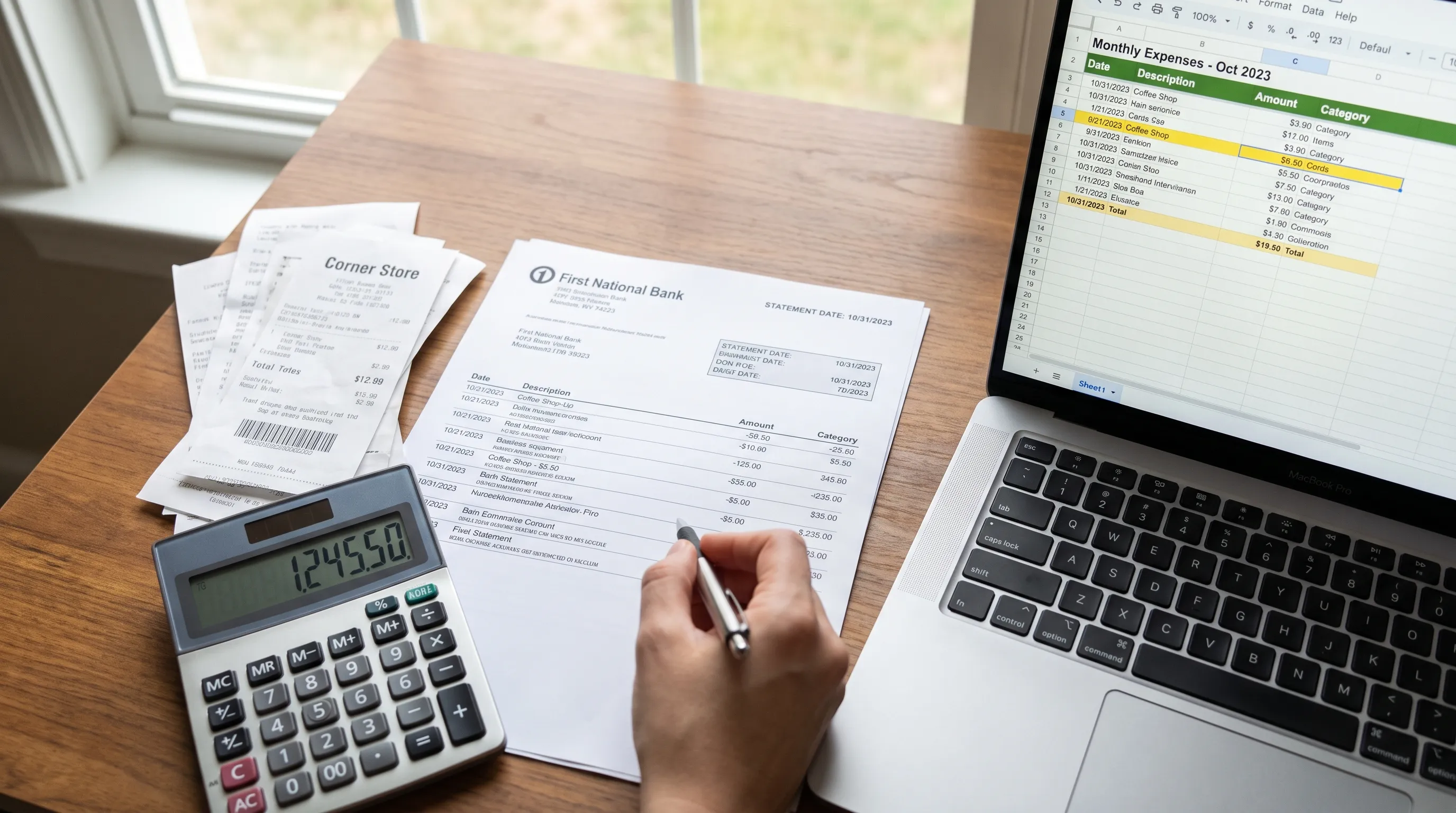
A bank statement discrepancy should be handled like an exception, not a guess. Create a short note for each issue that captures the transaction date, amount, description, what failed and what evidence you checked. This prevents the same question from being reopened later.
Common discrepancy categories include timing differences, duplicated transactions, missing pages, incorrect signs, OCR errors, merchant name confusion, currency conversion differences and true unauthorized activity. Timing differences are especially common around month-end because the transaction date and posting date can fall in different periods.
If you suspect unauthorized electronic activity on a U.S. consumer account, act quickly. The Consumer Financial Protection Bureau explains that timing can affect consumer protections, so contact the bank promptly and keep a record of your report.
For business accounts, follow your bank's agreement and internal approval process. Do not overwrite a questionable transaction in your records just to make a reconciliation pass. Mark it as unresolved, attach supporting notes and resolve it through the bank or the responsible vendor.
Use technology, but require proof
A converted bank statement can save hours of manual entry, but a neat spreadsheet is not proof by itself. PDF extraction, OCR and spreadsheet formatting can introduce their own errors. The right question is not only whether the file exported, but whether the exported figures still agree with the original statement.
This is where controls matter. If you convert PDF statements to CSV or Excel, compare the extracted opening balance, transactions, running balances and declared totals back to the source document. If you want a deeper look at what this kind of check can and cannot prove, the article on the proof limits of statement reconciliation explains why adding up is necessary but not the whole job.
For spreadsheet workflows, structure matters too. Dates should be real dates, amounts should be numeric, descriptions should remain traceable to the source and separate columns should not blur credits with debits. The discussion of what makes an Excel export trustworthy is useful if your review continues in Excel.
Automation works best when it preserves evidence. A clean export should help you trace a row back to the original page, amount and context instead of forcing you to trust a black box.
Bank statement verification checklist
Use this checklist before you treat a bank statement as ready for bookkeeping, tax work, lending review or analysis:
- Confirm the account owner, account type, last digits and currency.
- Check that the statement period does not overlap or leave gaps.
- Verify that all pages are present and readable.
- Match the opening balance to the prior closing balance when available.
- Recalculate credits, debits and the closing balance.
- Test each running balance if the statement provides one.
- Confirm that signs are consistent for debits, credits, payments and refunds.
- Match large or unusual transactions to receipts, invoices or approvals.
- Label unresolved discrepancies instead of forcing a match.
- Keep the original file, converted data and review notes together.
For recurring reviews, use the same checklist every month. Consistency makes unusual activity easier to spot because you are not changing the review method each time.
Frequently Asked Questions
How often should I verify a bank statement? Verify each statement when it arrives, especially for business accounts, shared accounts and credit cards. Monthly review keeps discrepancies fresh and reduces the chance that missing evidence becomes hard to find.
What if the opening balance does not match the prior closing balance? Confirm that you are comparing the same account, currency and consecutive periods. If they still differ, look for a bank correction, missing statement, partial period or file error before reviewing individual transactions.
Can a statement balance correctly and still contain a problem? Yes. The math can be correct even if a transaction is unauthorized, duplicated, miscategorized or unsupported. Balance verification proves arithmetic. Transaction review proves whether the activity belongs in your records.
Is OCR reliable for scanned statements? OCR can be reliable, but scans and photos add risk because numbers may be blurred, cropped or misread. Always verify extracted amounts against running balances, totals and the original document before using the data.
Turn verified statements into usable data
If you receive a bank statement as a PDF, scan or photo, the final step is often turning it into clean data you can use. Extract Bank Statements converts statement PDFs into CSV, Excel, OFX or JSON, supports OCR for scans and photos and checks figures against the statement's running balance and declared totals before export.
That does not replace your judgment about whether a transaction is authorized or correctly categorized. It does give you a stronger starting point: numbers that are structured, traceable and checked before they enter your finance workflow.