
What Is Optical Character Recognition in Financial Workflows?
Thomas Gak-Deluen8 min read
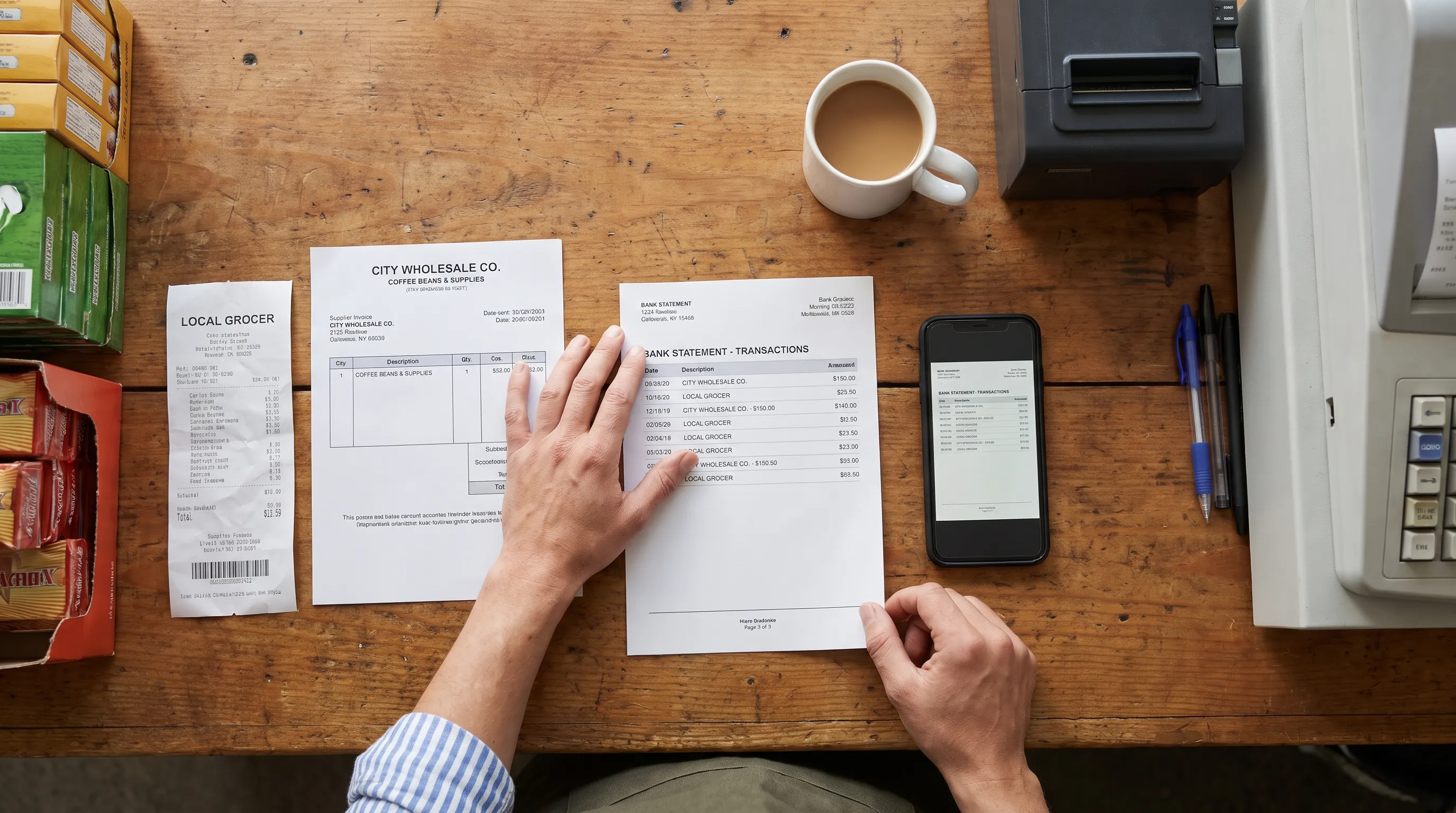
In financial workflows, optical character recognition (OCR) turns text in scanned documents or photographs into machine-readable text. It helps finance teams use bank statements, invoices and receipts without retyping every line. But reading a number is not the same as proving that it belongs to the right transaction, has the correct sign or agrees with the statement.
That distinction matters whenever extracted data moves into a spreadsheet or accounting system. A useful workflow separates recognition, interpretation and verification before anyone relies on the export.
What OCR actually does
A scanned statement is essentially a picture of a document. Even though you can see a payment amount, software may not have any underlying text to search, select or process. OCR identifies characters in that image and produces a text representation.
The output might become a searchable PDF, plain text or an input to another processing stage. Recognizing 125.00, however, does not establish whether it represents a withdrawal, a deposit or a balance.
OCR reads characters; document extraction assigns meaning to them. Financial verification then checks whether those interpreted values agree with the document’s own arithmetic. These capabilities can sit inside one service, but they perform different jobs. Treating them as interchangeable makes errors harder to detect.
How optical character recognition fits into a financial workflow
A practical workflow begins with a source document and ends with usable records, not merely readable text. Each stage answers a different question.
| Stage | What happens | Financial purpose |
|---|---|---|
| Capture | Collect the PDF, scan or photograph | Preserve the complete source document |
| Recognition | Convert image-based text into machine-readable characters | Avoid manually retyping document content |
| Extraction | Identify fields, rows and relationships | Separate dates, descriptions, amounts and balances |
| Verification | Compare extracted values with available checks | Find inconsistencies before downstream use |
| Handoff | Export or transfer structured records | Supply spreadsheets, accounting tools or other systems |
For accounts payable, this could mean capturing a supplier invoice, identifying its invoice number and total, then checking those details before approval. For expenses, it could mean extracting a receipt’s merchant, date and amount before matching it to a claim.
Bank statements have a particularly useful feature: their balances and declared totals can provide internal arithmetic checks. Those checks are different from reconciling the statement against your accounting ledger.
A successful export therefore has two requirements: the records must be structured correctly and the available evidence must support the figures. A clean-looking spreadsheet alone establishes neither. The handoff should also distinguish records ready for use from exceptions that still need review.
Why recognized numbers still need verification
In finance, optical character recognition is a capture step, not proof of accuracy. A system might misread a digit, miss a minus sign or attach an amount to the wrong row. Even perfectly recognized characters can be interpreted incorrectly.
Consider this illustrative bank statement:
| Entry | Money in | Money out | Running balance |
|---|---|---|---|
| Opening balance | $2,450.00 | ||
| Customer payment | $650.00 | $3,100.00 | |
| Supplier payment | $120.00 | $2,980.00 |
The arithmetic is straightforward: $2,450 + $650 − $120 = $2,980.
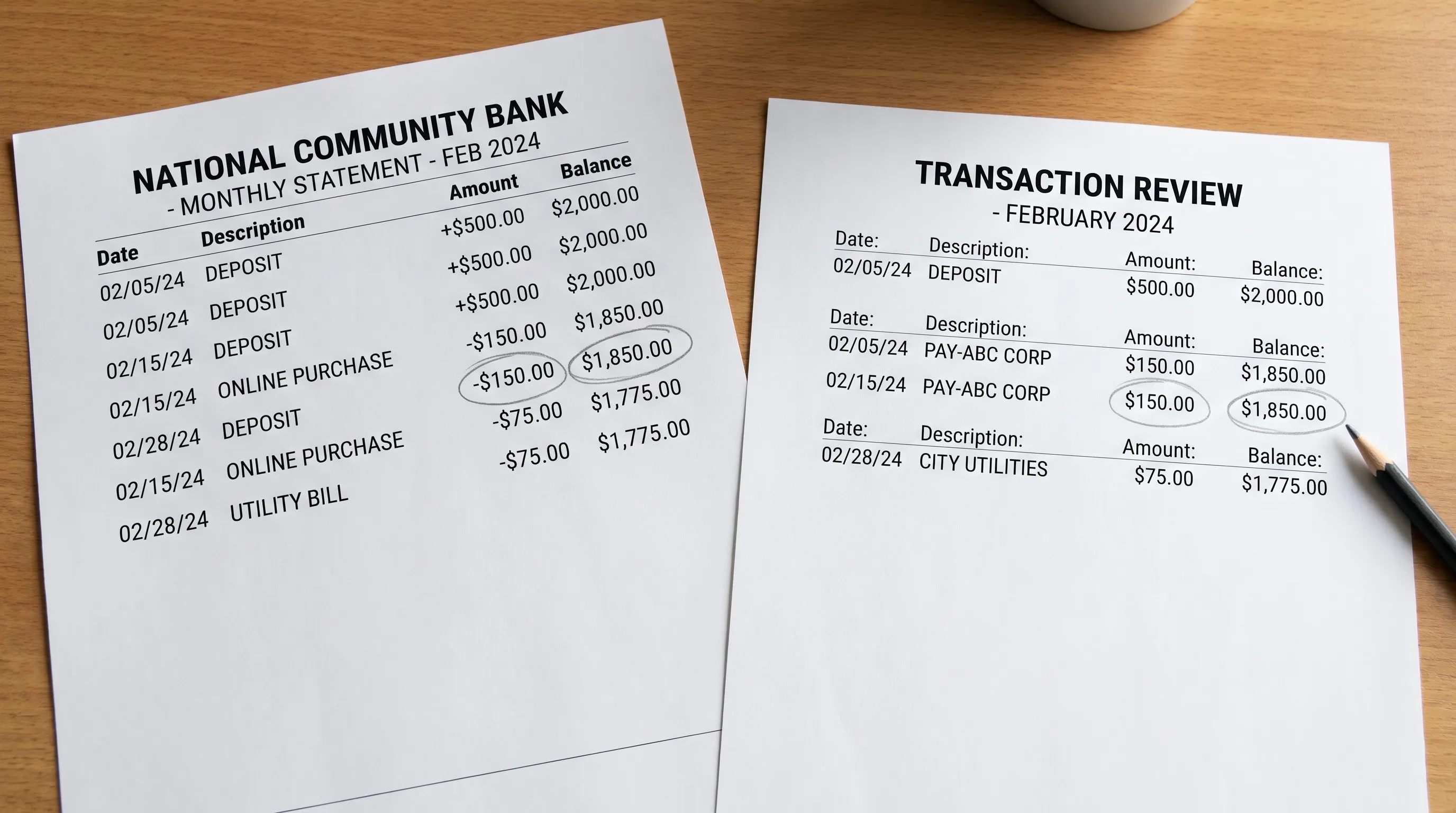
If the supplier payment is extracted as $170, the calculated closing balance becomes $2,930. Comparing that result with the printed $2,980 exposes a $50 discrepancy. The right response is to inspect the source, not silently change a value until the totals match.
A balance check tests consistency with the statement, not the underlying truth of every transaction. Offset errors can sometimes cancel out. Statement verification also does not establish that a payment was authorized, properly categorized or recorded in the ledger.
The calculation must follow the document’s conventions. Credit card statements may represent amounts owed differently from deposit accounts, and figures in different currencies should not be combined into one balance check. Understanding the statement remains part of the workflow.
Which documents and file types can OCR handle?
You can apply optical character recognition to scanned PDFs and image files such as JPGs or PNGs, provided the chosen tool supports those inputs. A phone photograph can work, but cropping, glare, perspective and legibility affect what can be recovered.
A digitally generated PDF is different. It may already contain selectable text, so direct text extraction can avoid unnecessary recognition. It still needs interpretation to turn its contents into reliable transaction rows. Some PDFs contain both digital text and scanned pages, requiring different treatment within the same file.
For financial documents, retain every page and avoid cutting off column headings, account identifiers or opening and closing balances. Those details help establish context and provide checks later. Use a clear original rather than a repeatedly compressed copy whenever possible.
Also decide what you want to produce. Making a document searchable is not the same as creating a transaction spreadsheet. Our guide to converting bank PDFs into searchable records explains that distinction in more detail.
If you cannot read an amount confidently in the source image, do not assume software can recover it reliably. Obtaining a clearer document may be faster than repeatedly processing the same poor image.
Is OCR the same as artificial intelligence?
Modern optical character recognition often uses machine learning, but OCR and AI are not interchangeable terms. OCR describes a task: recognizing text in an image. AI and machine learning describe broader approaches that can help perform that task.
A financial processing system may also use models to classify documents, identify fields or interpret unfamiliar layouts. Those are additional capabilities beyond character recognition. Traditional rules can still handle useful tasks, such as checking whether a date is valid or calculating a balance difference.
This distinction helps when evaluating a service. An “AI-powered” label does not tell you whether it captures every transaction, understands debit and credit conventions or checks statement totals. Ask what the system actually extracts and what evidence it uses to validate the result.
Recognition confidence is also different from financial consistency. A model can be confident about reading a number that has been assigned to the wrong field. Conversely, a difficult-to-read amount may require human review even when the overall statement arithmetic appears to work.
Privacy belongs in the workflow design
Financial documents can contain names, addresses, account numbers and transaction descriptions that reveal personal circumstances. Decide what information is necessary before sending documents to any processing service.
Consider expenses connected with confidential services, such as private treatment and recovery support. Related payment documents may reveal sensitive context beyond the amount paid. A finance process should avoid collecting or circulating clinical narratives when a payment record is sufficient, subject to applicable recordkeeping requirements.
For any provider, establish who can access uploaded files, where they are stored, how long they are retained and how deletion works. Check whether source documents and exported files follow the same controls. Storage location alone does not answer every security or compliance question.
The FTC’s guidance on protecting personal information in business emphasizes knowing what information you hold, keeping only what you need and protecting what you retain. Those principles apply to document capture as much as to the final accounting records.
Maintain access controls around exports too. Converting a confidential PDF into an easily shared spreadsheet changes its format, not its sensitivity.
How to introduce OCR without adding review work
Start with one clearly defined process rather than every document your finance team receives. For example, test whether optical character recognition can help turn monthly bank statements into transaction records suitable for your existing spreadsheet workflow.
Choose representative documents, including difficult examples rather than only clean scans. Establish the expected result from the originals, then compare the output against that reference. Include the time needed to investigate exceptions when assessing whether the process helps.
A small pilot should answer these questions:
- Completeness: Are all expected transactions captured, without duplicates?
- Interpretation: Are dates, amounts, signs and currencies assigned correctly?
- Verification: Do available running balances and declared totals agree?
- Review: Can someone locate the source of a questionable value?
- Handoff: Does the destination system accept the exported structure correctly?
Define who owns unresolved exceptions before expanding the workflow. An unreadable amount should not become an accepted accounting entry simply because an automated process reached its final step.
For a broader evaluation framework, see our guide to choosing an OCR solution for verified financial data. Evaluate the complete path from source document to accepted records, not just how quickly text appears.
Frequently asked questions
What is optical character recognition in documents? It is the process of converting text visible in a document image into machine-readable text. In finance, additional extraction and verification steps turn that text into usable records.
Can I OCR a JPG? Yes, if the tool accepts JPG files. A clear photograph can be processed, but glare, blur or cropped content can prevent reliable recognition. Keep the original image for comparison.
How do I convert a scanned file into usable financial data? Submit it to a compatible OCR or document-processing tool, extract the required fields, check the results against the source and export the appropriate format. Creating searchable text alone does not produce a verified transaction table.
Does OCR replace bank reconciliation? No. Statement verification checks extracted data against the statement’s own figures. Reconciliation compares bank activity with accounting records and investigates differences such as outstanding payments, timing differences or missing entries.
Turn recognized text into checked financial records
For bank statements, optical character recognition is most useful when it supports a checked export rather than stopping at readable text. Extract Bank Statements supports scans and photos with OCR, converts statement PDFs into CSV, Excel, OFX or JSON and checks extracted figures against the statement’s running balances and declared totals before export.
Use the free first conversions at Extract Bank Statements to test a representative statement. Compare the exported records with the original and confirm that the format fits your next step before expanding the workflow.