
How to Choose an OCR Solution for Verified Financial Data
Thomas Gak-Deluen10 min read

Choosing an OCR solution for financial documents is not just a question of how well it reads text. A tool can recognize almost every character and still export a transaction with the wrong sign, omit a row or place an amount in the wrong column. For bookkeeping, reporting and lending workflows, those mistakes matter more than whether the document becomes searchable.
The buying decision should center on evidence: what gets checked, which errors are detected and how much manual review remains. This guide provides a practical framework for comparing vendors and testing their outputs before committing.
Define What “Verified Financial Data” Means
Optical character recognition turns an image into machine-readable text. Financial extraction goes further by organizing that text into fields such as dates, descriptions, debits, credits and balances. Verification then tests whether the extracted figures agree with relationships inside the document.
For a typical deposit account, one useful check is:
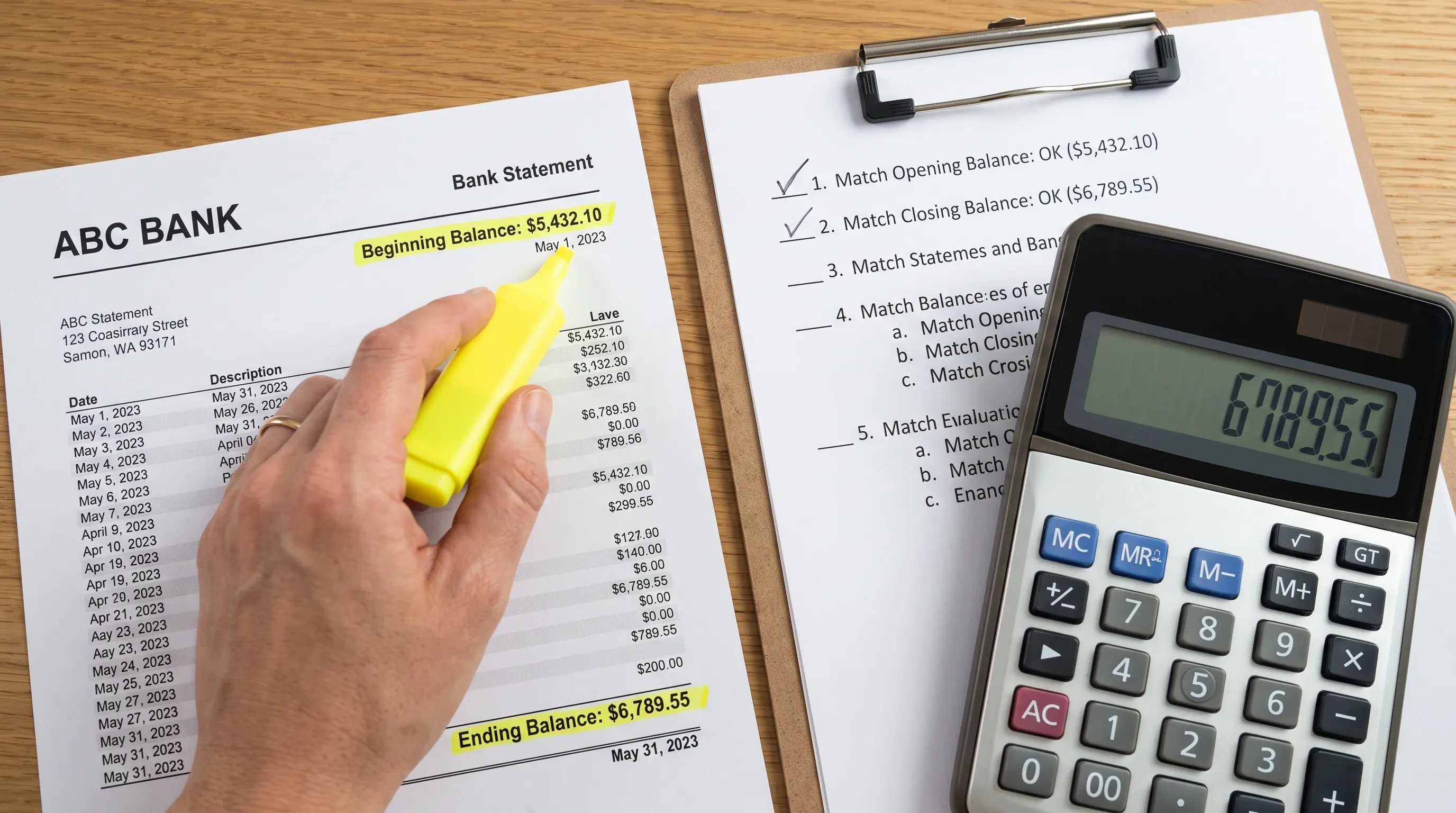
Opening balance + total credits − total debits = closing balance.
Where transaction-level running balances are available, each successive balance can also be checked against the preceding balance and the intervening transaction. The calculation must respect the statement’s ordering, sign conventions and treatment of pending versus posted entries.
An OCR solution should distinguish successful text recognition from successful financial verification. A confidence score describes the system’s certainty about an extraction; it does not establish that the statement reconciles.
Before comparing vendors, decide what your workflow requires: readable text, structured transactions, reconciled figures or all three. Those are different deliverables, with different acceptance criteria.
Understand the Limits of Balance Checks
Arithmetic agreement is valuable, but it is not proof of document authenticity or transaction legitimacy. Two omitted transactions of equal and opposite value could leave the closing balance unchanged. A correctly extracted payment could still be fraudulent or misclassified in your ledger.
Verification should therefore have a defined scope. Ask whether the system checks individual running balances, declared transaction totals, opening and closing balances or only selected relationships. Where a statement lacks a particular total, the output should not imply that the unavailable check passed.
For the underlying calculations, our guide to reading a bank statement and verifying its transactions explains the checks a reviewer can perform independently.
Compare the Evidence an OCR Solution Provides
Use the same evidence requests with every shortlisted vendor. A polished demonstration is less useful than seeing how the system handles an incomplete statement or an incorrect amount.
| Evaluation area | Evidence to request | Warning sign |
|---|---|---|
| Transaction completeness | Extracted rows compared with all transaction sections and pages | Only the first page is demonstrated |
| Financial verification | Results for available running balances and declared totals | Recognition confidence is presented as reconciliation |
| Error handling | A demonstration using missing rows, wrong amounts and ambiguous signs | Every document receives an undifferentiated success status |
| Source traceability | A practical way to locate an extracted value in the original document | Reviewers must search the entire PDF for each discrepancy |
| Export quality | Sample files imported into your actual downstream system | Only screenshots of an export are provided |
| Data handling | Written storage, retention, deletion and access terms | Answers rely on broad security claims |
When evaluating an OCR solution, ask the vendor to explain both a successful check and a failed one. The explanation should identify what was compared and what the result means, not simply display a green indicator.
Make Exceptions Reviewable
A useful workflow does not need to pretend every document is easy. It needs to make uncertainty visible and manageable.
Ask how reviewers distinguish an unreadable character from a reconciliation mismatch, a missing page or an unsupported layout. These problems require different responses. Rescanning may resolve poor image quality, while a missing page requires obtaining the complete statement.
Also test what happens after a correction. Does the workflow rerun the relevant checks? Can a reviewer tell whether a value was extracted automatically or changed manually? If your process requires an audit trail, request a demonstration rather than assuming one exists.
An OCR solution that produces a clean-looking file without exposing unresolved discrepancies can shift hidden work downstream. Your acceptance criteria should address that risk explicitly, including whether unverified data can enter accounting or decision-making systems.
Run a Representative Pilot Before Buying
A pilot should test your documents, not just the vendor’s examples. Use a controlled dataset and a manually checked reference output so you can distinguish genuine extraction errors from differences in formatting.
Build a Test Set That Reflects Your Workload
As a practical starting point, select 20 to 30 statements covering your common document types and your most troublesome cases. This is a screening exercise, not a statistically conclusive accuracy study.
Include digitally generated PDFs alongside scans or photos if you receive them. Vary the banks, page counts, statement periods and account types. Add credit card statements and multiple currencies where those are part of your actual workflow.
The OCR solution should also encounter realistic exceptions: rotated pages, faint amounts, long descriptions, transactions spanning page boundaries and repeated headers. Separately label incomplete or unreadable documents so they are not judged as ordinary extraction failures.
Use approved test documents and your organization’s data-handling process. If you redact sensitive details, check that the redaction does not obscure transaction columns or change the layout being evaluated.
For layout-specific questions, understanding how document recognition finds fields in bank statement PDFs can help you distinguish character-reading problems from incorrect field assignment.
Measure Financial Errors, Not Just Text Accuracy
Build a reference dataset with the expected transactions, amounts, dates and balances. Compare exported values against that reference using clearly defined rules.
Track row completeness separately from field accuracy. A file with perfectly recognized amounts still fails if it silently drops transactions. Likewise, descriptions can contain minor spacing differences without affecting financial correctness, while a misplaced decimal point changes the amount materially.
Useful pilot measures include:
- Transaction completeness: Missing, duplicated or incorrectly combined rows.
- Critical-field accuracy: Correct amounts, debit or credit direction, dates and currencies where shown.
- Verification coverage: Which available statement relationships were checked.
- Error detection: Whether known extraction mistakes produced a visible exception.
- Review effort: Time spent locating, correcting and rechecking discrepancies.
For an OCR solution, the strongest evidence is not a single accuracy percentage. It is a breakdown showing which errors occurred, which were caught and which reached the export unnoticed.
Set acceptance rules before reviewing the results. You might require every supplied page to be accounted for and every unresolved financial mismatch to receive review. The appropriate thresholds depend on your reporting obligations, transaction volume and tolerance for downstream corrections.
Check Exports and Integration in Your Actual Workflow
A correct number is not useful if the receiving system interprets it incorrectly. Import sample exports into the spreadsheet, accounting package or application you intend to use.
Check that amounts retain decimal precision, dates are unambiguous and debit or credit direction survives the import. Account identifiers should remain text where needed so leading zeros are preserved. Multi-currency data should retain currency context rather than mixing amounts into one undifferentiated total.
An OCR solution also needs an output format that matches the job. CSV is convenient for tabular workflows, Excel supports spreadsheet review, OFX can suit accounting imports and JSON can support application-level processing. Availability alone is not enough: test the receiving system’s expected schema and conventions.
For API-based workflows, ask about authentication, file-size limits, rate limits, completion signals and error responses. Test retries to establish whether they can create duplicate processing or duplicate records. Confirm how your application learns that extraction is complete and whether verification results are available in the response or another documented location.
These are procurement questions, not features to assume from the presence of an API. A small end-to-end test often reveals integration work that a feature list cannot.
Review Security, Retention and Recipient Trust
Bank statements contain sensitive financial information, so data handling belongs in the initial shortlist, not the final contract review.
Request written answers about where files are stored, who can access them, how long originals and exports are retained and how deletion works. Ask separately about backups, subprocessors and whether uploaded documents are used for model training. Check encryption and access controls against your organization’s requirements.
Choosing an OCR solution with storage in a preferred region can support a residency requirement, but storage location alone does not establish compliance. Processing locations, contractual commitments and your own use of the service also matter.
In lending workflows, consider the organization receiving the extracted records as well as the processing tool. For borrowers submitting statements for a mortgage application, guidance on choosing a lending company you can trust adds relevant checks on licensing, loan costs, communication and data security. Accurate extraction should not substitute for assessing the recipient’s trustworthiness.
Limit access and sharing to what the workflow requires. Keep financial verification separate from judgments about affordability, creditworthiness or whether a loan is suitable for the borrower.
Compare Total Cost per Accepted Statement
A low conversion price can be outweighed by review time and downstream corrections. Compare costs using the same workload and the same definition of an accepted output.
A practical calculation is:
Cost per accepted statement = total processing, review and correction costs ÷ statements accepted for use.
Include subscription or usage charges, reviewer time, integration maintenance and exception handling. Ask whether pricing is based on pages, files or another unit, and clarify the treatment of retries and failed processing.
An OCR solution that costs more per upload may cost less overall if it reduces manual checking or identifies errors before import. Conversely, a high successful-processing rate means little if staff still have to compare every exported row with the original.
Avoid projecting savings from the vendor’s demonstration. Measure review time during your pilot and document the assumptions behind any annual cost estimate.
Where Extract Bank Statements Fits
Extract Bank Statements is built around converting bank statement PDFs into structured data and checking the figures against the statement’s own running balances and declared totals before export.
It supports CSV, Excel, OFX and JSON exports, along with OCR for scans and photos. It works with personal, business and credit card statements, supports multi-currency statements and offers REST API access for automated finance workflows. File storage is EU-based.
For teams evaluating an OCR solution specifically for bank statements, these capabilities make it a relevant candidate to test against the framework above. The distinction is the combination of extraction and financial checks, rather than searchable text alone.
Apply the same pilot standards you would use with any provider. Confirm that your statement formats, exports and integration requirements work as expected, and review the current data-handling terms before uploading sensitive documents. Verification remains a check against the supplied statement, not authentication of the source document.
Frequently Asked Questions
Is OCR accuracy the same as verified financial accuracy? No. OCR accuracy concerns recognition of text and characters. Financial accuracy also depends on assigning values to the correct fields, preserving every transaction and checking available balances and totals.
Can a reconciled statement still contain extraction errors? Yes. Offsetting errors or omitted transactions can sometimes preserve a closing balance. Running-balance checks, declared-total checks and completeness review provide different forms of evidence and should be evaluated separately.
Should an OCR solution reject every document that fails verification? Not necessarily. A mismatch may need review rather than rejection. What matters is that unresolved results remain visible and your workflow prevents them from being treated as verified data without approval.
What if a statement has no running balances? Other checks may still be possible, such as comparing opening and closing balances with transaction totals. Ask which checks were actually performed and avoid treating an unavailable check as a passed one.
Does EU-based storage guarantee regulatory compliance? No. Storage location is one consideration. Compliance also depends on applicable obligations, processing arrangements, access controls, retention and how your organization uses the service.
Test Verification Before Committing
Start with a complete statement you can check independently, then add the difficult cases from your real workload. Compare the exported data, verification results and review effort, not just the appearance of the spreadsheet.
Try Extract Bank Statements using its free first conversions to evaluate how statement-based checks fit your financial data workflow.