
How OCR to Text Converts Bank PDFs Into Searchable Records
Thomas Gak-Deluen8 min read
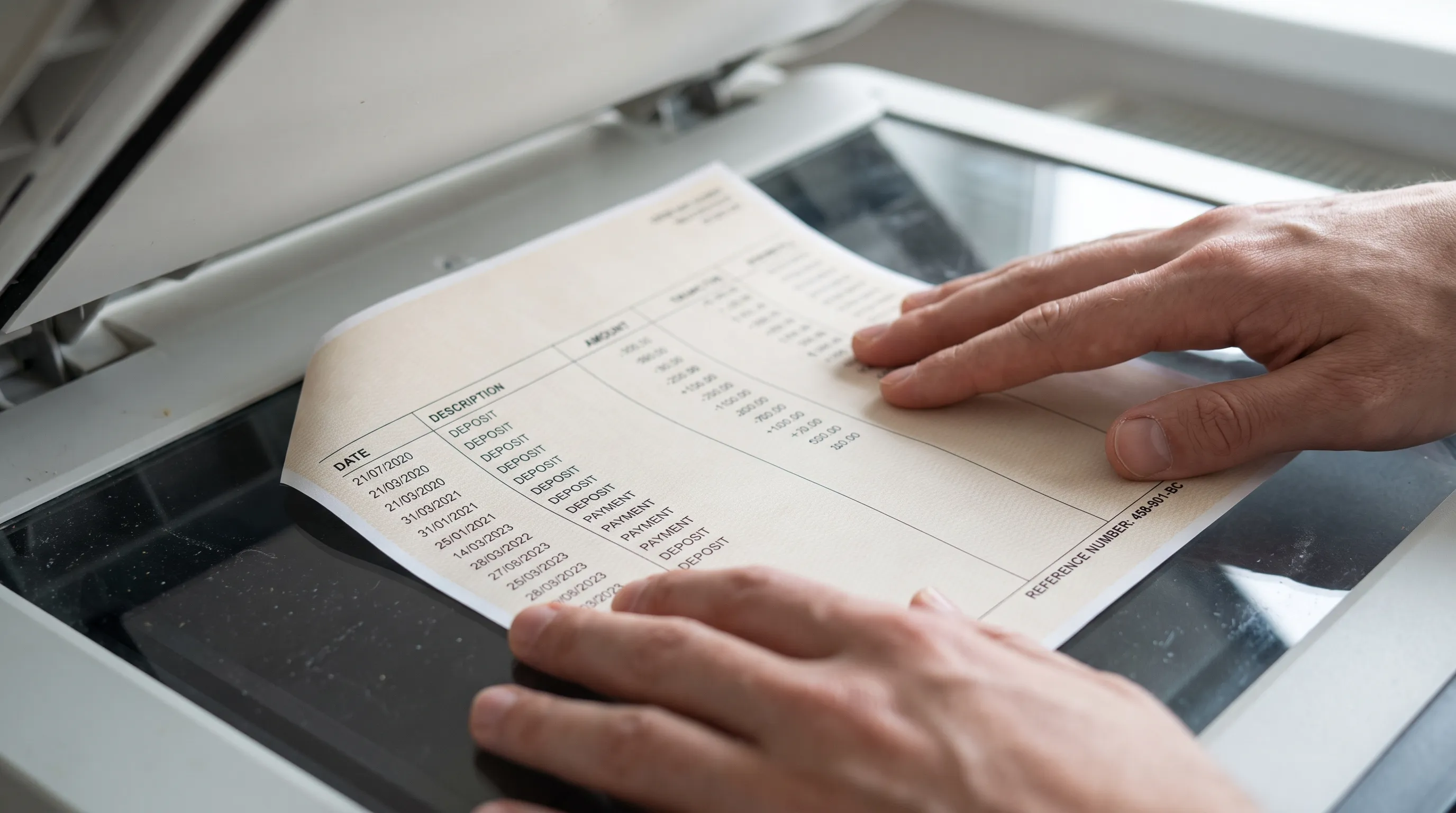
A scanned bank statement can look perfectly readable while remaining invisible to a search box. An ocr to text workflow turns the letters and numbers inside that image into machine-readable content, so you can find a merchant, payment reference or transaction without reviewing every page manually.
For financial records, recognition is only the beginning. Useful results also preserve transaction context, connect back to the original statement and distinguish searchable text from verified accounting data. This guide explains what changes during conversion, which output you need and how to keep search results reliable.
First, check whether your PDF already contains text
Not every bank PDF needs optical character recognition. A statement downloaded directly from a bank may already contain selectable text. A scanned paper statement or a PDF created from photographs usually contains page images instead.
Try selecting a transaction description and copying it into a text editor. Then search the PDF for a distinctive word you can see on the page. These checks help identify whether a usable text layer already exists.
Selection alone is not proof of quality. Some PDFs contain an existing OCR layer with incorrect characters or a reading order that mixes columns. Others combine digital pages with scanned attachments.
Use recognition where text is missing or unusable, rather than assuming every PDF requires the same treatment. Reprocessing clean digital text can introduce errors that were not present in the source. Whatever the input, keep the original file unchanged so you can compare the converted result against it.
What ocr to text actually produces
OCR identifies characters in an image and represents them as text. Depending on the tool, that text may become a separate transcript, a searchable layer inside a PDF or input for a structured extraction process.
The W3C technique for applying OCR to scanned PDFs describes adding actual text to image-based documents. This makes text available to software, although accessibility also depends on factors such as document structure and reading order.
These outputs serve different purposes:
| Output | What it provides | Best suited to |
|---|---|---|
| Plain text | Recognized characters without dependable table structure | Finding words or feeding another processing step |
| Searchable PDF | Page images with an associated text layer | Searching while retaining the statement’s visual layout |
| CSV or Excel | Transactions organized into rows and columns | Filtering, analysis and reconciliation |
| OFX or JSON | Structured financial data for compatible software or workflows | Accounting imports and automated processing |
A successful ocr to text conversion does not automatically reconstruct transactions. It might recognize every character but place a payment amount beside the wrong description when the page is read linearly.
Likewise, a spreadsheet export does not necessarily create a searchable PDF. Choose the output based on whether you need document retrieval, transaction analysis or an accounting import. You may need more than one output, each retained alongside the original statement.
Make searches answer real bookkeeping questions
Recognizing words is useful only if you can retrieve the right record. A searchable archive should help answer questions such as “Which statement contains this supplier payment?” or “Where is the reference for this transfer?”
Search descriptions and references, not just amounts
An amount such as 125.00 may appear repeatedly across several accounts. A merchant name, transfer reference or combination of date and description usually narrows the results more effectively.
For example, a hypothetical statement might show:
14 Sep 2026 | NORTHSIDE SUPPLIES INV 8042 | Debit 125.00
Searching for 8042 could locate the invoice reference even if you do not remember the payment date. Searching for the supplier name could reveal related payments across multiple statements.
An ocr to text workflow becomes more useful when recognized descriptions remain connected to their transaction rows. A detached transcript can find a word, but it may not reliably identify the corresponding debit, credit or balance.
Normalize search terms without overwriting evidence
Bank descriptions often contain abbreviations, extra spaces or references split across lines. Search systems can accommodate some variation through normalized fields, but the original wording should remain available.
For example, a search-friendly version might combine a description broken across two lines. It should not silently replace an unfamiliar merchant name with a guessed business name.
Dates and amounts also need context. 03/04/2026 has different interpretations depending on the statement’s date convention. A currency symbol may apply to the whole account rather than appear beside every transaction.
Store an unambiguous date format in structured records once the source convention is established. Preserve the displayed date and currency context when those details matter for review.
Build a searchable record that stays connected to its source
The practical goal is not a folder full of disconnected text files. It is a record you can retrieve, understand and check against the bank’s original document.
Prepare and identify the source statement
Before conversion, confirm that all pages are present and belong to the same statement. Check the account identifier, statement period and page sequence. Missing pages can remove transactions even when the remaining pages are recognized accurately.
Use a consistent filename, such as OperatingAccount_2026-09_Statement.pdf, without exposing a full account number unnecessarily. Record the statement period and a masked account identifier as metadata if your storage system supports it.
For scans, keep transaction columns, page edges and summary balances visible. A cropped amount or missing minus sign cannot be recovered reliably from text recognition alone.
Review recognition and field assignment separately
After an ocr to text conversion, test several distinctive searches against words visible in the source. Include a payment reference, a merchant description and a transaction near the bottom of a page.
Next, inspect whether dates, descriptions and amounts belong to the correct rows. Character recognition and field assignment are different tasks. A correctly recognized number can still land in the wrong column.
The guide to how document recognition finds fields in bank statement PDFs explains how labels, position and financial context help identify those fields.
For a structured archive, retain a source filename and page reference where your workflow supports them. If your chosen output lacks that information, maintain a separate mapping rather than assuming you can reconstruct it later. A search result is easier to trust when you can open the original page and inspect the surrounding transaction.
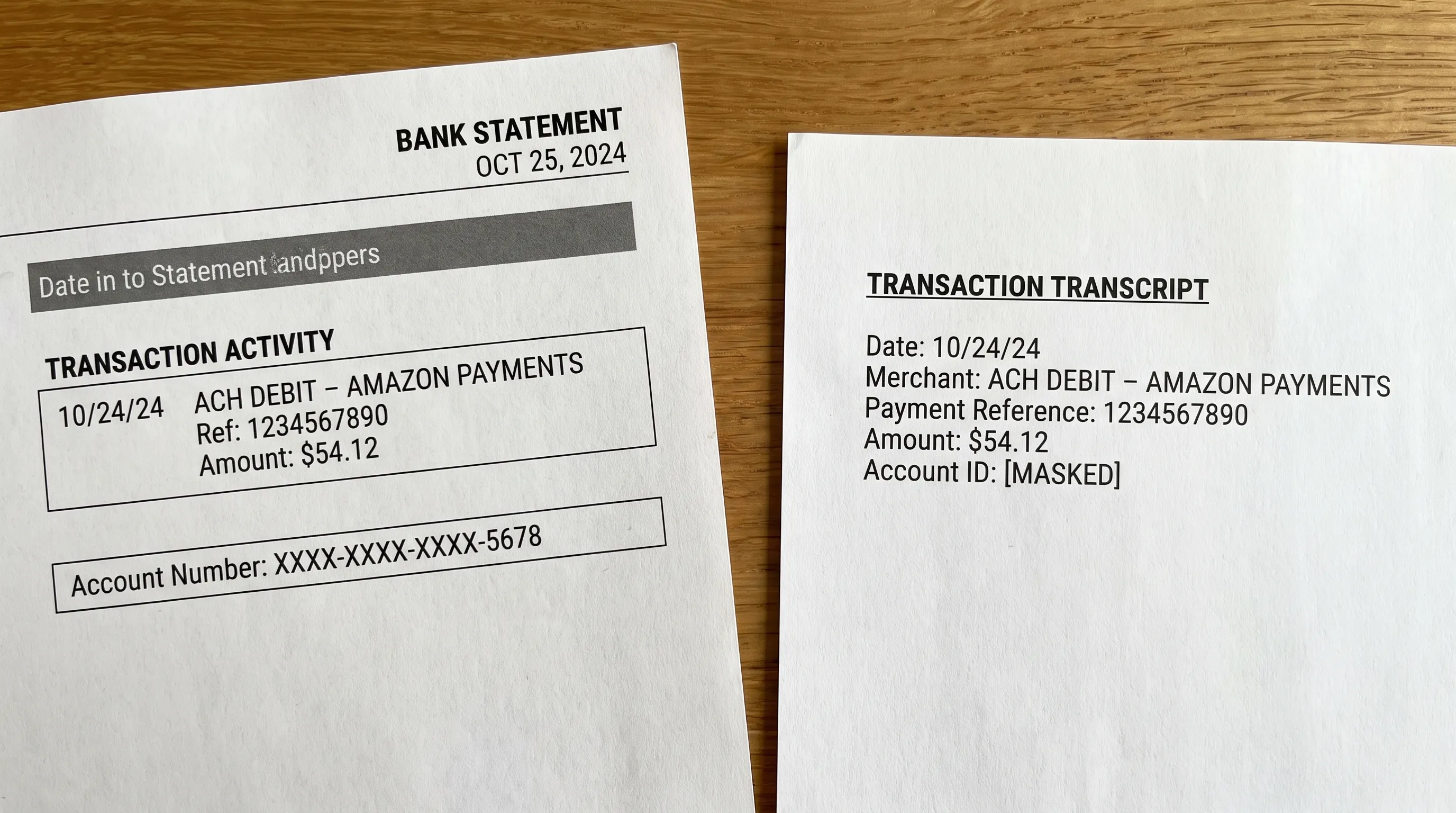
Searchable does not mean financially correct
Search can confirm that a recognized word exists in an archive. It cannot establish that every amount was captured correctly or that all transactions are present.
An OCR error might change 108.00 to 103.00, omit a decimal separator or lose the sign on a negative amount. The description could still be searchable while the financial record is wrong.
For a typical deposit account, a useful check is:
Opening balance + credits - debits = closing balance.
Running balances allow additional checks between transactions. Credit card statements and other account types may use different presentation conventions, so apply the logic shown by the statement rather than imposing one formula everywhere.
When ocr to text feeds a finance workflow, recognition checks and arithmetic checks should work together. Review declared totals, transaction continuity and any discrepancies before importing the data elsewhere.
Even balanced arithmetic has limits. Two errors can offset each other, and a correct amount can still carry an incorrect description or date. The explanation of what bank statement reconciliation proves, and what it does not covers why matching totals are evidence of consistency rather than a guarantee of complete correctness.
Keep statement search private
Searchable financial records are easier to retrieve, but they are also easier to expose accidentally. Transaction descriptions can contain names, locations and references that reveal more than the account balance alone.
Keep statement files and extracted text in access-controlled storage. Avoid publicly accessible sharing links, and check who can search the archive as well as who can open its documents. Extracted text deserves the same handling as the source PDF.
Public website search has a different purpose. A technical SEO agency such as SEO Bridge helps businesses make public-facing pages discoverable. Private bank records belong outside that process: their retrieval should depend on authorized access, not public search indexing. An instruction asking search engines not to index a file is not a substitute for access controls.
Before choosing an ocr to text service, review its file-storage location, retention terms and deletion process. Also consider downloaded exports, backups and downstream integrations. A secure source archive does not protect copies that have been shared or stored elsewhere without appropriate controls.
Frequently asked questions
Can I search a scanned bank statement without converting it? Usually not if it contains only page images. Some PDF applications perform recognition automatically, but a tool still needs to create machine-readable text before ordinary text search can work.
Does ocr to text create an Excel spreadsheet? Not by itself. OCR recognizes characters. Spreadsheet creation also requires transaction extraction, row reconstruction and assignment of values to fields such as date, description, debit and credit.
Why does a visible merchant name fail to appear in search results? The text layer may be missing, or recognition may have substituted characters or split the name across lines. Check the recognized text against the page and try a distinctive reference or shorter part of the description.
Should I keep the original PDF after conversion? Yes. It preserves the statement’s layout and provides the source for resolving recognition errors, reviewing transaction context and checking extracted figures. Converted text and spreadsheets should supplement it, not replace it.
Turn recognized text into checked transaction records
If your next step is bookkeeping rather than document search alone, choose a workflow that extracts transactions and checks the figures before export.
Extract Bank Statements converts bank statement PDFs into CSV, Excel, OFX or JSON and verifies figures against the statement’s running balance and declared totals. It supports scans and photos through OCR, personal, business and credit card statements, multi-currency statements and REST API access. File storage is EU-based, and free first conversions are available.
Those are structured data outputs, not a promise of searchable PDF export. Start with a representative statement, compare the result with the original and confirm that the output fits the records or accounting workflow you actually need.