
How to Verify an Account Balance Statement Before Reporting
Thomas Gak-Deluen11 min read
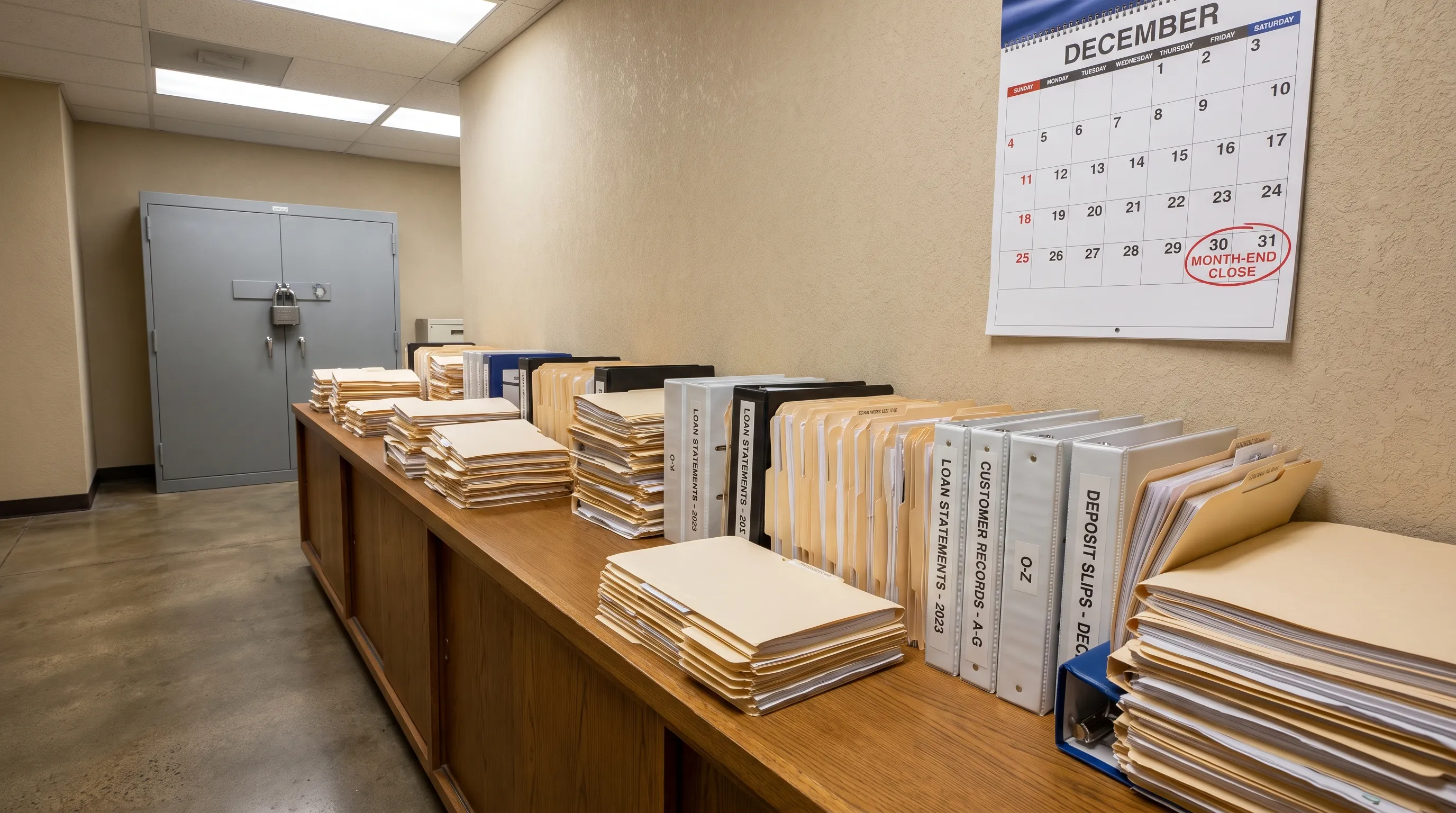
Before you use an account balance statement in management reporting, tax work, a loan package or an audit file, you need more than a quick glance at the closing balance. You need evidence that the document is complete, the arithmetic works, the transactions make business sense and any extracted data still matches the original statement.
That matters because reporting turns a statement into a source of truth. Once the numbers enter a spreadsheet, accounting system or board pack, small statement errors, OCR mistakes and missing pages can become hard to trace. A practical verification process gives you a defensible way to say, “These figures were checked before we relied on them.”
Account balance statement verification: the control objective
The goal is not to prove that every bank action was wise or that every business expense was appropriate. The first objective is narrower: confirm that the account balance statement is internally consistent and suitable to support the report you are preparing.
A verified statement should answer four control questions. Is this the right account and period? Is the document complete? Do the opening balance, transactions and closing balance reconcile mathematically? Do the transactions agree with the accounting records or reporting schedule they support?
These checks apply whether the statement comes from a business current account, personal account, savings account or credit card. The format will vary by bank, but the control logic is similar. You are testing document identity, completeness, arithmetic integrity and reporting relevance.
Start with document completeness before doing the math
Many reporting errors begin before anyone reaches the transaction table. A missing page, wrong date range or partial export can still show a plausible closing balance. That is why the first pass should confirm that the document itself is complete.
Check the account holder name, bank or financial institution name, account number or masked account identifier, currency and statement period. Then confirm page numbering. If the statement says “Page 1 of 6,” all six pages should be present and in order. If there is no page count, look for visual continuity, repeated headers and whether the transaction dates flow logically from the opening to the closing date.
An account balance statement should also be compared with the prior period statement whenever possible. The opening balance on the current statement should equal the closing balance from the previous statement, unless the bank has restated the account or changed the presentation. If it does not match, treat the difference as an exception until you can explain it.
Verify the reporting period
The reporting period must match the purpose of the report. For month-end reporting, a statement that ends on the 29th may be incomplete. For a lender request, the required period may be the most recent 3 or 6 months. For tax support, you may need a fiscal year, not a calendar year.
Also distinguish between statement date, transaction date and posting date. Banks often report activity by posting date, while accounting teams may care about transaction date. This difference is not automatically an error, but it should be understood before you reconcile the statement to a report.
Reconcile opening balance, activity and closing balance
Once completeness is established, run the core balance test. The basic formula is simple:
Opening balance + deposits and credits minus withdrawals and debits = closing balance
The formula may need adjustment for credit card statements, where charges increase the amount owed and payments reduce it. It may also require care when a bank displays debits as negative numbers, credits as positive numbers or both in separate columns.
A reliable account balance statement should pass either a statement-level reconciliation or a row-by-row running balance check. A statement-level reconciliation proves the totals work overall. A running balance check proves each transaction flows correctly from one balance to the next.
| Control check | What to compare | What a mismatch may indicate |
|---|---|---|
| Prior closing to current opening | Previous statement closing balance against current opening balance | Missing statement, restatement or wrong period |
| Transaction sum to net movement | Total credits minus total debits against balance movement | Missing row, sign error or classification issue |
| Running balance by row | Each transaction amount against the next displayed balance | OCR error, omitted transaction or duplicated row |
| Statement total to exported total | PDF totals against spreadsheet totals | Extraction error, filtered row or formula mistake |
| Currency consistency | Header currency against transaction and report currency | Mixed-currency reporting issue or conversion needed |
If you only check the closing balance, you may miss offsetting errors. For example, one duplicated debit and one omitted debit of the same amount could still leave the closing balance unchanged. Running-balance verification is stronger because it tests the sequence.
Validate transactions before relying on the totals
Arithmetic integrity does not prove that every transaction belongs in the report. It only proves the statement adds up. Before reporting, review transactions for business relevance, unusual activity and classification issues.
Look for duplicate entries, reversals, chargebacks, internal transfers, bank fees, interest, refunds and pending items. Confirm whether pending transactions are included in the statement balance or only shown for information. Most formal statements use posted transactions, but online account views can mix posted and pending activity.
When an account balance statement supports financial reporting, the transaction review should connect each material movement to an accounting category, invoice, receipt, payroll batch, loan schedule or other business record. This is where finance judgment matters. A bank can prove money moved, but it does not prove the accounting treatment is correct.
For a deeper transaction-by-transaction review process, see this guide on how to read a bank statement systematically before relying on it.
Pay attention to statement presentation quirks
Banks do not all display information in the same way. Some separate credits and debits into two columns. Others use one amount column with signs. Some include daily summary rows. Credit cards may show purchases, payments, fees and interest in a format that reverses the intuition used for deposit accounts.
Do not normalize the data until you understand the original layout. If you convert a debit column into positive numbers for analysis, label it clearly. If you import credit card charges as expenses, confirm that payments are not also being treated as expenses.
Convert data carefully, then test the extracted rows
Many teams verify the PDF visually, then make errors when moving the data into Excel, CSV, OFX or an accounting platform. Manual copy and paste can shift columns. OCR can misread 8 as 3, drop decimal separators or merge two transaction descriptions. Spreadsheet formulas can exclude hidden rows or filtered data.
That is why the converted file needs its own verification. A converted account balance statement should be tested against the original document, not accepted just because it looks tidy in a spreadsheet.
At minimum, compare row count, opening balance, closing balance, total debits, total credits and several sample transactions. For higher-risk reporting, test every row using running balances. This is the difference between data extraction and dependable financial evidence.
Extract Bank Statements is built for this part of the workflow. It converts bank statement PDFs into CSV, Excel, OFX or JSON and verifies figures against the statement’s own running balance and declared totals before export. It can also handle scans and photos with OCR, which is useful when clients, vendors or account holders send images instead of original PDFs.
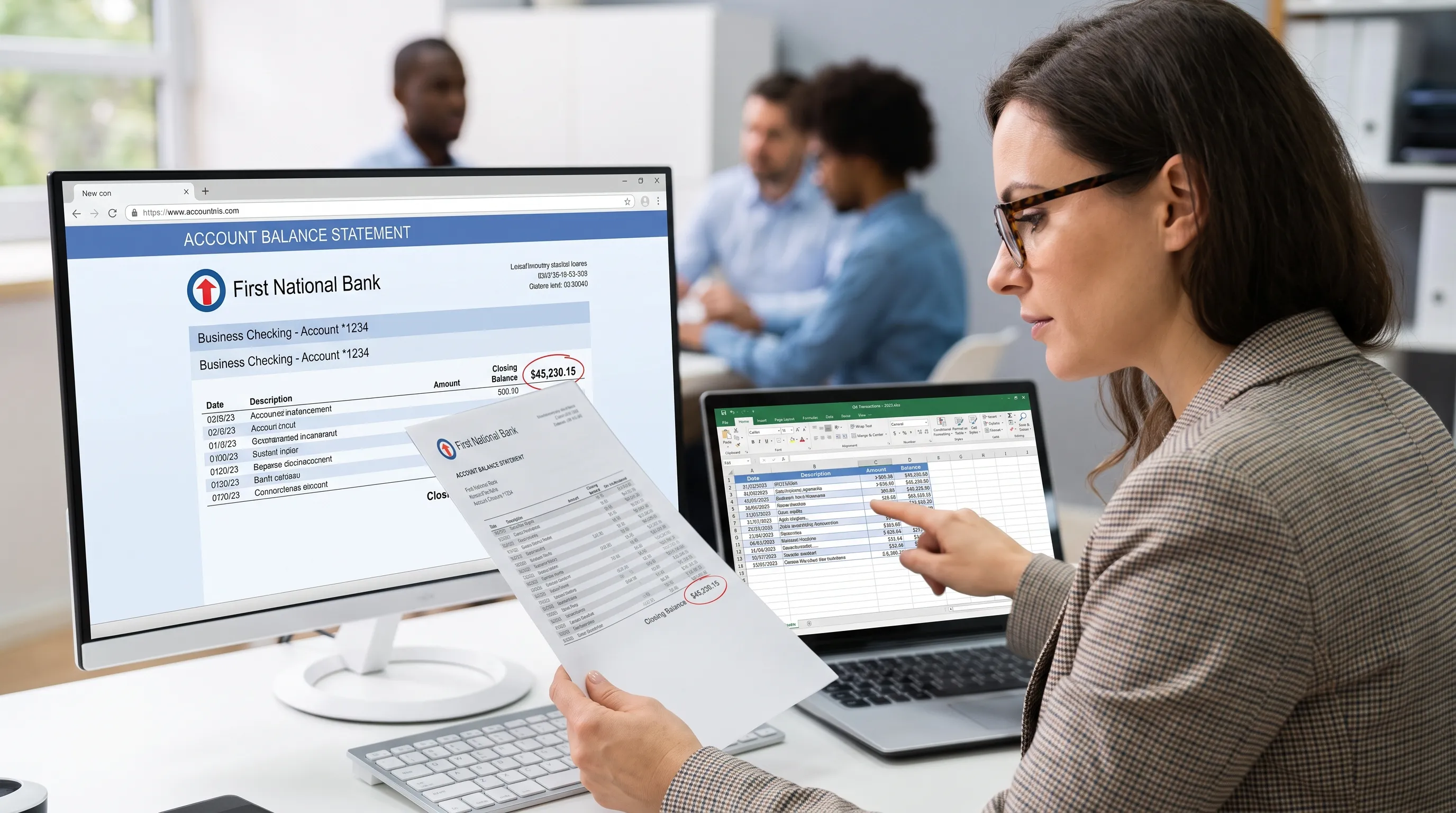
The key limitation to remember is that a file can add up and still be unsuitable for your report. It may be the wrong account, the wrong period or a statement that omits context you need. The article on why a converted bank statement can add up without being correct explains that distinction in more detail.
Investigate exceptions before the statement reaches the report
Do not bury exceptions in a working paper and hope they remain immaterial. Decide how they will be resolved, documented or escalated before the report is issued. The right treatment depends on the reporting purpose, the size of the difference and the nature of the account.
A $4 bank fee may be easy to adjust. A missing page from a client-supplied statement is a document integrity issue. A prior closing balance that does not match the current opening balance may require a replacement statement from the bank.
| Exception | First action | Reporting risk |
|---|---|---|
| Missing page | Request a complete statement or download again from the bank portal | Transactions may be omitted |
| Opening balance mismatch | Compare with prior statement and ask for restated documents if needed | Period continuity may be broken |
| Closing balance mismatch | Recalculate movement and inspect signs | Reported cash or liability balance may be wrong |
| OCR discrepancy | Check the source image and correct the extracted field | Spreadsheet may contain incorrect figures |
| Unknown large transaction | Trace to invoice, receipt, transfer record or approval | Misclassification or unsupported reporting entry |
| Currency conflict | Confirm account currency and reporting currency treatment | Incorrect consolidation or translation |
An account balance statement with unresolved exceptions should be labeled accordingly in the working file. That does not always mean the report must stop, but it does mean reviewers should know what was unresolved and why the preparer considered it acceptable or not acceptable.
Use materiality, but do not use it as a shortcut
Materiality helps prioritize effort. It does not remove the need for basic controls. A small unexplained difference may be immaterial for a board report, but it can still reveal a broken extraction rule, missing page or incorrect sign convention that affects other statements.
Set practical thresholds for review. For example, you might investigate every balance mismatch regardless of amount, every transaction over a certain value and any unusual description such as reversal, chargeback or adjustment. The threshold should fit your reporting environment rather than be copied from another company.
Build a sign-off trail for reporting, tax and audit use
Verification is only useful if someone can see what was checked. Keep a short sign-off trail that records the source document, date received, period covered, preparer, reviewer, checks completed and exceptions resolved. This can be a spreadsheet tab, workpaper note or checklist in your accounting system.
For audit-facing work, preserve the original statement and the verified export. Do not overwrite the raw data after making adjustments. If the report includes reclassifications or exclusions, document them separately from the source statement so reviewers can trace the path from bank record to reported number.
When an account balance statement is used in an audit package, the reviewer will usually care about completeness, cut-off, existence of the account and whether the closing balance ties to the trial balance or schedule. If that is your context, this guide on how to read a financial institution statement before an audit provides a more audit-focused approach.
Automate repeat checks without removing judgment
Automation is useful for repetitive checks such as extracting rows, comparing running balances, matching totals and flagging exceptions. It reduces manual rekeying and makes verification more consistent across high volumes of statements.
If statement verification is part of a wider finance automation roadmap, an AI and web solutions partner such as Impulse Lab can help assess where custom platforms, integrations or training may create value beyond a single extraction step.
Automation should not remove human review. It should make the reviewer’s job clearer by showing which statements passed, which failed and which transactions need attention. The best workflow combines machine-level consistency with finance-level judgment.
Final checklist before you report the balance
Before you use the balance in a report, run one final pass. This is especially helpful when the work was split between a preparer, reviewer and system export.
- Confirm the account holder, institution, account identifier and currency.
- Confirm the statement period matches the reporting period or explain any gap.
- Check that all pages are present and in order.
- Tie the opening balance to the prior closing balance where possible.
- Recalculate credits, debits, net movement and closing balance.
- Test running balances or use a tool that verifies them automatically.
- Compare exported CSV, Excel, OFX or JSON totals against the PDF.
- Investigate missing pages, OCR issues, sign errors and unknown large transactions.
- Document preparer sign-off, reviewer sign-off and unresolved exceptions.
A verified account balance statement gives the report user confidence that the balance did not arrive by assumption. It was traced from a complete source document, checked for arithmetic consistency and reviewed for reporting relevance.
Frequently Asked Questions
What is the fastest way to verify an account balance statement? Start with document completeness, then reconcile opening balance plus net activity to closing balance. If the statement has running balances, test the transaction sequence because it catches row-level errors that total checks may miss.
Is a bank statement valid if the closing balance matches my spreadsheet? Not necessarily. A matching closing balance is helpful, but it does not prove the right period, account, pages or transaction classifications were used. You should also check document identity, completeness and transaction details.
Should I verify scanned statements differently from digital PDFs? Yes. Scanned statements need extra OCR review because characters, decimals and columns can be misread. Compare extracted totals, row counts and sample transactions against the image before using the data.
What should I do if the opening balance does not match the previous statement? Treat it as an exception. Check whether you have the correct prior statement, whether the bank issued a restatement or whether a page or period is missing. Do not report the balance without documenting the explanation.
Can software replace manual review? Software can handle extraction, running-balance checks and total comparisons at scale. Manual review is still needed for judgment-based issues such as unusual transactions, classification, reporting cut-off and unresolved exceptions.
Turn verified statements into reliable reporting data
If you need statement data in Excel, CSV, OFX or JSON, Extract Bank Statements can help convert PDFs, scans and photos while checking the figures against running balances and statement totals before export. That gives your reporting workflow cleaner data and a clearer evidence trail before numbers enter your models, ledgers or audit files.