
How to Read a Financial Institution Statement Before an Audit
Thomas Gak-Deluen10 min read

A financial institution statement is one of the first documents auditors use to understand cash activity, debt payments, credit card spending and account ownership. Before an audit, your job is not only to read it, but to prove that it is complete, internally consistent and tied to the accounting records. If you wait until fieldwork to find missing pages, unexplained transfers or balance differences, the discussion becomes slower because the supporting evidence is harder to recover.
The goal is simple: turn each statement from a passive monthly report into audit evidence. That means checking the document controls first, then the balances, then the transactions and finally any exported data your team plans to use in Excel, CSV, OFX or an accounting system.
Start with financial institution statement control checks
Auditors care about the source document before they care about the spreadsheet made from it. A clean file name and a neat folder are helpful, but they do not prove that the statement is complete or belongs to the audited entity.
Begin with the header, page sequence and account identifiers. If the account number is masked, confirm that the visible digits match the account register or prior-period records. If the statement covers multiple currencies, confirm that each currency is clearly labeled before totals are compared.
| Control check | What to verify | Why it matters before an audit |
|---|---|---|
| Account holder | Legal name, business name or cardholder name | Confirms the account belongs to the audited entity or an approved person |
| Account identifier | Account number, card number, IBAN or visible last digits | Helps match the statement to the accounting records |
| Statement period | Start date and end date | Prevents gaps or overlaps in audit evidence |
| Page count | Page numbers and total pages | Helps detect missing pages or incomplete exports |
| Currency | USD or other currency labels | Avoids mixing transaction amounts with foreign exchange totals |
| Institution details | Bank name, branch, logo or issuer details | Supports authenticity and source tracing |
Reconcile opening and closing balances
The fastest way to detect a statement problem is to recalculate the balance movement. The basic test is: opening balance plus credits minus debits, with any institution-specific sign conventions, should equal the closing balance.
On a financial institution statement, the running balance gives you a second layer of proof. Do not rely only on the first and last balance. Scan the running balance after each transaction and look for breaks, jumps or sequences that do not mathematically follow the prior line.
Credit card statements may show purchases, payments, interest and fees with the opposite sign from a bank account. That is not an error by itself. The key is to apply the same sign convention consistently and document it so the reviewer can follow your calculation.
Read each line of a financial institution statement like an auditor
A customer reads a statement to see whether a transaction looks familiar. An auditor reads it to answer a different question: can this line be supported, classified and explained if selected for testing?
Look beyond date, description and amount. Posting dates can differ from transaction dates, which matters near period end. Descriptions can be truncated, which means a vendor name in the statement may not match the invoice name exactly. Transfers may show only a reference number, so the other side of the transfer must be found in another account.
| Transaction pattern | Audit risk to consider | First follow-up question |
|---|---|---|
| Large round-dollar payment | Possible loan, owner draw, capital purchase or unusual vendor payment | What source document supports the payment? |
| End-of-period deposit | Possible cutoff issue | Does it relate to current-period or next-period revenue? |
| Reversal or chargeback | Possible correction, dispute or returned payment | Was the original entry reversed in the ledger? |
| Bank fee or interest charge | Possible missing expense entry | Is the fee recorded in the correct account? |
| Transfer between accounts | Possible duplicate or missing cash movement | Can both sides of the transfer be matched? |
| New payee or memo | Possible vendor onboarding or fraud risk | Who approved the transaction? |
For a deeper line-by-line method, use this guide on how to read a bank statement and verify every transaction before you begin the audit package.
Verify deposits, withdrawals and transfers
Deposits should tie to sales reports, remittance advice, customer invoices, payment processor summaries or loan proceeds. If a deposit is aggregated, break it into its source components before fieldwork begins. Auditors often sample deposits, so a lump sum with no bridge to revenue records creates avoidable work.
Withdrawals should tie to vendor bills, payroll registers, tax payments, card payments, debt schedules or owner distributions. For recurring payments, do not assume they are correct because they recur. Confirm the payee, authorization and accounting classification.
Transfers require special attention because they can be double-counted, omitted or classified as income by mistake. Match both sides using amount, date, reference number and account identifiers. If timing creates a difference, document it as an outstanding transfer rather than leaving it as an unexplained variance.
Check integrity before you trust converted data
The biggest audit risk in a financial institution statement is not always a missing transaction. Sometimes the issue is document integrity: an incomplete PDF, a low-quality scan, an altered file or a conversion that dropped minus signs, merged rows or misread dates.
Common red flags include missing pages, inconsistent page numbering, broken running balances, transaction rows that repeat unexpectedly, dates that appear out of sequence and descriptions that look visually misaligned. None of these automatically proves a problem, but each one should trigger a closer review before the file enters the audit support folder.
Scans and photos add another layer of risk. OCR can read blurry documents, but the output still needs controls. If your source is a scan, compare the converted data to the visible statement image and pay close attention to decimals, negative amounts and column alignment. For more detail on scan quality, see how an OCR reader online handles blurry statement scans.
When finance teams introduce AI-assisted extraction, reviewers also need a practical adoption process: when to trust automation, when to escalate exceptions and how to make review steps visible. Product and operations teams designing these workflows may find the AI Product Adoption Deck useful for thinking through trust, retention and usability points in AI tools.
Build an audit-ready conversion workflow
If you convert a financial institution statement into Excel, CSV, OFX or JSON, keep the original PDF with the exported file. The export is a working dataset. The PDF remains the source evidence.
A strong workflow includes three checks. First, confirm that every page of the original statement was processed. Second, verify that the exported opening balance, transactions and closing balance agree to the statement. Third, isolate exceptions such as unreadable rows, handwritten notes, duplicate lines or unusual symbols so they can be resolved before the data is used.
Extract Bank Statements is built for this kind of workflow: it converts statement PDFs, scans and photos into structured exports, then checks figures against the statement’s running balance and declared totals before export. That does not remove the need for accounting judgment, but it reduces the risk of using a spreadsheet that looked complete but failed basic arithmetic checks.
Compare the statement to accounting records
A financial institution statement should agree to the cash, loan or credit card account in the general ledger after known reconciling items are considered. This is where many audit issues surface because a correct-looking statement can still be mapped incorrectly in the accounting records.
Start with the bank reconciliation, not the trial balance alone. The reconciliation should explain the difference between the statement balance and the book balance at period end. Normal reconciling items may include outstanding checks, deposits in transit, pending card transactions or bank fees recorded after the statement date.
| Accounting area | Match the statement to | Evidence to prepare |
|---|---|---|
| Cash receipts | Revenue ledger, customer invoices, payment processor reports | Deposit detail and customer allocation |
| Vendor payments | Accounts payable ledger, bills, approvals | Invoice, approval record and payment proof |
| Payroll | Payroll register and tax filings | Payroll summary, tax payment confirmation and journal entry |
| Debt payments | Loan amortization schedule | Principal and interest split |
| Credit card activity | Expense accounts and receipts | Cardholder support and business purpose |
| Foreign currency activity | FX rate support and remeasurement entries | Rate source and calculation support |
A file can balance mathematically and still be wrong for audit purposes. For example, a PDF conversion might capture every line correctly, but a payment could still be posted to the wrong account or duplicated in the ledger. This is why bank statement reconciliation proves only part of the story.
Investigate exceptions before fieldwork begins
Do not send auditors a statement package with unexplained differences and hope they will be immaterial. Even small variances can slow testing if no one knows where they came from.
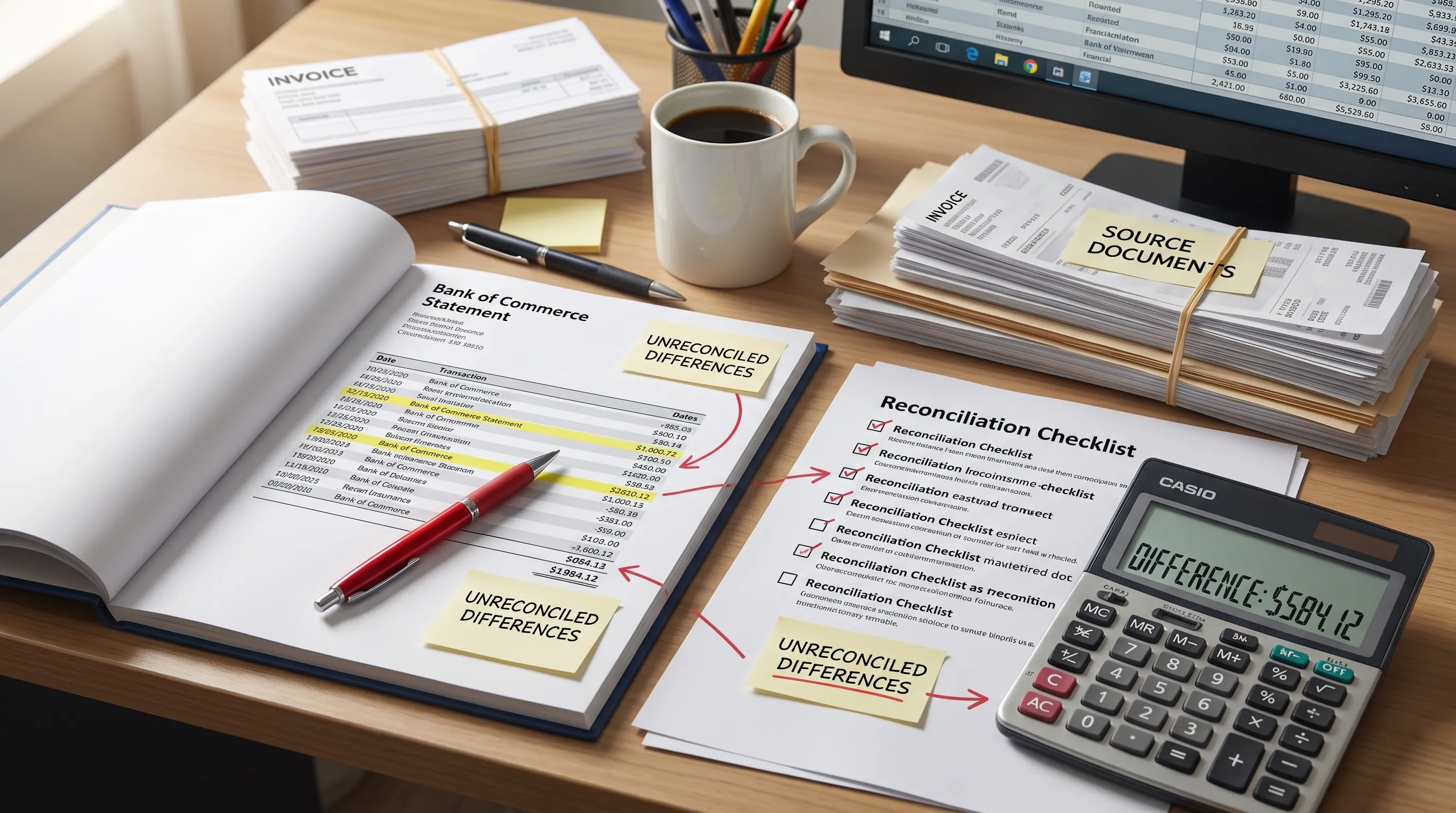
Use plain-language exception notes. A reviewer should be able to see the difference, the suspected cause, the support reviewed and the final conclusion. If the difference remains unresolved, label it clearly rather than burying it in a spreadsheet tab.
Common exception categories include timing differences, duplicate entries, missing ledger postings, OCR or export errors, unsupported transfers, unrecorded fees and transactions posted to the wrong period. The earlier these are grouped, the easier it is to decide whether they are bookkeeping cleanup items or audit matters.
What auditors expect to see
For every financial institution statement used in an audit, prepare a short evidence trail that connects the original document to the accounting records. This does not need to be complicated, but it does need to be consistent.
A practical audit package often includes:
- The original statement file with all pages included
- The converted Excel, CSV or accounting import file if one was used
- A balance check showing opening balance, activity and closing balance
- A reconciliation to the general ledger balance
- Support for unusual, large or sampled transactions
- Notes explaining unresolved items, timing differences and corrections
If your team uses multiple accounts, keep the naming structure consistent. Include the entity, account name, last four digits, currency and period in the file name. Auditors should not have to guess whether two files belong to the same account.
Common mistakes that create audit problems
Many statement issues are not technical. They come from rushing, relying on memory or treating the statement as a data source without preserving it as evidence.
| Mistake | Why it causes problems | Better approach |
|---|---|---|
| Exporting data but losing the PDF | The auditor cannot trace the spreadsheet to source evidence | Store the original statement beside the export |
| Checking only the closing balance | Missing rows can still be hidden by later corrections | Review running balances and page completeness |
| Ignoring statement currency | Totals can be compared on the wrong basis | Label currency before importing or reconciling |
| Combining multiple accounts in one workbook without notes | Account ownership and completeness become unclear | Separate tabs or files by account and period |
| Leaving transfers unexplained | Cash can be double-counted or treated as income | Match both sides and document timing gaps |
| Assuming OCR is always correct | Misread digits can flow into the ledger | Verify against balances and exception reports |
The best time to fix these issues is before audit fieldwork starts. Once the request list is active, every unclear file creates follow-up questions, version control issues and extra review time.
Frequently Asked Questions
What is the first thing to check before reading transactions? Check that the statement is complete. Confirm the account owner, period, page count, currency, opening balance and closing balance before reviewing individual transactions.
How do I know an Excel or CSV export is reliable enough for audit work? Compare the export to the original statement. The opening balance, transaction count, transaction amounts, running balance and closing balance should match or have documented exceptions.
Should I annotate statements before sending them to auditors? Yes, if the annotations explain rather than obscure. Use notes for reconciling items, unusual transactions, transfers and corrections. Keep an unmarked original copy as well.
What should I do if the running balance does not match? Keep the original financial institution statement, isolate the first line where the balance breaks and compare that row to the exported data or ledger posting. The issue may be a missing transaction, wrong sign, OCR error or source document problem.
Turn statements into audit-ready data
When a financial institution statement arrives as a PDF, scan or photo, the safest audit process is to preserve the source, extract the data and verify the math before anyone relies on the output. That creates a cleaner audit trail and gives your team a focused exception list instead of a spreadsheet full of hidden assumptions.
Extract Bank Statements converts PDFs into CSV, Excel, OFX or JSON, supports OCR for scans and photos, handles personal, business and credit card statements and verifies figures against running balances and declared totals. Use it before audit fieldwork to reduce manual copying, catch conversion issues earlier and give reviewers data that is easier to trace back to the original document.