How to Use Character Recognition Online for Sensitive Records
Thomas Gak-Deluen9 min read
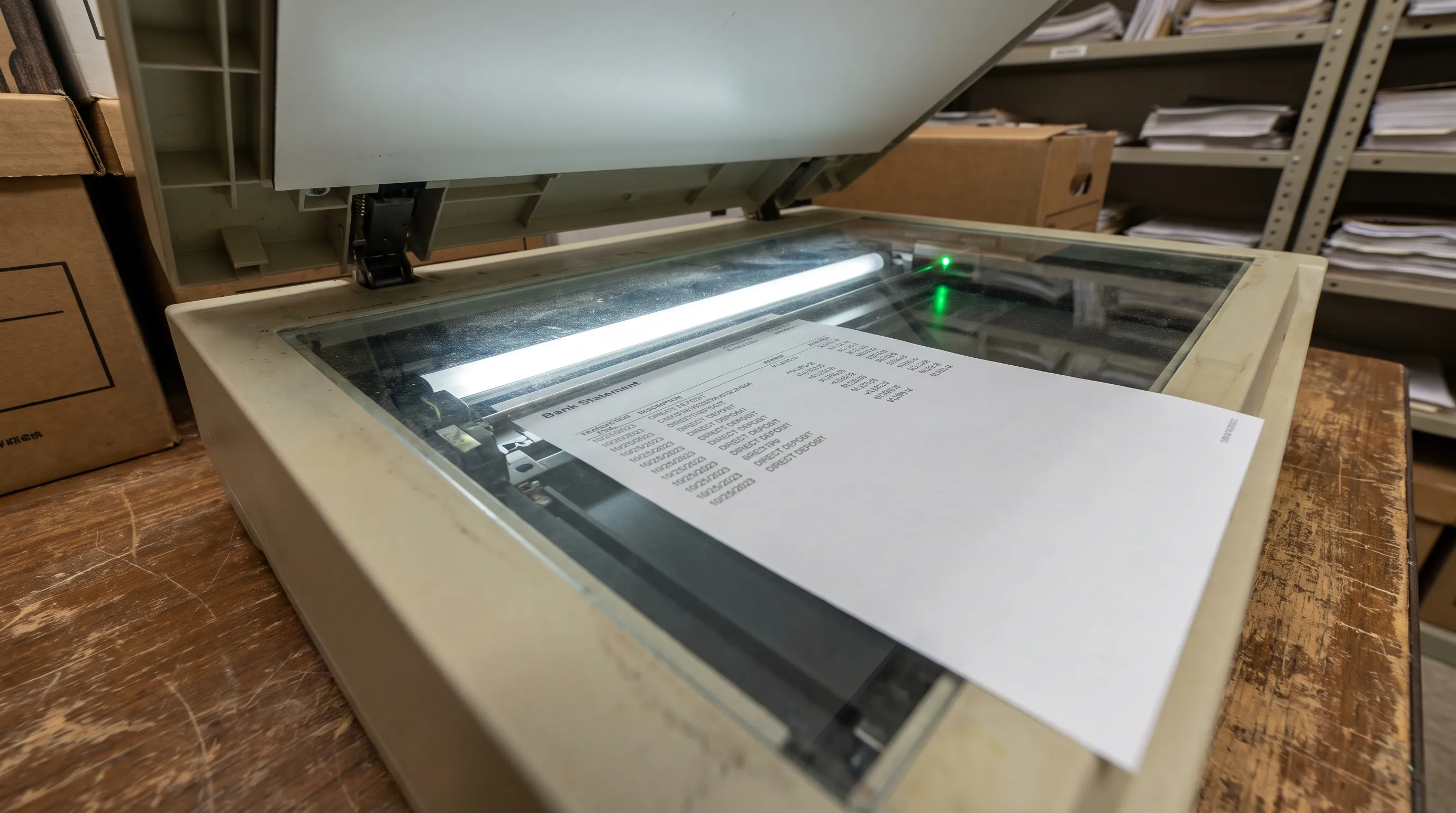
Using character recognition online can turn a scanned bank statement, receipt or tax record into usable text. With sensitive records, though, a successful conversion is only half the job. You also need permission to upload the file, clear limits on how it is handled and a way to check the result before relying on it.
A safer workflow is to authorize the upload, minimize the data, test one document, verify the output and retain only what your process requires. The steps below explain how to do that without sacrificing the information needed for financial checks.
Start with a sensitivity and authorization check
First, identify what the document exposes. Beyond account numbers, a statement may reveal home addresses, payroll amounts, customer relationships or health-related spending. Transaction descriptions can remain sensitive even after you remove the account holder’s name.
Next, confirm that you are authorized to send the record to an outside service. Possessing a document does not necessarily give you permission to upload it to any website. For workplace or client records, follow the organization’s approved-provider policy and contractual requirements.
The FTC’s Start with Security guidance recommends collecting only the information you need and keeping it only as long as necessary. Apply that principle before conversion, not just afterward.
If external processing is prohibited, use an approved internal environment or a locally processing tool whose behavior you have verified. A tool that runs in a browser is not necessarily processing files locally. It may still upload the entire document to a server.
Choose character recognition online by data handling, not price
Before uploading a real record, check the provider’s documentation. A privacy policy should answer practical questions about your files, not merely describe the website’s cookies.
| Area to check | What you need to establish |
|---|---|
| Retention and deletion | How long originals, extracted text and backups remain available, and how deletion works |
| Secondary use | Whether documents may be used for model training, product improvement or other purposes |
| Access controls | Who can access files, including staff, subprocessors and anyone with a shared link |
| Processing locations | Where files are processed and stored, not just where the company is registered |
| Technical fit | Supported formats, languages, page limits, export options and any account requirements |
An HTTPS connection protects information in transit. It does not establish how long the provider keeps the upload or whether someone else can access the extracted text.
For regulated or contractual records, involve the appropriate privacy or security reviewer. Storage in a particular region is useful information, but it is not, by itself, proof that a service meets every applicable requirement.
If a material answer is missing, use a synthetic sample while you request clarification. Do not treat a free conversion as permission to skip the review.
Prepare a minimal, readable copy
Before using character recognition online, create a working copy and preserve the original in its authorized location. This lets you improve readability or remove unnecessary information without changing the source record.
Remove pages and identifiers that the task does not require. However, keep complete statement periods when opening balances, closing balances or declared totals depend on all pages. Excessive redaction can make financial verification impossible.
For PDFs, use genuine redaction that removes the underlying content. A black rectangle placed over text may leave the original text accessible. Check the redacted copy for selectable text, hidden content and identifying metadata before upload. Use a neutral filename rather than a customer name or full account number.
For scans and photographs, focus on these essentials:
- Capture every required page, including continuation pages and relevant notes.
- Keep page edges, column headings and amounts fully visible.
- Correct rotation and avoid glare, shadows or aggressive compression.
- Preserve decimal points, minus signs and currency symbols when adjusting contrast.
Printed text is generally a different recognition task from handwriting. Do not assume a tool supports handwritten corrections, signatures or annotations merely because it accepts images. Mixed languages and unfamiliar date formats also deserve a separate test.
If the source is unreadable to a person, rescanning is usually a better first step than repeatedly uploading it to different services.
Run one controlled test before processing a batch
Start with a synthetic document or an approved, appropriately redacted sample. A test of character recognition online should demonstrate both useful output and acceptable handling of the file, not just that an upload button works.
Confirm that the tool accepts your actual input format. A service may accept image files but not multipage PDFs, or impose different limits on page count, file size and free usage. Check these limits before dividing a record into smaller pieces that could lose context.
Then inspect what “conversion” means. A searchable PDF, plain text file and transaction spreadsheet serve different purposes:
Searchable PDF: Useful for finding words while retaining the page image. Its hidden text layer still needs checking.
Plain text: Suitable for copying passages, but reading order and table relationships may be lost.
Structured export: Useful for spreadsheets or accounting workflows, provided dates, descriptions, amounts and balances remain in the correct fields.
Check a sample containing a page break, several transaction types and a difficult line. If your records include handwriting, multiple columns or multilingual text, include those features too.
Use the same acceptance checks for later batches. One clean page does not establish that every layout or scan quality will work equally well. Define in advance which errors require manual review or rejection.
Verify meaning, not just recognizable characters
The most consequential errors in character recognition online are often small: a missing minus sign, a misplaced decimal or an amount assigned to the wrong row. Fluent-looking text does not prove that the extracted record is correct.
Compare the output directly with the source. Check identifiers, dates, currency, decimal separators and debit or credit placement. Watch for substitutions such as O for 0, I for 1 and S for 5. Preserve leading zeros in account references rather than allowing a spreadsheet to remove them.
For tables, verify relationships as well as individual cells. A description that wraps onto two lines must stay attached to its transaction. Repeated page headers must not become transactions. The guide to handling complex financial documents explores these layout problems in more detail.
For a deposit account using the usual sign convention, a basic check is:
Opening balance + credits - debits = closing balance.
Apply the statement’s own conventions, especially for credit cards. Where running balances appear, check each transition too. For example, a $1,000 balance followed by a $125 debit should produce $875, not $1,125.
A matching closing balance alone is insufficient: two mistakes can offset each other. Also check available transaction totals and page continuity. Arithmetic agreement supports accuracy, but does not prove document authenticity, correct transaction categorization or that every source document was supplied.
Export only what the next workflow needs
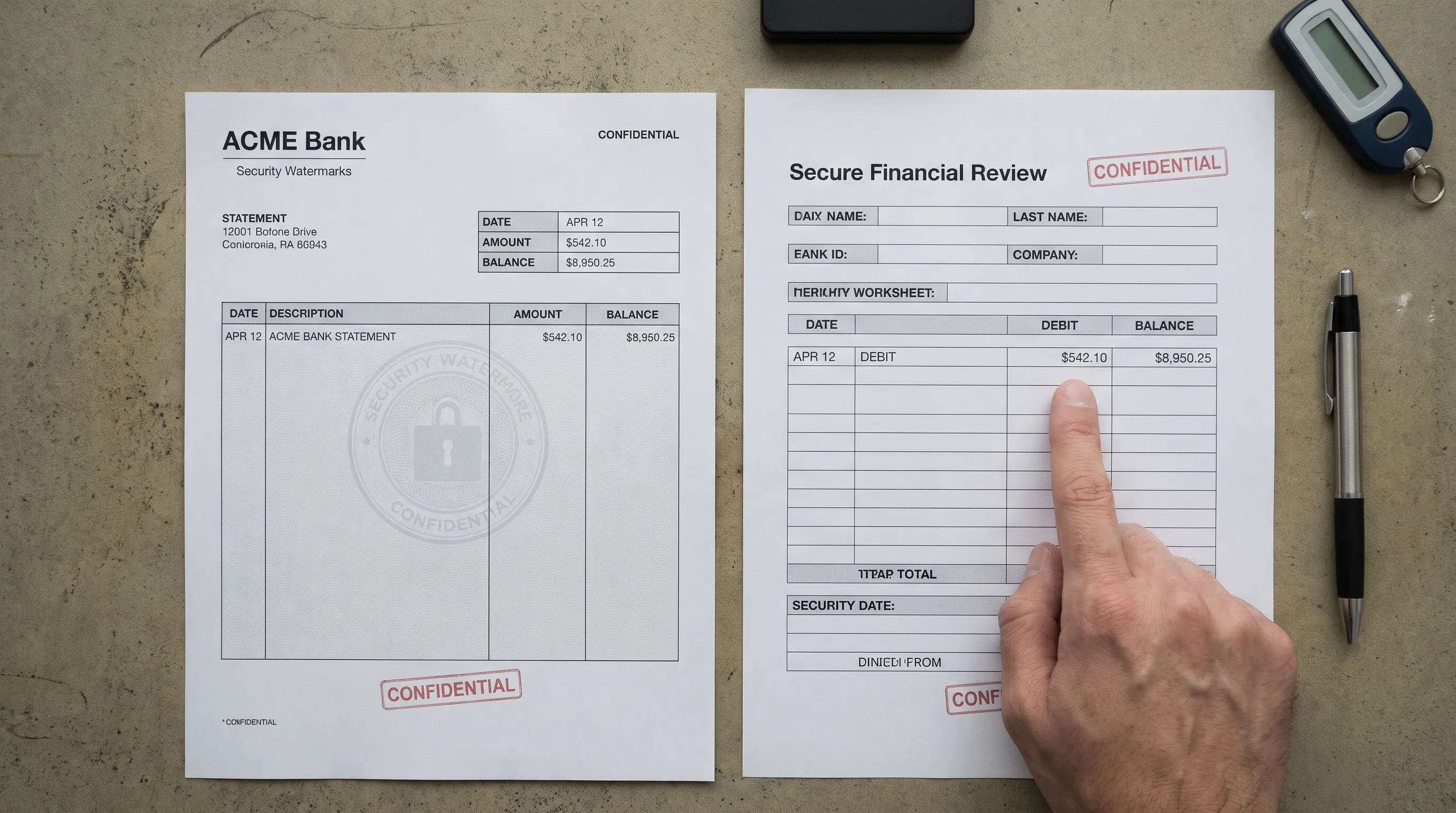
Once the figures pass review, select an output format that matches the destination. Using character recognition online to create searchable text is not the same as preparing a reliable accounting import.
CSV works well for simple tables, but import settings can change dates, strip leading zeros or interpret descriptions as formulas. Explicitly set reference fields and descriptions to text where appropriate. Excel can support a review worksheet, while OFX may suit a compatible accounting application. Confirm the receiving system’s requirements rather than assuming it accepts every export variant.
Keep the original extraction separate from corrections. Record what changed, why it changed and which source page supports the correction. These practices make reviewable transaction spreadsheets more useful than a single overwritten file.
For tax work, treat recognition as preparation, not filing. For example, businesses using eFile Excise 720 to submit Form 720 online still need to determine the applicable excise tax categories and reconcile supporting records before entering return information. OCR does not establish tax liability or replace the filing process.
Finally, store the reviewed export in its approved destination. Download folders, email attachments and shared spreadsheet links can create additional copies of the same sensitive data, each requiring appropriate access and retention controls.
Apply the same controls to browser tools and APIs
A browser interface suits occasional, supervised conversions. An API suits repeatable processing and integration into finance workflows. Moving character recognition online into an API does not remove privacy obligations; it changes where the controls must operate.
For automated processing, restrict credentials to authorized systems and keep them out of public code. Avoid writing complete documents or sensitive extracted fields into application logs. Ensure retries do not create duplicate accounting entries, and route failed verification checks to a reviewer rather than silently accepting them.
Ask whether an integration introduces another service that stores the file. An approved OCR provider does not automatically make every connector, automation platform or downstream destination approved too.
After processing, remove temporary local copies and request provider-side deletion according to the agreed policy. Deletion from a user dashboard may not mean immediate removal from backups, so establish that distinction before uploading sensitive material.
Keep an appropriate processing record without unnecessarily copying the document itself. Depending on your organization’s requirements, that may include the source reference, processing date, reviewer and resolution of any exceptions. The record should support accountability without becoming another uncontrolled store of financial information.
Frequently asked questions
Can I use character recognition online for free with sensitive records? Possibly, if the provider’s terms, security controls and your organization’s policies permit it. Free access does not establish confidentiality, deletion practices or suitability for regulated information. Start with synthetic data and check both usage limits and data handling before uploading a real record.
Can ChatGPT recognize text in an image? ChatGPT versions that support image input can read text from images, but may misread characters, omit rows or interpret a layout incorrectly. Check the applicable account settings and data terms before sharing sensitive material. For financial records, verify the extracted values independently rather than relying on a plausible transcription.
Will online OCR preserve tables and handwriting? That depends on the tool and document. Recognizing characters does not guarantee that columns, wrapped descriptions or handwritten notes will be reconstructed correctly. Test representative pages and verify row relationships, not just whether the words appear somewhere in the output.
Is EU file storage enough to approve a service? No. Storage location is one part of the assessment. You also need to understand processing locations, access, subprocessors, retention, deletion and applicable contractual obligations. Approval should reflect the specific records and workflow, not a geographic label alone.
Use verified extraction for financial records
For bank statements, choose a workflow that checks figures as well as recognizing them. Extract Bank Statements combines character recognition online for scans and photos with verification against the statement’s running balance and declared totals before export.
It supports CSV, Excel, OFX and JSON output, with REST API access for automated workflows and EU-based file storage. Review its data-handling terms against your requirements, then use the free first conversions to test an approved sample. Check both the exported fields and the verification results before moving to a larger batch.