
How an OCR Text Reader Handles Complex Financial Documents
Thomas Gak-Deluen9 min read
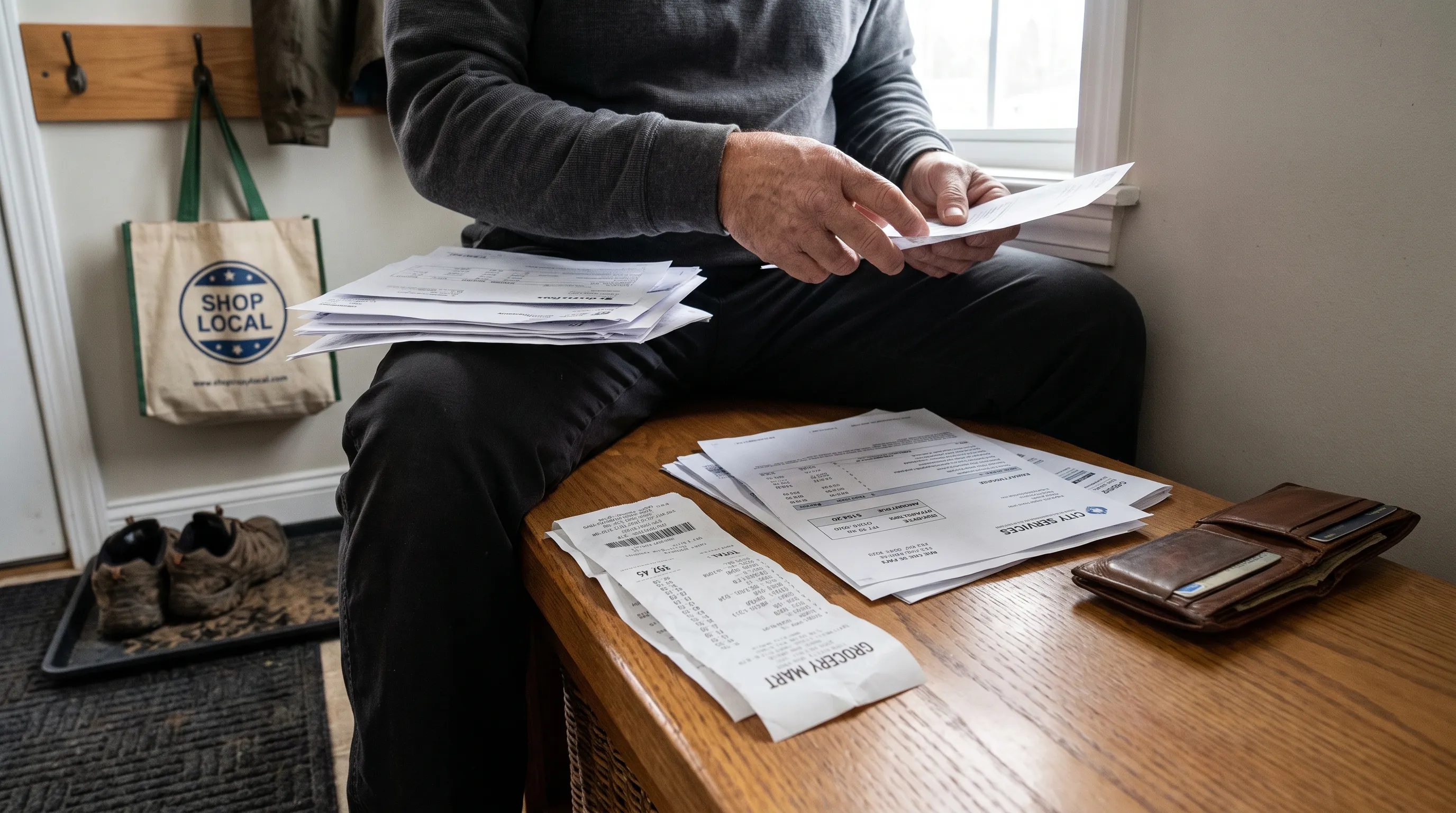
An ocr text reader can recognize the characters on a financial document without understanding what those characters mean. A clearly extracted “125.00” might be a payment, a tax amount, a closing balance or a figure repeated in a summary. For finance teams, the difficult part is preserving that meaning as information moves from a PDF into a spreadsheet or accounting system.
Reliable processing therefore needs more than readable text. It needs document context, structured fields and checks that distinguish a plausible extraction from one supported by the source.
Why Financial Documents Are Harder Than Ordinary Text
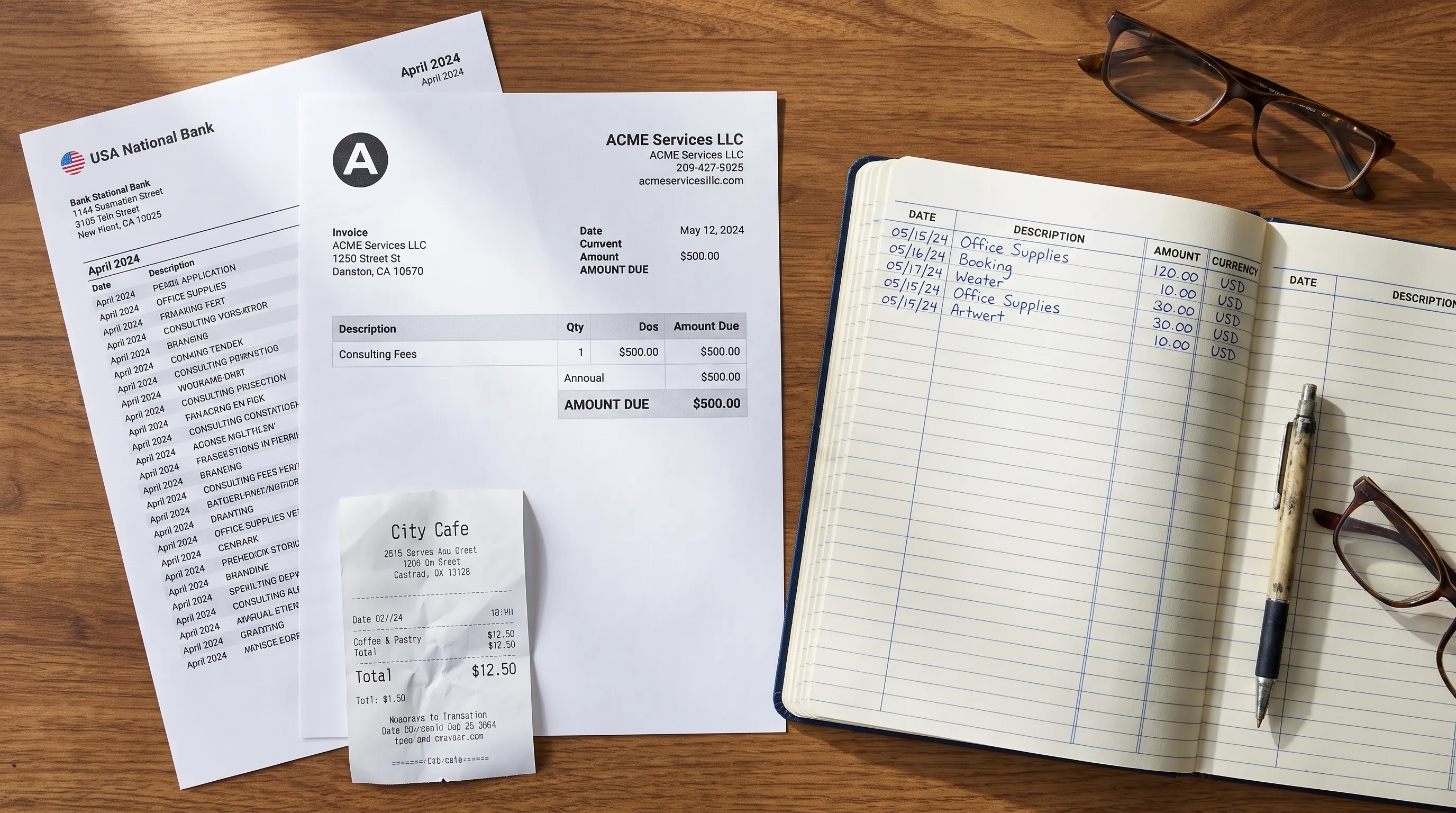
Financial documents combine narrative text with numbers that follow different rules. A bank statement records movements in an account. An invoice requests payment. A receipt records a purchase, but it does not necessarily prove that the corresponding bank transaction has cleared.
Those distinctions determine which fields to extract and which relationships to test.
| Document type | Important information | Useful validation |
|---|---|---|
| Bank statement | Transaction amounts, dates, balances and currency | Reconcile account movements with balances and declared totals |
| Credit card statement | Purchases, payments, fees and credits | Apply the statement’s balance and sign conventions |
| Invoice | Supplier, invoice number, line items, tax and amount due | Compare line calculations with the stated totals |
| Receipt | Merchant, purchase date, items, tax and payment information | Compare item amounts with the receipt total |
A capable ocr text reader must preserve these distinctions rather than flatten every document into the same collection of dates and amounts. Otherwise, an invoice total could be mistaken for an expense already paid or a statement’s summary could become a duplicate transaction.
Complexity Also Comes From Presentation
A single financial record may contain small print, colored backgrounds, stamps, handwritten annotations or several currencies. A PDF can also mix pages containing selectable text with pages that are scanned images.
Visual proximity is not enough to establish meaning. An amount next to a transaction description might belong to a neighboring row, while a negative sign may sit outside the main amount column. The extraction workflow needs to preserve relationships between elements, not just the elements themselves.
An ocr text reader Must Preserve Financial Meaning
The processing stages below describe a reliable financial-document workflow. They are capabilities to look for, not features that every OCR tool automatically provides.
Start With the Right Source
A digital PDF may already contain usable text. In that case, direct text extraction can avoid recognition errors introduced by converting the page into an image. Scanned pages and photographs require OCR because their characters exist as pixels rather than selectable text.
Mixed PDFs need page-level handling. Treating the entire file as either text or image can overlook information or process it unnecessarily.
Image preparation can improve recognition by correcting rotation, reducing background noise and improving contrast. It cannot reliably restore information that was cropped out or never captured. If the edge of a photograph cuts off a balance, a better photograph is safer than an inferred replacement.
Identify Roles, Not Just Labels
Labels such as “total,” “balance” and “date” are ambiguous without surrounding context. A document might include an opening balance, an available balance and a closing balance, each serving a different purpose.
An ocr text reader needs a field-mapping stage that considers labels, position, document type and nearby content. That stage should distinguish an invoice’s issue date from its due date, or a transaction’s posting date from its value date.
Account numbers and invoice references also require different treatment from amounts. Leading zeros can be meaningful identifiers, even though a spreadsheet may remove them when interpreting the field as a number.
For a closer look at this step, our guide to how document recognition identifies bank statement fields explains how layout and financial context work together.
Normalize Values Without Changing Their Meaning
Normalization makes extracted information usable across systems. It might convert a date to an agreed format, remove a currency symbol from an amount field or assign separate debit and credit columns.
The danger is silently choosing the wrong interpretation. The date 03/04/2026 could mean March 4 or April 3. Similarly, 1,250.75 and 1.250,75 represent the same amount under different number-formatting conventions.
When an ocr text reader encounters ambiguous formatting, the workflow should use documented context or request review rather than guess. Keep the original value alongside the normalized value when the distinction matters.
Currency must remain explicit. An invoice in euros and a bank payment in dollars cannot be reconciled by comparing their numeric amounts alone. Exchange rates, conversion fees and settlement timing may explain the difference, but they require additional evidence.
Validate the Numbers Against the Document
Financial documents often contain arithmetic relationships that provide stronger checks than character recognition alone.
For a deposit account using conventional debit and credit meanings:
Closing balance = opening balance + credits - debits
Consider an illustrative statement with an opening balance of $2,430.00, a debit of $78.40 and a credit of $120.00. The expected closing balance is $2,471.60. If the credit is extracted as $128.00, the calculated balance becomes $2,479.60, creating an $8.00 discrepancy.
An ocr text reader can produce a visually plausible number that fails this check. Running balances help narrow the problem to the point where extracted account movements stop agreeing with the statement.
Credit card statements may use different signs and terminology. Their validation logic must follow the document’s conventions rather than blindly reuse a deposit-account formula.
For invoices, line totals, discounts, tax and the final amount provide related checks. Rounding rules and whether tax is calculated per line or across the invoice must also be considered.
Understand What Arithmetic Cannot Prove
A matching balance does not prove that every field is correct. A wrong transaction description can leave the arithmetic unchanged. Two offsetting amount errors can also cancel each other out.
Balance checks validate internal numerical consistency, not authenticity or business legitimacy. They cannot establish that an invoice is genuine, a payment was authorized or a purchase belongs to the company.
For calculations, use decimal arithmetic or integer minor units where appropriate. Binary floating-point calculations can introduce tiny discrepancies that are unrelated to OCR quality.
Handle Exceptions Without Inventing Missing Information
A useful workflow separates uncertain recognition from failed validation. An unclear digit is a recognition problem. Clearly readable amounts that do not reconcile are a validation problem. Each requires a different response.
For an unclear digit, inspect the source or request a better scan. For a reconciliation failure, check for omitted transactions, duplicated summaries, incorrect signs and mismatched opening or closing balances.
An ocr text reader should not replace a questionable amount simply because another value would make the totals agree. Arithmetic can identify a candidate error, but the source must support the correction.
Confidence scores also need careful interpretation. A model can be confident about a wrong digit, especially when the result resembles a familiar number pattern. A low-confidence merchant name may be less consequential than a high-confidence payment amount that breaks reconciliation.
Prioritize review by financial impact and evidence, not by confidence alone. Record what was changed, why it was changed and which source detail justified the decision.
Preserve Evidence After Extraction
A spreadsheet is useful for analysis, but it should not become the only surviving record. Retain the original document and keep a practical way to connect extracted information back to its source.
For sensitive workflows, assess access permissions, retention periods, deletion procedures and who can approve corrections. These are organizational controls, not consequences of recognizing text accurately.
Even a well-performing ocr text reader cannot make an undocumented process audit-ready by itself. Reviewers need to understand where information came from and how it changed before reaching the final output.
AuditReady’s Italian-language guide to document dematerialization and audit-ready records explains why scanning differs from a controlled digital-record process. Its discussion of integrity, retention and audit trails is useful context, although its Italian and EU regulatory references should not be treated as universal requirements.
Where files are stored also matters, but storage location alone does not establish regulatory compliance. Evaluate it alongside contractual terms, access controls and the rules that apply to your organization.
Test With Documents That Can Expose Weaknesses
A clean sample proves little about performance on complex financial records. Build a small test set from documents you actually process, including difficult but readable examples.
Useful test cases include:
- A PDF containing both selectable text and scanned pages.
- A statement with reversals, fees and repeated summary figures.
- An invoice with discounts, tax and multiple date fields.
- A document containing ambiguous separators or more than one currency.
For each file, define the expected fields and manually verify the important amounts. Then compare transaction completeness, field interpretation and validation results, not just whether the output looks tidy.
Test what happens when the source is incomplete, too. A missing page or cropped total should lead to a visible limitation, not an apparently complete record with unsupported values.
The best test of an ocr text reader is whether it preserves meaning and exposes uncertainty under your actual working conditions. Our guide to choosing an OCR solution for verified financial data provides a broader evaluation framework.
Frequently Asked Questions
Can OCR read both scanned and digital financial PDFs? OCR reads image-based content. Digital PDFs may already contain selectable text that can be extracted directly. A workflow handling both should assess the source before choosing how to process each page.
Does a matching closing balance mean the extraction is completely correct? No. It supports numerical consistency, but descriptions, dates and identifiers can still be wrong. Offsetting errors may also leave the closing balance unchanged.
Can an ocr text reader process invoices and bank statements together? Yes, if the surrounding workflow supports document classification and separate field structures. The documents should retain their distinct meanings, especially when linking an invoice obligation to a bank payment.
Should unclear amounts be corrected automatically? Not solely to make totals match. Check the source first and keep unsupported values out of downstream calculations until they have been resolved.
Turn Bank Statements Into Checked Data
Extract Bank Statements converts bank statement PDFs into CSV, Excel, OFX or JSON and verifies extracted figures against the statement’s running balance and declared totals before export. It supports scans and photos through OCR, along with personal, business and credit card statements.
For automated finance workflows, REST API access and integrations are available. Your first conversions are free, so you can test representative statements before relying on the results in your workflow.