How to Share a Bank Statement With Your Account Number Masked
Thomas Gak-Deluen8 min read
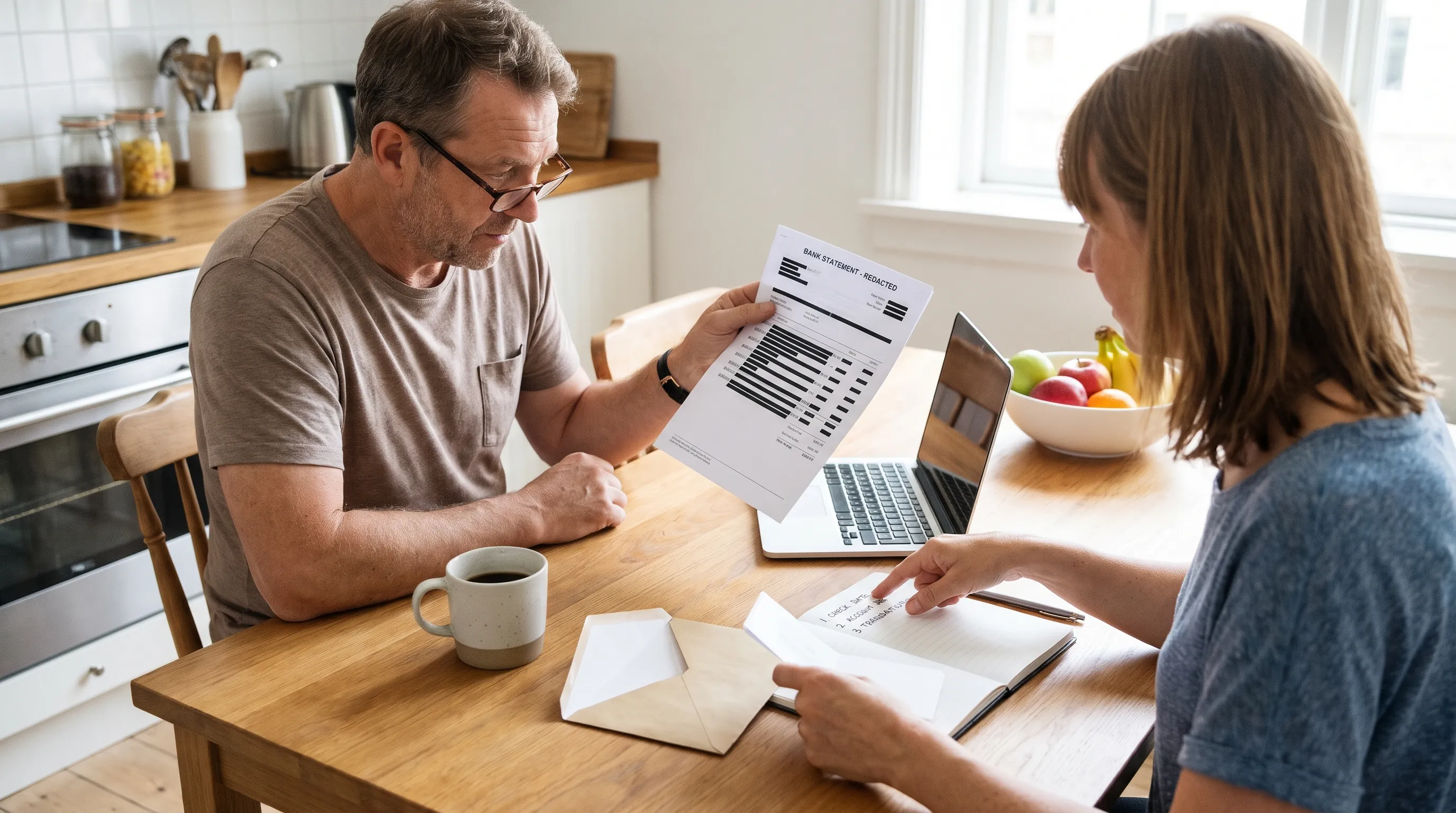
Sharing a bank statement with account number details masked can protect your privacy, but only if the recipient accepts redacted documents and the hidden information is actually removed. Drawing a black rectangle over the digits is not enough. The safer approach is to confirm what the recipient needs, redact a separate copy with a proper PDF tool, check for recoverable information and send it through an approved channel.
Start with the purpose, not the file
Before sending anything, ask what the document must prove: account ownership, income, address, available funds or a particular payment. Those purposes require different information, and sometimes a full statement is unnecessary.
For a supplier payment query, a transaction receipt may be sufficient. If you are documenting a purchase of custom woven labels, for example, ask whether a payment reference and a redacted transfer receipt will resolve the question without exposing unrelated payroll or customer deposits.
For formal applications, get the recipient’s requirements in writing. Ask whether partial account numbers are acceptable, which statement periods are required and whether every page must be included. Do not assume that showing the last four digits will satisfy every verifier.
Can you share a bank statement with account number details masked?
Often, yes, but acceptance depends on the recipient and the purpose. Use the following as a discussion guide, not a guarantee of acceptance.
| Purpose | Information the recipient may need | What to confirm before redacting |
|---|---|---|
| Proof of account ownership | Account holder name, bank name and an account identifier | Whether the last four digits or a bank confirmation letter are sufficient |
| Proof of income | Name, statement period and relevant deposits | Whether unrelated transactions, balances or descriptions may be hidden |
| Proof of address | Name, residential address, bank identity and document date | Document age limits and whether financial details may be removed |
| Proof of funds | Name, date and available or closing balance | Whether full statements and an unmodified bank-issued document are required |
| Proof of payment | Date, amount, recipient and payment reference | Whether a transaction-specific receipt can replace the statement |
Your account number identifies your particular account. A US routing number identifies the financial institution or routing destination and is nine digits long; account-number lengths vary. Statements do not always display both. Hide either identifier when it is unnecessary and the recipient permits it.
Redact a copy without leaving recoverable digits
1. Obtain the bank’s original document
Download the relevant statement from your bank’s authenticated website or app. If it is unavailable, request it through the bank’s official support channel. Keep that original unchanged in a secure location and work on a duplicate.
When preparing a bank statement with account number details masked, start with the official PDF rather than a screenshot, spreadsheet export or recreated template. Those alternatives may omit page numbers, statement dates or other details the recipient uses to assess the record.
If you only have paper, make a clear scan of every required page before redacting it. A scan still needs proper redaction because it may contain both the page image and an OCR text layer.
2. Locate every occurrence of sensitive information
Check the account summary, page headers, footers and transaction descriptions. The account number may appear more than once or in different formats, such as grouped digits, spaced digits or a longer international identifier.
Also inspect QR codes, barcodes, attached files and document properties. These can contain information that is not obvious in the visible account summary. Do not remove a verification code automatically, however, if the recipient needs it to validate the document. Ask for an alternative verification method instead.
Decide exactly what will remain visible. If the recipient permits the last four digits, remove all preceding digits wherever the number appears. Preserve the name, dates, balances and transactions required for the stated purpose. Redacting unrelated purchases is appropriate only when the recipient allows it.
3. Apply real redactions, not visual overlays
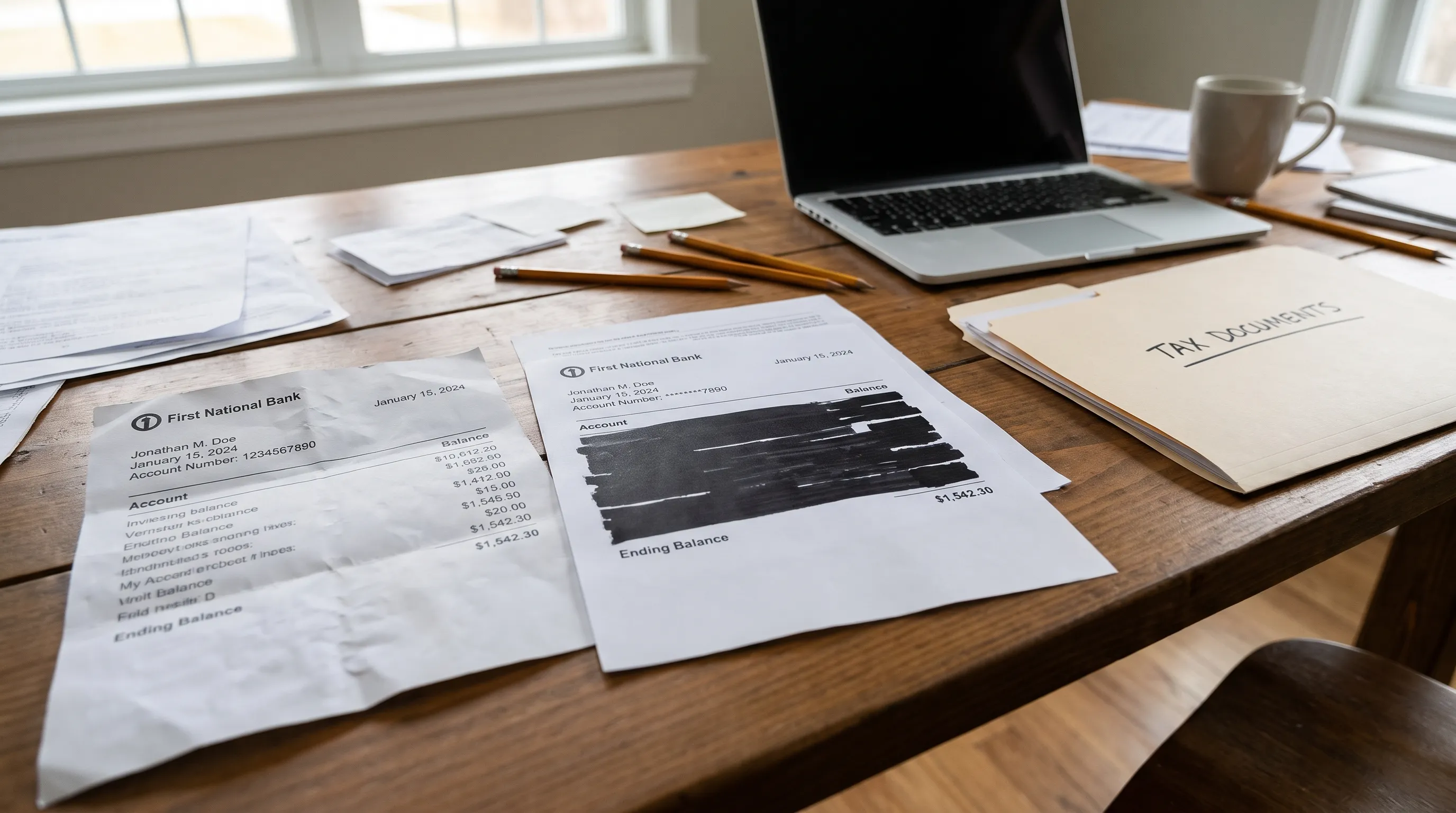
A bank statement with account number details hidden behind a shape may still contain the original digits underneath. Highlighting, drawing over text or changing its color does not reliably remove the underlying content.
Use a PDF editor’s dedicated redaction function, then apply the redactions and save the result as a new file. Adobe’s instructions for removing sensitive content from PDFs distinguish redaction from other edits and explain how to remove hidden information.
For scanned documents, the tool must remove the relevant image content as well as any associated OCR text. Do not rely on flattening, password protection or printing to PDF alone as proof that sensitive content has been removed.
4. Check the exported file independently
Before sharing a bank statement with account number details redacted, close the editor and reopen the saved copy in a different PDF reader. Inspect every page rather than relying on the editing preview.
Search for the full account number and distinctive groups of the removed digits. Try selecting and copying text from the redacted area into a local text editor. Review comments, attachments and document properties for unnecessary personal information. These checks can reveal mistakes, but passing them is not a substitute for using a proper redaction tool.
Finally, confirm that the required information remains readable and the document is complete. Use a neutral filename such as statement-redacted.pdf, not one containing the account number. Make sure the file you attach is the redacted copy, not the original sitting beside it.
Share through a channel that limits access
Use the recipient’s verified upload portal when one is available. Reach it through a known website or an established contact, rather than an unexpected message requesting financial documents.
If you use a file-sharing service, restrict access to the intended recipient and disable public access. Set an expiration date when available and remove access when the process is complete. If email is unavoidable, confirm the address carefully. An encrypted attachment can add protection when the recipient supports it, with the password sent through a separate channel.
A bank statement with account number details masked still reveals sensitive information. Names, addresses, balances and transaction descriptions can expose income, business relationships or personal habits. Redaction reduces disclosure; it does not make the document anonymous.
State clearly that you are providing a redacted copy and identify the categories removed, such as “full account number withheld; last four digits visible.” Keep a record of what you sent, to whom and for what purpose.
What if the recipient needs the full account number?
Ask why it is needed and whether another document will satisfy the requirement. A bank-issued account confirmation letter, account verification document or direct bank verification process may be more suitable. Availability and terminology vary by bank.
If your bank already provides a bank statement with account number digits partially hidden, you cannot recover the missing digits from that statement. Request an appropriate document through the bank instead of typing the full number into the PDF yourself.
When a legitimate process requires an unredacted statement, confirm the request independently and use the recipient’s designated secure submission method. A legitimate need for the number does not justify sending it to an unverified email address.
Redaction can also invalidate an existing digital signature. If the recipient relies on that signature, request a bank-issued masked document or agree on another verification method. Never describe an edited copy as an unchanged original. Our guide to authenticating a bank statement before sharing explains the separate roles of document source, signatures and numerical checks.
Keep financial analysis separate from the shared copy
You may need a spreadsheet for reconciliation while the recipient needs a statement PDF for evidence. Treat those as separate outputs. A CSV or Excel file is not automatically an acceptable substitute for a bank-issued statement.
Extract Bank Statements converts statement PDFs into CSV, Excel, OFX or JSON and verifies extracted figures against the statement’s running balance and totals. That helps check numerical consistency before the data enters an accounting workflow. It does not establish document authenticity or confirm that a recipient will accept your redactions.
If you need to process a bank statement with account number information removed, keep the amounts, dates and balance fields needed for reconciliation readable. Check the exported file separately for personal information before sharing it. Do not assume that converting a document removes identifiers, and avoid uploading an unredacted original to any service unless you are authorized to do so.
Frequently asked questions
Is drawing a black box over an account number safe? Not by itself. A shape may cover the digits visually while leaving searchable or selectable text underneath. Use a dedicated redaction tool, apply the redactions and inspect the saved output for hidden information.
Can I hide transactions as well as my account number? Only if the recipient permits it. Income verification, lending reviews and audits may require complete activity. Ask which fields may be redacted, and never change amounts or balances to disguise missing information.
Will a bank statement with account number digits masked prove account ownership? It may, if the recipient accepts the visible name, bank details and partial account identifier. Some processes require the full number, a bank-issued letter or direct verification. Confirm the requirements before editing.
Are screenshots acceptable instead of a PDF? Sometimes, but they may omit identifying details or required pages. Use the bank’s official statement PDF unless the recipient explicitly accepts screenshots. If you need help obtaining the right file, follow our guide to saving a bank statement as a PDF.
Need statement data for your own records?
Keep the original secure, share only the approved redacted copy and handle extracted data separately. For reconciliation or accounting, Extract Bank Statements offers free first conversions with running-balance and totals verification before export.