
How to Review a Bank Transaction Statement for Duplicates
Thomas Gak-Deluen9 min read
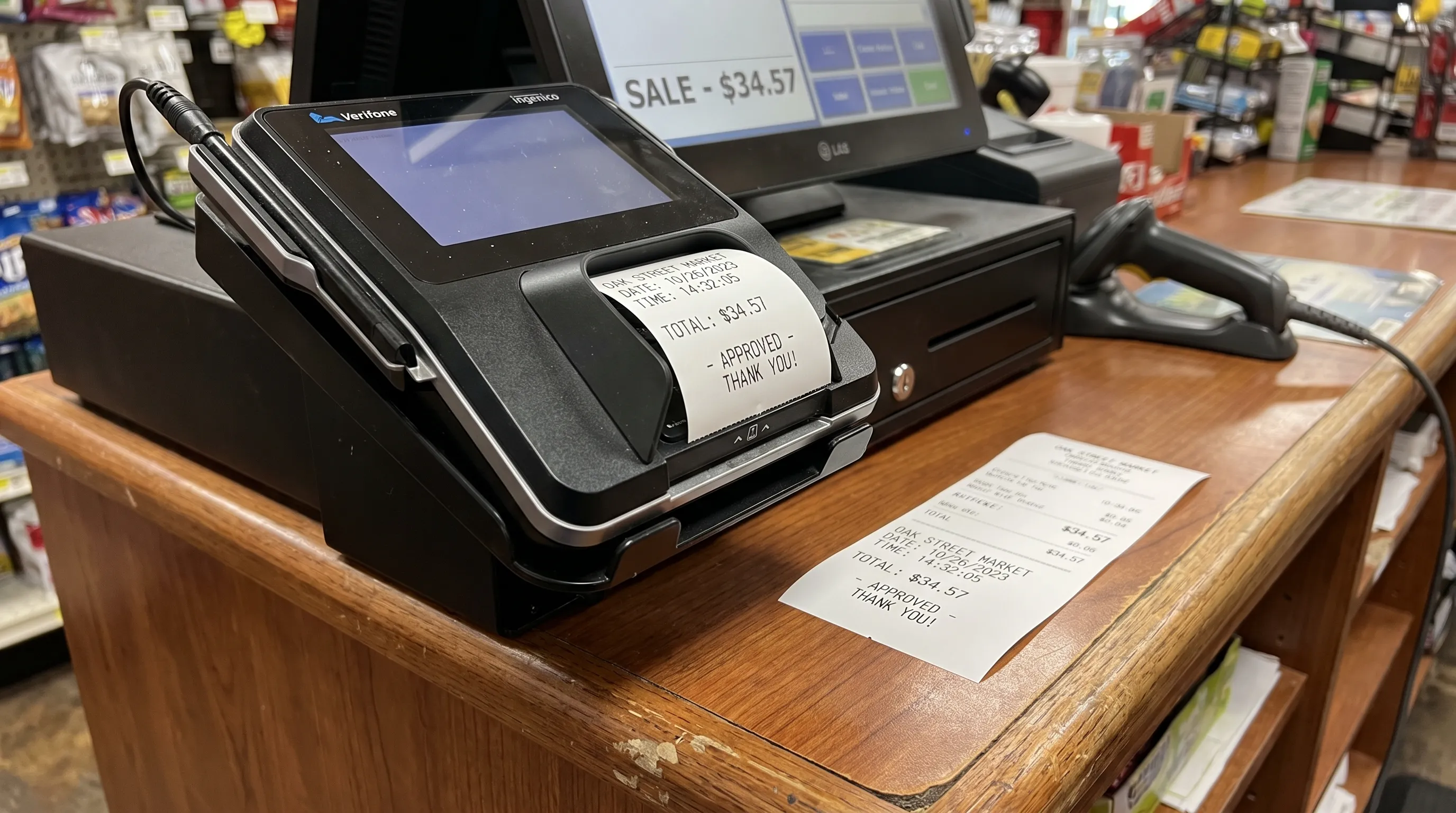
Two identical amounts on a bank transaction statement are a reason to investigate, not a reason to delete a row. The repetition could be a genuine double charge, an extraction error, an overlapping import or two legitimate purchases. Each requires a different response.
The safest approach is to locate where the repetition first appears, check the statement’s arithmetic and compare the entries with supporting records. That lets you correct the problem without removing valid activity or losing evidence needed for a dispute.
Identify where the repetition begins
Compare three records: the original bank-issued statement, any extracted spreadsheet and the transactions already in your accounting system. Search for the amount in each record, then compare dates, descriptions and references.
The location of the repeated entry determines what to investigate next:
| Where the repetition appears | Possible explanation | Next check |
|---|---|---|
| Twice in the original statement | Two purchases or a duplicate posted charge | Receipts, payment references and bank confirmation |
| Once in the PDF, twice in the spreadsheet | Extraction error or overlapping source files | Source page and row for each extracted entry |
| Once in the spreadsheet, twice in accounting | Repeated import or overlap with a bank feed | Import history and existing ledger entries |
| Once pending and once posted in online banking | Authorization followed by settlement | Whether both eventually post as separate transactions |
Treat matching entries as candidates, not confirmed duplicates. Two payments of the same amount to the same supplier can both be correct. Conversely, a genuine duplicate may have a slightly different description or posting date.
If an entry appears unauthorized, contact your bank through a verified channel promptly. Do not delay an account-security response while completing the spreadsheet review.
Prepare your bank transaction statement for comparison
Save an unchanged copy of the PDF and work from a separate spreadsheet. Record the account, currency, statement period and source filename so entries from different accounts or documents do not become mixed together.
For each transaction, retain the posting date, original description, debit or credit amount, transaction reference and running balance where available. Add a source page or row identifier if you are compiling multiple files.
Use separate helper columns for cleaned descriptions and review decisions. Do not overwrite the original text, since a shortened merchant name can hide useful distinctions such as terminal numbers or payment references.
Before comparing rows, make sure:
- Dates are actual spreadsheet dates, with the correct month and day interpretation.
- Amounts are numeric and follow one consistent debit/credit convention.
- Different currencies remain separate.
- Opening balances, closing balances and page subtotals are not treated as transactions.
For a checking account, one useful convention is positive amounts for money received and negative amounts for money paid out. Credit card statements can use different presentation conventions, so confirm their meaning first.
If the exported file needs broader preparation, follow these steps for cleaning a bank statement CSV before importing. Preserve the original export alongside your working copy.
Flag possible duplicates without removing them
Start with exact matches
A practical first pass groups entries by account, currency, posting date and signed amount. Description and reference fields then help determine whether the matches represent separate transactions.
For a bank transaction statement containing one currency, suppose your worksheet uses column A for account, B for posting date and D for signed amount. In a helper column, this Excel or Google Sheets formula flags matching combinations:
=COUNTIFS($A$2:$A$10000,A2,$B$2:$B$10000,B2,$D$2:$D$10000,D2)>1
Adjust the ranges to cover your data. If the worksheet contains multiple currencies, add a currency criterion before using the results.
A TRUE result means that more than one row shares those values. It does not establish that either row should be removed. Filter the flagged rows and compare their original descriptions, references and source locations.
Avoid starting with a spreadsheet’s Remove Duplicates command. It can discard a legitimate payment before you have established what happened.
Review near-matches separately
Exact matching will miss some suspicious pairs. A merchant might submit two charges on different days, or a description might change between an authorization and settlement.
Sort by account, currency, amount and date to inspect repeated amounts across nearby dates. Keep the original statement order in a separate column so you can restore it for balance checks.
Look closely at repeated subscription payments, retries after an apparent payment failure and purchases with matching invoice numbers. Treat shared references cautiously: a reference may describe a batch or payment service rather than uniquely identify a transaction.
Check opposite-sign entries too. A debit followed by an equal credit may represent a reversal, not a duplicate. A later replacement debit can make the sequence look repetitive even though the net amount is correct. Mark the relationship between those entries rather than deleting them individually.
Use running balances to test extraction accuracy
For a deposit account using positive credits and negative debits, the basic check is:
Previous balance + signed transaction amount = next balance.
Review the bank transaction statement in its original order when applying this test. Sorting transactions by merchant or amount breaks the sequence that makes running-balance verification useful.
Consider this illustrative extraction, starting from a $1,000 balance:
| Extracted entry | Signed amount | Reported running balance |
|---|---|---|
| Supplier payment | -$84.00 | $916.00 |
| Repeated supplier row | -$84.00 | $916.00 |
| Customer deposit | +$200.00 | $1,116.00 |
The second row fails the calculation: $916 minus $84 would be $832, not $916. The repeated balance is a clue that the spreadsheet may contain the same source transaction twice. Return to the PDF to confirm it.
Also compare opening balance plus total credits minus total debits with closing balance. Where the statement declares separate debit and credit totals, compare those independently rather than relying only on the net movement.
Understand what a balanced statement cannot prove
A genuine duplicate charge can still pass every arithmetic check. If the bank actually posted two $84 debits, the balance should fall twice. The numbers reconcile even if the second payment should never have occurred.
Likewise, equal-and-opposite extraction errors can cancel out in a closing-balance test. A correct total does not prove that every individual row is correct.
Balance verification tests numerical consistency, not whether a payment was justified. Statements without transaction-level balances offer fewer checkpoints, so source-row comparisons and supporting documents become especially important.
Confirm whether two posted charges represent one purchase
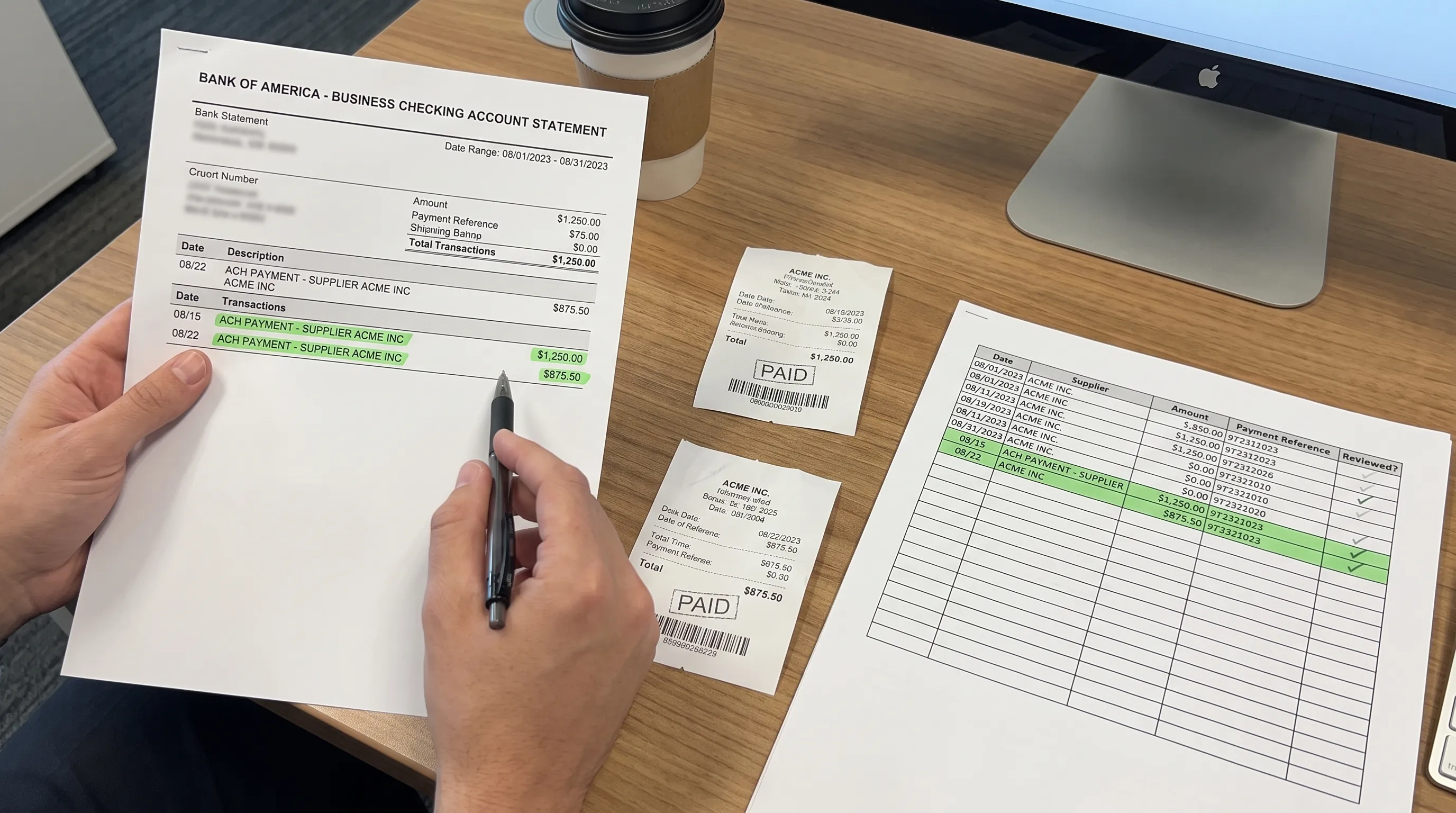
For each suspicious pair, compare the purchase evidence. Useful details include receipt numbers, invoice numbers, order confirmations, service dates and payment confirmations. Check whether there were two separate orders, split deliveries or purchases made by different authorized cardholders.
When reviewing a bank transaction statement, posting dates alone are not enough. A purchase date can differ from the date the bank posts it, and two purchases made on different days may settle together.
A strong duplicate-charge case might contain one order, one receipt and two posted debits, with no second delivery or service. A weaker case consists only of two equal amounts under a common merchant name.
If the merchant description is unfamiliar, use a separate process for investigating a transaction you do not recognize. An unfamiliar name and a duplicated payment are different issues, even when they occur together.
Use business records to explain repeated payments
For businesses, operational records can clarify why similar expenses occurred. Repeated equipment-rental charges, for example, may relate to separate assignments rather than one invoice paid twice.
A drone operator using Dronedesk for flight planning and flight logging could compare flight dates with rental invoices when investigating two similar equipment charges. The flight records provide context for separate assignments, but invoices and payment confirmations are still needed to establish what was billed and paid.
Keep the distinction clear in your review notes: evidence that work occurred is not the same as evidence that a particular payment was correct. Record which document supports each conclusion, including when the available evidence remains inconclusive.
Correct the problem in the right place
Once you establish the cause, make the correction in the affected system. A bank transaction statement should remain preserved as issued, even when you dispute one of its entries.
If extraction created the duplicate, exclude the confirmed extra row from the working export. Keep its source details and the reason for exclusion, then rerun balance and transaction-total checks.
If an import created the duplicate, inspect the accounting system’s import history and matching rules. A PDF import may overlap with a bank feed or an earlier upload. Use the system’s supported correction process, taking care not to undo a legitimate reconciled entry.
If two posted charges relate to one purchase, contact the merchant or bank as appropriate and retain the case reference. Provide both transaction details and the evidence supporting your concern. Do not mark an expected refund as received until it actually posts.
If both payments are valid, keep both rows and record why they were retained. That note prevents the same pair from being repeatedly investigated during later reviews.
A useful review log includes the candidate entries, source location, supporting evidence, decision, reviewer and any correction or dispute reference. Keep unresolved items visible rather than forcing every candidate into a duplicate-or-valid decision immediately.
Frequently asked questions
Can two identical transactions both be legitimate? Yes. Separate purchases can share the same merchant, date and amount. Compare receipts, order details and payment references before deciding that one is a duplicate.
Does a matching closing balance rule out duplicate charges? No. A bank transaction statement can balance perfectly while containing a genuine double charge. The balance reflects what posted, not whether every payment was authorized or correct.
Should I delete a pending charge that matches a posted payment? Do not treat a pending authorization as a second settled payment automatically. Check whether both entries eventually post separately. Ask the bank if the status is unclear or the hold persists beyond its expected release time.
What if the same transaction appears in two downloaded files? Check the date ranges and source records. Overlapping downloads can contain the same transaction without the bank having charged you twice. Exclude only the confirmed extra occurrence from the combined working dataset.
How quickly should I report a suspected duplicate? Contact the merchant or bank promptly. Dispute procedures and deadlines vary by account type, payment method and jurisdiction. Follow your bank’s instructions rather than waiting for the next statement.
Start with a verified export
A reliable duplicate review starts with an accurate copy of the source. Extract Bank Statements converts statement PDFs into CSV, Excel, OFX or JSON and verifies extracted figures against the statement’s running balances and declared totals before export. OCR supports scans and photos.
Use those checks to establish numerical consistency, then investigate flagged payments using the workflow above. Reviewing a bank transaction statement for duplicates still requires evidence about the underlying purchases, even when every extracted number adds up.