
How Receipt OCR Builds More Accurate Expense Records
Thomas Gak-Deluen10 min read
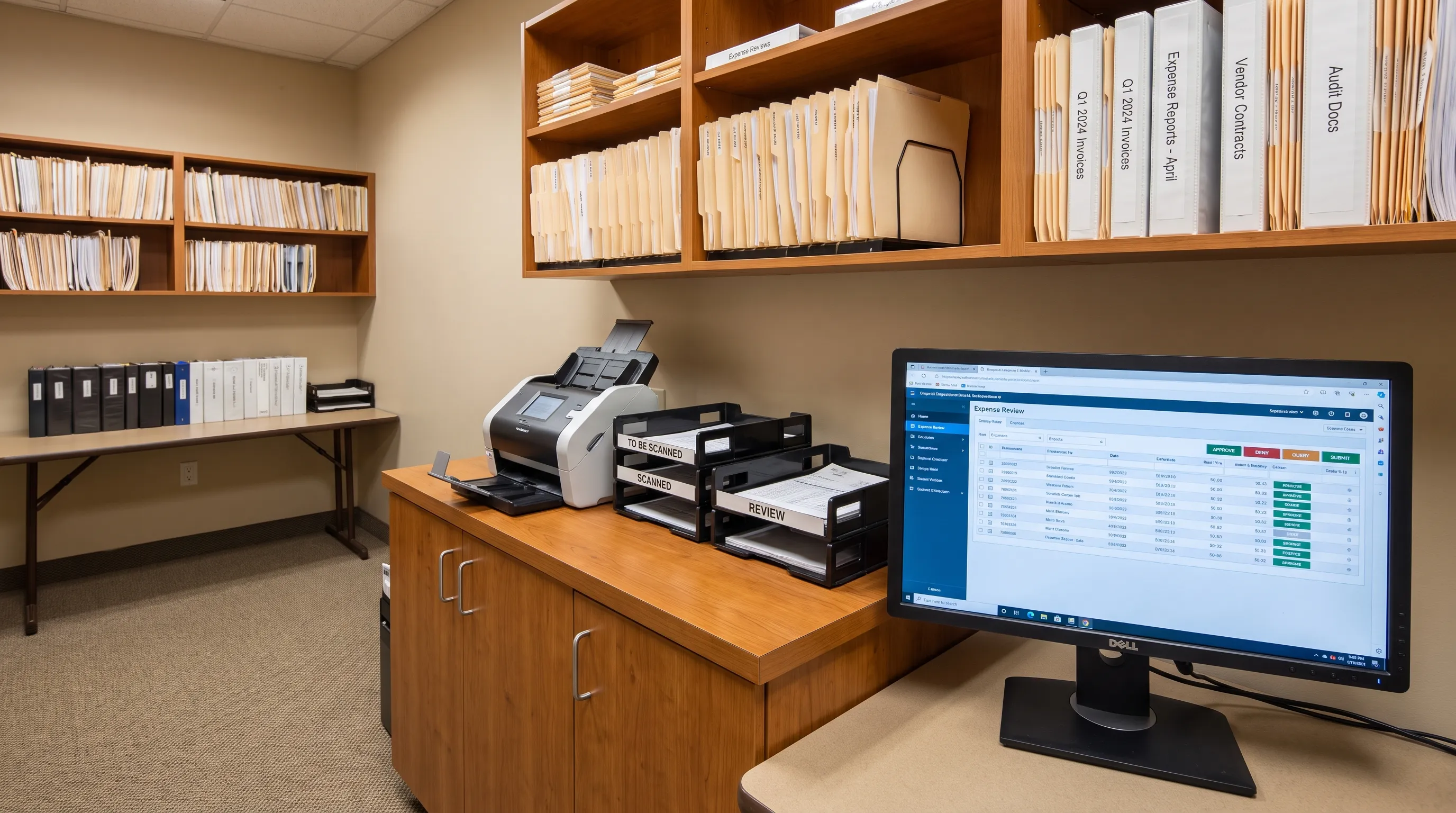
Receipts are small documents, but small errors multiply fast when teams enter them by hand. Receipt OCR reduces that risk by turning printed, scanned or photographed receipts into structured records that can be checked, categorized and reconciled before they reach an expense report or accounting system.
That matters because an expense record is more than a photo attached to a transaction. It should prove who was paid, when the payment happened, what was bought, how tax was handled and whether the amount matches the money leaving the account. When those details are captured consistently, finance teams spend less time fixing data and more time reviewing the exceptions that actually need judgment.
Why expense records go wrong in the first place
Manual receipt entry looks simple until volume rises. A bookkeeper reads the merchant name, date, subtotal, tax, tip and total, then types those values into a spreadsheet, accounting platform or reimbursement tool. Each step creates room for transposed digits, missed tax amounts, duplicate uploads or a receipt being matched to the wrong card charge.
The problem is not only human error. Receipts themselves are inconsistent. One restaurant places the tip line above the final total. Another receipt shows card authorization separately from the sale total. A fuel receipt may include gallons, loyalty discounts and tax fields that do not look like a retail receipt at all. International receipts add currency symbols, decimal formats and language differences.
For U.S. tax and audit purposes, businesses generally need records that support deductions and explain the business purpose of expenses. A shoebox of images is not enough if the numbers cannot be traced back to reliable fields.
What receipt OCR changes about expense capture
Receipt OCR changes the first step in the workflow. Instead of treating a receipt as a static image, it reads the visual document and extracts usable data such as merchant, transaction date, payment method, line items, tax and total.
The best workflows do not stop at recognition. They also normalize the output. For example, a merchant may appear as “SQ *BLUE BOTTLE,” “Blue Bottle Coffee” or a local branch name on different documents. Normalization helps group those records under a consistent vendor, which makes reporting cleaner and reduces duplicate vendor entries in accounting systems.
Accuracy improves when extraction is paired with validation. If the total does not equal subtotal plus tax plus tip, the record should be flagged. If the receipt date is after the card settlement date by a plausible margin, it may still be fine. If it is six months away, someone needs to review it. That separation between routine capture and exception handling is where automation becomes useful.
From image to reliable expense data
A good expense record is built in stages. Each stage reduces a different type of error, from poor image quality to weak categorization.
Image cleanup and layout detection
Good receipt OCR starts with a readable image. The system may need to correct rotation, crop the receipt, improve contrast and separate the printed receipt from a noisy background. Photos taken on a desk, in a car or under dim light often need this preprocessing before text recognition can perform well.
This step is similar to the work required when financial documents are scanned imperfectly. If you process both receipts and statements, it helps to understand how OCR handles blurry statement scans, since many of the same cleanup problems appear in receipt images.
Layout detection then identifies where important fields are likely to sit. A receipt is not a normal paragraph. It has columns, totals, headers, footers and sometimes payment authorization blocks. The system must understand those zones before it can decide which number is the total that belongs in the ledger.
Field extraction and normalization
After the text is recognized, the system turns words and numbers into fields. Date, merchant, currency, tax, total and payment method are the usual foundation. More advanced records may include line items, product codes, tips, discounts or VAT identifiers where the document provides them clearly.
Normalization makes those fields useful across many receipts. Dates need a consistent format. Currency symbols need to become currency codes. Merchant names need cleaning without losing audit value. A good workflow preserves the original document image while creating a structured version that can be exported, searched and matched.
Validation and exception review
Extraction without validation creates a new problem: fast errors. A system can read thousands of receipts, but if nobody checks whether the extracted values make financial sense, bad data simply reaches the books faster.
Validation should compare totals, detect missing fields and flag suspicious records. For example, if a receipt shows a subtotal of 42.00, tax of 3.36 and total of 52.36, something is missing or misread. The system should not silently accept that record. It should either locate the missing tip, request a review or mark the entry as incomplete.
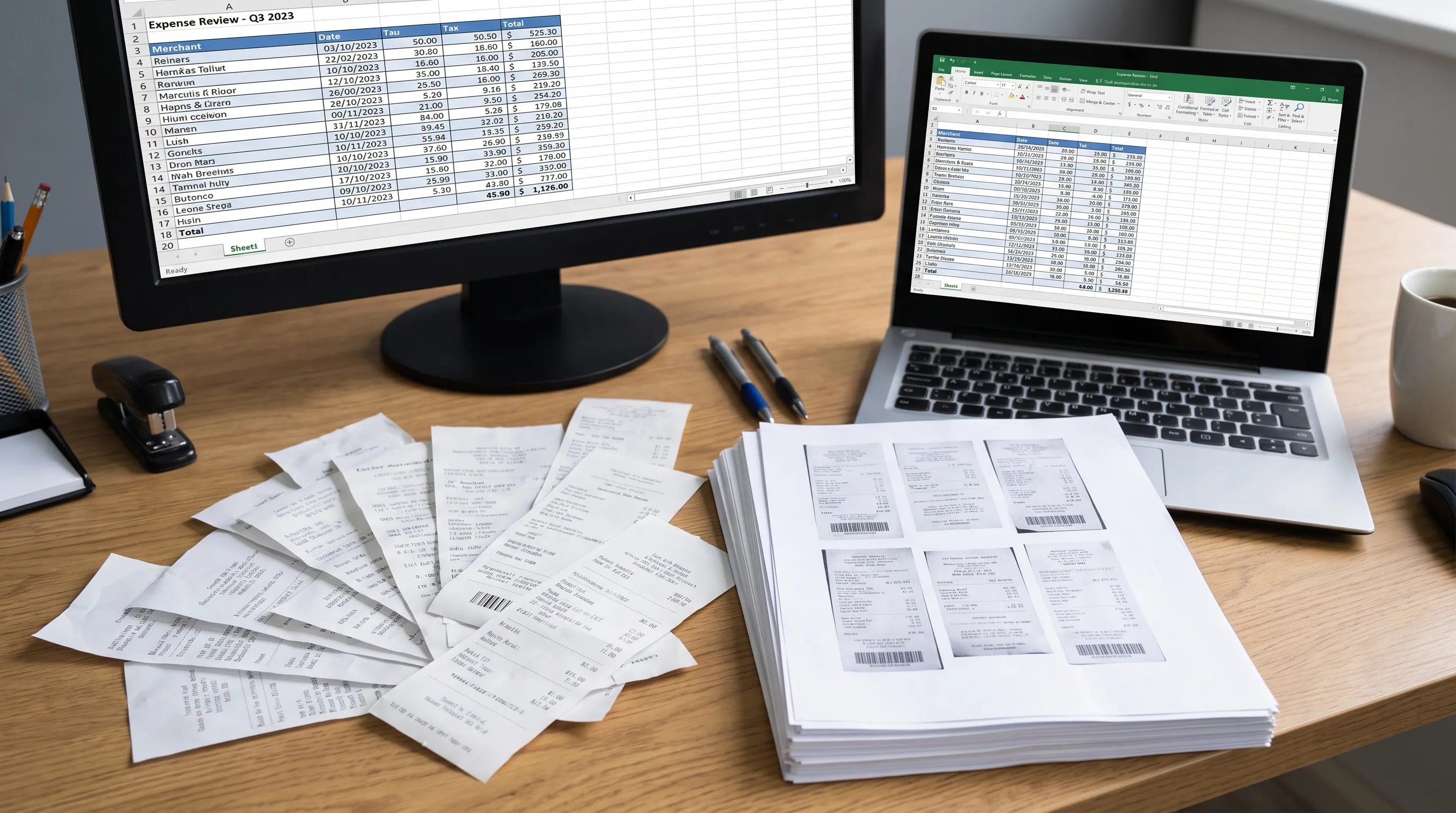
The records receipt OCR should create, not just the text it reads
The strongest receipt OCR workflow creates accounting-ready records, not just extracted text. A raw OCR transcript may contain every visible word on the document, but finance teams need structured evidence.
A practical expense record should capture the fields that support reimbursement, bookkeeping, tax review and reconciliation. The exact fields depend on the business, but the following structure is a useful baseline.
| Field | Why it matters | Common accuracy check |
|---|---|---|
| Merchant name | Identifies who was paid | Compare with card statement descriptor |
| Transaction date | Places the expense in the correct period | Compare with posting or settlement date |
| Total amount | Drives reimbursement and bookkeeping | Check subtotal, tax, tip and discounts |
| Tax amount | Supports tax reporting where applicable | Compare with local tax rules or receipt math |
| Currency | Prevents reporting errors in multi-currency spend | Compare with card account currency |
| Payment method | Helps match to bank or card activity | Compare last four digits or account feed |
| Category | Supports reporting and policy review | Compare with merchant and line items |
| Original image | Provides audit evidence | Store with the structured record |
The original image still matters. OCR output is evidence derived from the receipt, not a replacement for the receipt. Good systems preserve both so reviewers can trace a field back to the source when a value is questioned.
Where receipt data meets bank statement data
Expense records become more reliable when receipts are matched to bank or credit card activity. A receipt says what happened at the point of purchase. A statement proves that money moved through an account. When both agree, the record is stronger.
This is where receipt capture and statement conversion complement each other. Receipts provide merchant detail, tax, tips and line items. Statements provide posted amounts, account context, currency, dates and running balances. If the two sources disagree, the difference may reveal a tip adjustment, foreign exchange conversion, duplicate receipt or missing refund.
A simple matching workflow compares merchant, date, amount and payment method. More careful workflows allow for known timing differences, such as a hotel charge that appears after checkout or a restaurant tip that settles later than the authorization.
If your team works from statements as well as receipts, it is worth reviewing how to read a bank statement and verify every transaction. Receipt records are much easier to trust when the related statement data has also been checked for completeness and balance consistency.
Practical controls that improve accuracy
Even good automation needs process controls. The goal is not to remove review completely. The goal is to make review focused, consistent and fast.
Keep the original file attached
Every structured expense record should link back to the original receipt image or PDF. If a reviewer questions a tax amount, tip or merchant name, they should be able to inspect the source without searching through email, camera rolls or shared drives.
Teams should also avoid renaming files in ways that erase context. A file called “receipt 14.jpg” is not useful. A structured naming convention with date, merchant and amount is easier to audit, especially when multiple people upload records.
Use exception queues instead of spot checks only
Spot checks can catch some errors, but exception queues are more systematic. Flag records when totals do not add up, dates are missing, currency is unclear or the receipt cannot be matched to a statement transaction.
For automated workflows, receipt OCR should feed those exceptions into a review process rather than forcing staff to inspect every record manually. Clean records can move forward. Unclear records wait for confirmation.
Maintain clean working folders
Finance teams often process receipts from downloads, email attachments, scanner folders and temporary exports. Messy local storage increases the risk of uploading duplicates or attaching the wrong document to an expense. On macOS workstations used for scanning and export preparation, a cleanup tool such as Broomkit's Mac cleaner can help remove caches, leftovers and duplicate clutter from working folders. It should support, not replace, your formal document retention policy.
Common failure cases to watch for
No OCR system is perfect. Accuracy depends on image quality, receipt layout and the controls around the workflow. The most common issues are predictable, which makes them easier to manage.
Faded thermal paper can cause missing digits. Crumpled receipts can break line-item alignment. Photos taken at an angle can distort totals. Restaurant receipts can show authorization and final settlement differently. Online receipts may include order totals, gift card balances, shipping, refunds or marketplace fees in ways that confuse a simple extraction model.
The solution is not to reject automation. It is to design the workflow so weak records are visible. If a receipt is unreadable, the system should ask for a better image. If a total conflicts with the card charge, the record should be held for review. If duplicate receipts appear, the system should compare date, merchant and amount before accepting both.
That is why receipt OCR works best as part of a broader financial data workflow. The receipt tells one side of the story. Bank statements, card statements, invoices and reimbursement approvals complete the record.
How Extract Bank Statements fits into the workflow
Extract Bank Statements is built around a related accuracy principle: financial data should add up before you use it. It converts bank statement PDFs into CSV, Excel, OFX or JSON, including scanned documents and photos through OCR, then checks figures against the statement’s own running balance and declared totals before export.
That makes it useful when receipt records need to be reconciled against real account activity. A finance team can extract statement data, verify that the statement conversion is internally consistent, then match receipt expenses to bank or card transactions. For teams with automated workflows, REST API access can help move verified statement data into downstream systems.
The result is a cleaner chain of evidence. Receipts explain the purchase. Statements confirm the cash movement. Exports give accountants and operators a structured dataset they can actually work with.
Frequently Asked Questions
What is receipt OCR used for? Receipt OCR is used to convert receipt images, scans or PDFs into structured expense data such as merchant, date, total, tax, currency and line items. That data can then be reviewed, exported and matched to accounting records.
Does OCR replace keeping the original receipt? No. The structured data helps with reporting and reconciliation, but the original receipt image or PDF should remain attached to the record for audit review and source verification.
How does receipt extraction improve expense accuracy? It reduces manual typing, applies consistent field formats and flags records when totals, dates or required fields do not make sense. Accuracy improves further when receipt records are compared with bank or credit card statement data.
Can receipt data be matched to bank statements automatically? In many workflows, yes. Matching usually compares merchant, amount, date, currency and payment method. Some records still need review because of tips, delayed settlement, refunds, foreign exchange or unclear merchant descriptors.
Build expense records you can trust
Accurate expense records come from combining capture, validation and reconciliation. Receipts need to be read correctly, but they also need to be checked against the financial activity they represent.
If your workflow depends on statement data, Extract Bank Statements helps turn bank statement PDFs into CSV, Excel, OFX or JSON and verifies the figures against running balances and totals before export. Pairing that verified statement data with structured receipt records gives your team a stronger foundation for bookkeeping, reimbursement, reporting and audit preparation.