
How OCR Document Scanning Captures Tables and Totals
Thomas Gak-Deluen8 min read
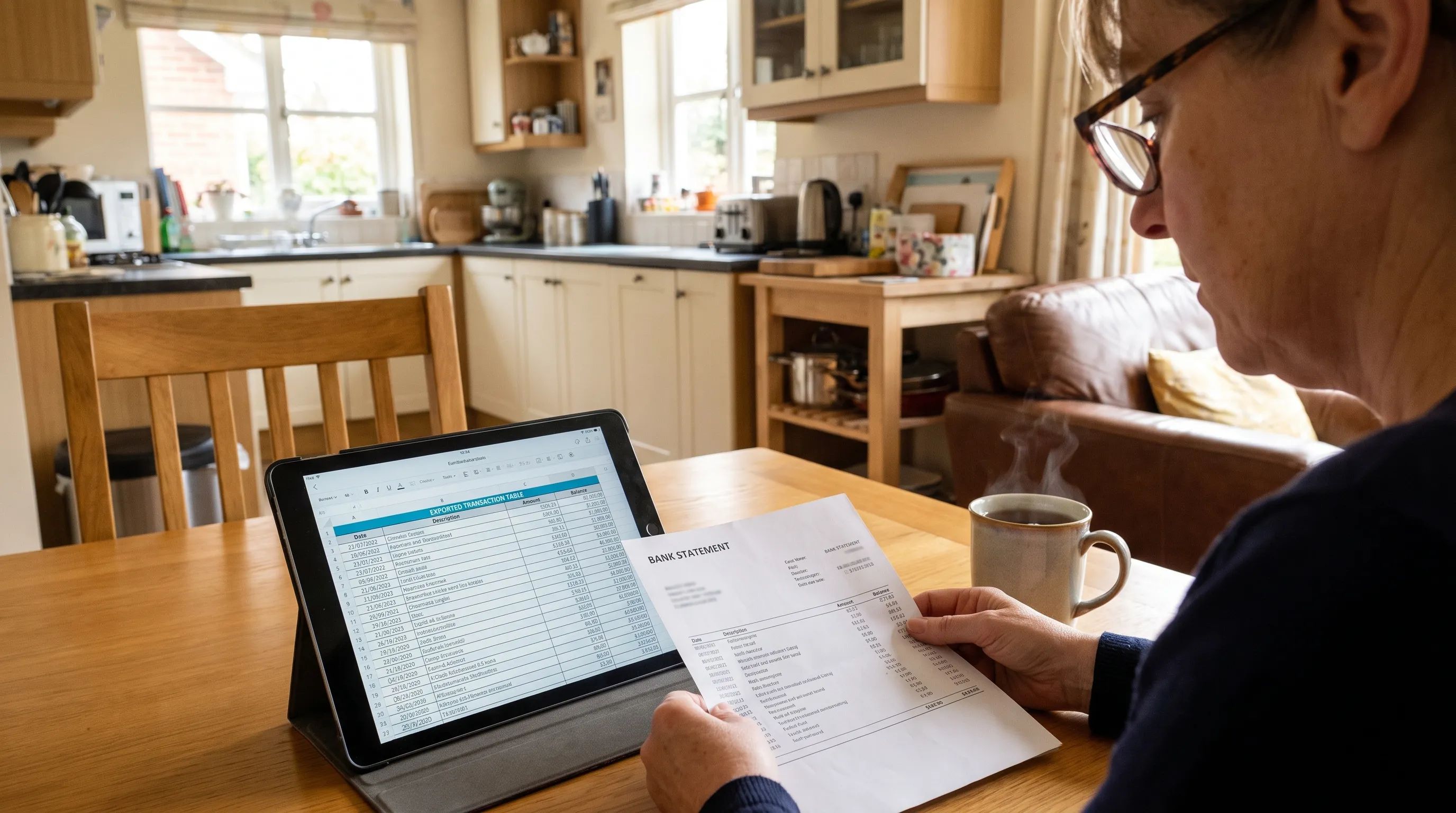
A bank statement can look perfectly readable while its extracted spreadsheet contains a misplaced debit or a missing decimal point. OCR document scanning must preserve both the numbers and their relationships: which transaction an amount belongs to, whether it increases or decreases the balance and which total it should reconcile against.
For financial work, recognizing characters is only the beginning. Reliable extraction combines text recognition, table reconstruction and arithmetic checks. Understanding those stages helps you distinguish an export that looks tidy from one whose figures actually agree with the source document.
How a scan becomes a financial table
OCR, short for optical character recognition, turns images of printed characters into machine-readable text. Financial table extraction adds structure to that text so software can distinguish a transaction date from a description, debit, credit or balance.
Recognize characters and their positions
A scanned PDF contains page images rather than usable text. An OCR engine identifies characters and generally associates recognized text with coordinates on the page.
Those coordinates matter. The number 125.00 means little on its own. Its position beneath a “Withdrawals” heading and beside a transaction description helps establish what it represents.
Image preparation can improve recognition by correcting rotation, reducing background noise or improving contrast. It cannot reliably recover a digit that was cropped out or obscured in the original image.
Reconstruct relationships between cells
Financial tables do not always have visible grid lines. Extraction systems may use column alignment, whitespace, headings and repeated transaction patterns to infer their structure.
With OCR document scanning, a description that wraps onto a second line should remain attached to its transaction rather than become a new row. Likewise, a blank credit cell must stay blank instead of pulling an adjacent balance into the wrong column.
Page boundaries introduce another structural problem. Repeated headings and carried-forward balances are not new transactions. Our guide to reading multi-page financial tables examines those continuity issues in more detail.
How OCR document scanning identifies different totals
A statement may contain several prominent amounts, but they do not all perform the same role. Extraction must classify them before using them as checks.
| Statement figure | Meaning | Useful validation role |
|---|---|---|
| Opening balance | Balance at the beginning of the stated period | Starting point for period reconciliation |
| Total credits or money in | Aggregate of qualifying incoming transactions | Comparison against extracted credit rows |
| Total debits or money out | Aggregate of qualifying outgoing transactions | Comparison against extracted debit rows |
| Closing balance | Balance at the end of the stated period | Endpoint for the opening-to-closing calculation |
| Available balance | Amount available under the bank’s rules | Usually not interchangeable with the closing balance |
Labels and scope matter as much as visual prominence. A subtotal for one transaction category is not the statement’s total outflow. A balance brought forward is not income. A credit card’s minimum payment due is not its closing balance.
OCR document scanning becomes more useful when recognized amounts retain their labels and reporting period, rather than being exported as an undifferentiated list of numbers.
The checks also need independent evidence. Adding extracted transactions together produces a calculated total. Comparing that sum with a separately printed statement total provides a control. Copying the calculated sum into a “statement total” field does not provide another check.
A worked example: check rows and totals separately
Consider this illustrative deposit-account statement. It starts with an opening balance of $1,200.00 and contains three transactions in posting order.
| Transaction | Debit | Credit | Printed running balance |
|---|---|---|---|
| Supplier payment | $84.35 | $1,115.65 | |
| Customer receipt | $500.00 | $1,615.65 | |
| Account fee | $12.50 | $1,603.15 |
For this example, the row-level relationship is:
Previous balance + credit − debit = next balance.
The first row gives 1,200.00 − 84.35 = 1,115.65. The second adds $500.00 and the third subtracts $12.50.
Now suppose recognition reads the first debit as $84.85. That amount would produce a balance of $1,115.15, which disagrees with the printed $1,115.65 by $0.50.
OCR document scanning has captured a plausible amount, but running-balance verification exposes the inconsistency. The discrepancy identifies something to review; it does not, by itself, prove which recognized field is wrong.
At period level, the expected figures are:
- Total credits: $500.00.
- Total debits: $96.85, comprising $84.35 and $12.50.
- Closing balance: $1,603.15, calculated as $1,200.00 + $500.00 − $96.85.
If the statement independently prints those debit and credit totals, they provide additional comparisons. The arithmetic shown here assumes a deposit account. Credit card and loan statements require the sign conventions appropriate to their balance definitions.
Why a matching closing balance is not enough
Two extraction errors can cancel each other out. Omitting a $100 credit and a $100 debit leaves the net movement unchanged, even though two transactions are missing. An amount attached to the wrong description may also leave every total intact.
That is why OCR document scanning should be evaluated through several checks rather than a single “balanced” result. Running balances test local transitions, debit and credit totals test separate aggregates and source comparison tests whether amounts belong to the correct records.
These checks answer different questions. None proves that the bank’s underlying records are correct, and arithmetic cannot establish whether a transaction was authorized or assigned to the right accounting category.
Where transactions appear newest first, validation must account for the printed order. Sorting only by date can be insufficient when several transactions share a date. Preserve source order and distinguish posting dates from value dates before calculating balance transitions.
Keep currencies and settlement scopes separate
An internally correct calculation can still compare the wrong things. A USD statement total cannot be reconciled directly against a EUR settlement total without the relevant conversion details. Transaction currency and account currency may also differ within the same statement.
For a business using an iGaming platform such as Spinlab, reconciliation may involve bank statements, payment-processor settlements and separate crypto transaction records. These are different evidence sources, not interchangeable totals. A settlement can be net of fees or cover a different cutoff period from the bank statement.
OCR document scanning can capture the printed figures, but reconciliation still requires matching currencies, periods and balance definitions. Keep amounts separate until you know what each represents.
The same principle applies outside payment platforms. A processor’s gross sales total will not necessarily equal a bank deposit after refunds, fees and settlement delays. A mismatch may reflect timing or scope rather than faulty recognition.

What to check before accepting an export
A useful review process separates recognition quality, structural correctness and arithmetic agreement. Treating all three as one confidence score can hide the reason a record needs attention.
Check ambiguous characters and number formats
Inspect values where a faint decimal point, minus sign or digit could change the amount. Parentheses may indicate a negative value, and decimal conventions differ: 1,234.56 and 1.234,56 can represent the same amount in different locales.
A recognition confidence score is not proof of correctness. A system can confidently read a number while assigning it to the wrong column.
For OCR document scanning, review should therefore consider both what the characters say and how the resulting value is interpreted. Preserve the original text when normalization changes punctuation or signs so the transformation remains inspectable.
Check the table structure
Compare a sample of exported records against the source, including unusual rows rather than only clean examples. Long descriptions, reversals, blank cells and transactions beside page breaks are useful inspection points.
A practical spreadsheet should make that comparison straightforward. See our guide to reviewable transaction spreadsheets for ways to preserve source references and distinguish extracted values from corrections.
Check calculations without hiding discrepancies
Use decimal arithmetic or integer minor units, such as cents, rather than binary floating-point calculations for monetary checks. Respect the statement’s displayed precision and do not introduce a broad tolerance simply to make differences disappear.
A failed check should lead to source review, not an invented balancing transaction. Where a statement omits running balances or aggregate totals, record that limitation instead of presenting an unavailable check as passed.
Frequently asked questions
Can OCR capture tables without visible borders? Yes. Table extraction can use text positions, column alignment, headings and whitespace instead of drawn borders. Success still depends on the layout and image quality, particularly when descriptions wrap or columns sit close together.
Does a searchable PDF contain usable financial tables? Not necessarily. A searchable PDF may contain a text layer without reliable rows, columns or numeric field types. Structured exports require additional interpretation beyond making the page searchable.
Can OCR document scanning guarantee accurate totals? No. Recognition can misread characters or associate values with the wrong fields. Comparing extracted transactions with printed running balances and totals helps identify inconsistencies, but a passing calculation does not prove every description or transaction is correct.
What if the statement has no running balance? You can still compare extracted debit and credit sums with printed period totals and reconcile opening to closing balances where those figures exist. Without row-level balances, however, there is less arithmetic evidence for locating a particular error.
Should a mismatched amount be changed to make the statement balance? No. Inspect the original document first. The problem could be a misread amount, wrong sign, omitted row or incorrect ordering. Make a correction only when the source supports it, keeping the original extracted value available for review.
Export figures that have been checked
A clean spreadsheet is useful only if it preserves what the statement actually says. Recognition captures the characters, table interpretation assigns their roles and verification tests whether the figures agree.
Extract Bank Statements converts bank statement PDFs into CSV, Excel, OFX or JSON and verifies figures against the statement’s running balance and totals before export. It also supports scans and photos through OCR. Start with the free first conversions and compare the checked output with your source statement before using it in your finance workflow.