How to Scan Handwriting to Text for Bookkeeping Notes
Thomas Gak-Deluen9 min read
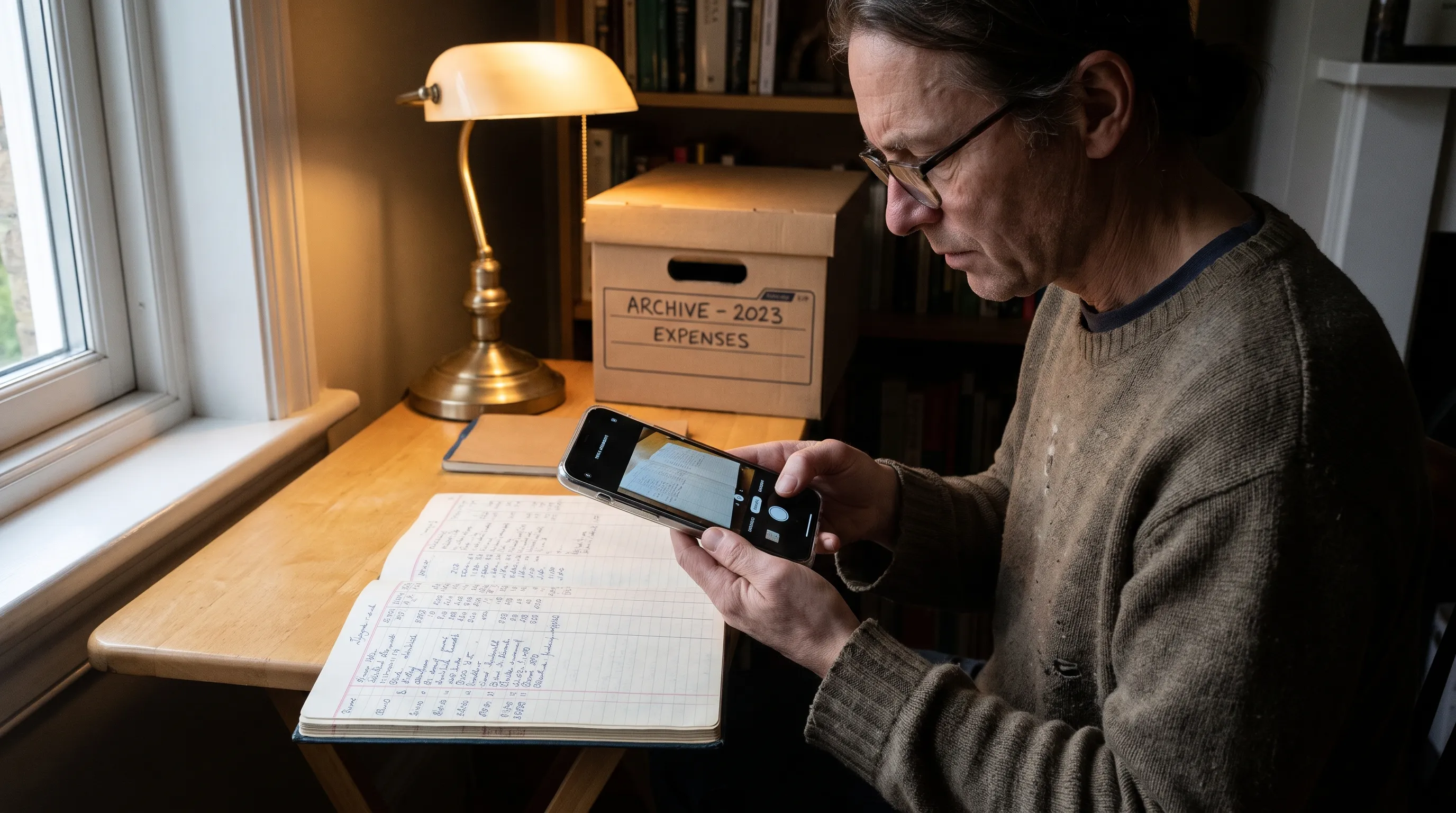
To scan handwriting to text for bookkeeping, photograph the page clearly, use a tool that supports handwriting recognition and check the transcription against the original before entering anything into your accounts. The conversion is only the first step. A missing decimal point, an altered date or a guessed payment method can turn a useful handwritten reminder into an incorrect financial record.
This guide covers tool selection, a practical accuracy test and a workflow that keeps handwritten notes separate from verified transaction evidence.
Know what handwriting recognition can prove
Traditional optical character recognition (OCR) primarily handles printed text. Handwriting recognition must also interpret connected letters, inconsistent spacing and characters that change shape within the same page. Some products describe this capability as intelligent character recognition, although terminology varies.
A tool that reads a printed receipt well may still struggle with cursive notes or handwritten amounts. Our comparison of intelligent character recognition and OCR for financial records explains that distinction in more detail.
For bookkeeping, keep three questions separate:
- Recognition: Does the transcription match the marks on the page?
- Interpretation: What does an abbreviation, date or minus sign mean?
- Verification: Does a receipt, statement or other supporting document confirm the transaction?
Software can help with the first question without resolving the other two. For example, accurately transcribing “Alex 75 cash” does not establish whether Alex paid you, received reimbursement or merely estimated an expense.
Choose how to scan handwriting to text
Start with a tool you already have, then test it on a representative page before uploading a full notebook. These are practical starting points, not a ranking based on measured accuracy.
| Option | Useful starting point | Cost and account considerations | Main limitation |
|---|---|---|---|
| Apple Live Text | Selecting recognized text from a photo on a supported Apple device | Built-in feature; availability depends on device and language support | Test your handwriting because recognition and selection may be incomplete |
| Google Lens | Copying recognized text from a phone photo | Generally available without a separate OCR subscription; account requirements depend on how you access it | Rows, columns and abbreviations may lose their original relationships |
| ChatGPT with image input | Requesting a literal transcription with uncertainty flags | Free access has usage limits; account and plan restrictions can change | It can infer plausible wording instead of faithfully copying unclear marks |
| Dedicated handwriting-recognition software | Repeated work involving cursive or large handwritten collections | Check trial limits, account requirements and export restrictions | Setup or correction time may outweigh the benefit for occasional notes |
Check whether a free option lets you copy or export the complete result, rather than merely preview it. Also check page limits, image-upload limits and whether searchable PDF or editable-text export requires payment.
For ChatGPT, the official image-input guidance describes image-related capabilities and limitations. Treat any transcription as a draft, regardless of the tool.
Capture a page that is easy to inspect
Before you scan handwriting to text, make the source image clear enough that another person could read it without guessing. Recognition software cannot reliably recover a decimal point hidden by glare or a word cut off at the edge.
Use a phone’s document-capture mode or a flatbed scanner. For a scanner, around 300 dpi is a reasonable starting point; small or faint writing may benefit from a higher setting. Keep a color original if different ink colors communicate corrections or approvals.
- Flatten the page and photograph it straight on, with the camera parallel to the paper.
- Use even lighting and avoid shadows from your hand or phone.
- Include the page edges, then crop out unrelated background without trimming notes.
- Inspect the saved image at full size, especially decimal points, minus signs and overwritten figures.
Capture one page at a time unless the tool explicitly supports multi-page input. Preserve page order with filenames such as 2026-10_expense-notes_p01.jpg.
Keep the original photograph or scan unchanged. If you adjust contrast or straighten a copy, retain both versions so a reviewer can inspect the original marks rather than only the processed image.
Request a literal transcription before a spreadsheet
When you scan handwriting to text, ask for faithful copying before asking for categories, summaries or accounting entries. Combining those tasks encourages software to fill gaps with assumptions.
For an image-capable assistant, use an instruction such as:
Transcribe this bookkeeping note exactly as written. Preserve line order, dates, decimal points, currency symbols and minus signs. Do not correct spelling, calculate missing amounts or infer payment methods. Write [unclear] wherever a character or word cannot be read confidently. Keep crossed-out text distinguishable from replacement text. Do not assign accounting categories.
This instruction reduces ambiguity but does not guarantee that the tool will follow it perfectly. Compare the result with the image yourself.
For tools that only offer text selection, copy the recognized text into a temporary document before editing it. Save that raw version separately from your corrected version.
Resolve shorthand only after transcription. “Reimb” may reasonably expand to “reimbursement,” but the note alone might not tell you who owes whom. Similarly, 04/05/26 should remain unchanged until you establish the writer’s date convention. Record unresolved meaning as a review question instead of converting it into a confident entry.
Test one page using bookkeeping-specific checks
A useful way to evaluate whether you can scan handwriting to text reliably is to compare multiple tools on the same page. Choose a page containing amounts, dates, abbreviations and at least one correction. Do not test only your neatest writing.
The following examples are illustrative transcription failures, not results from a particular product:
| Original mark | Possible incorrect output | Why it matters |
|---|---|---|
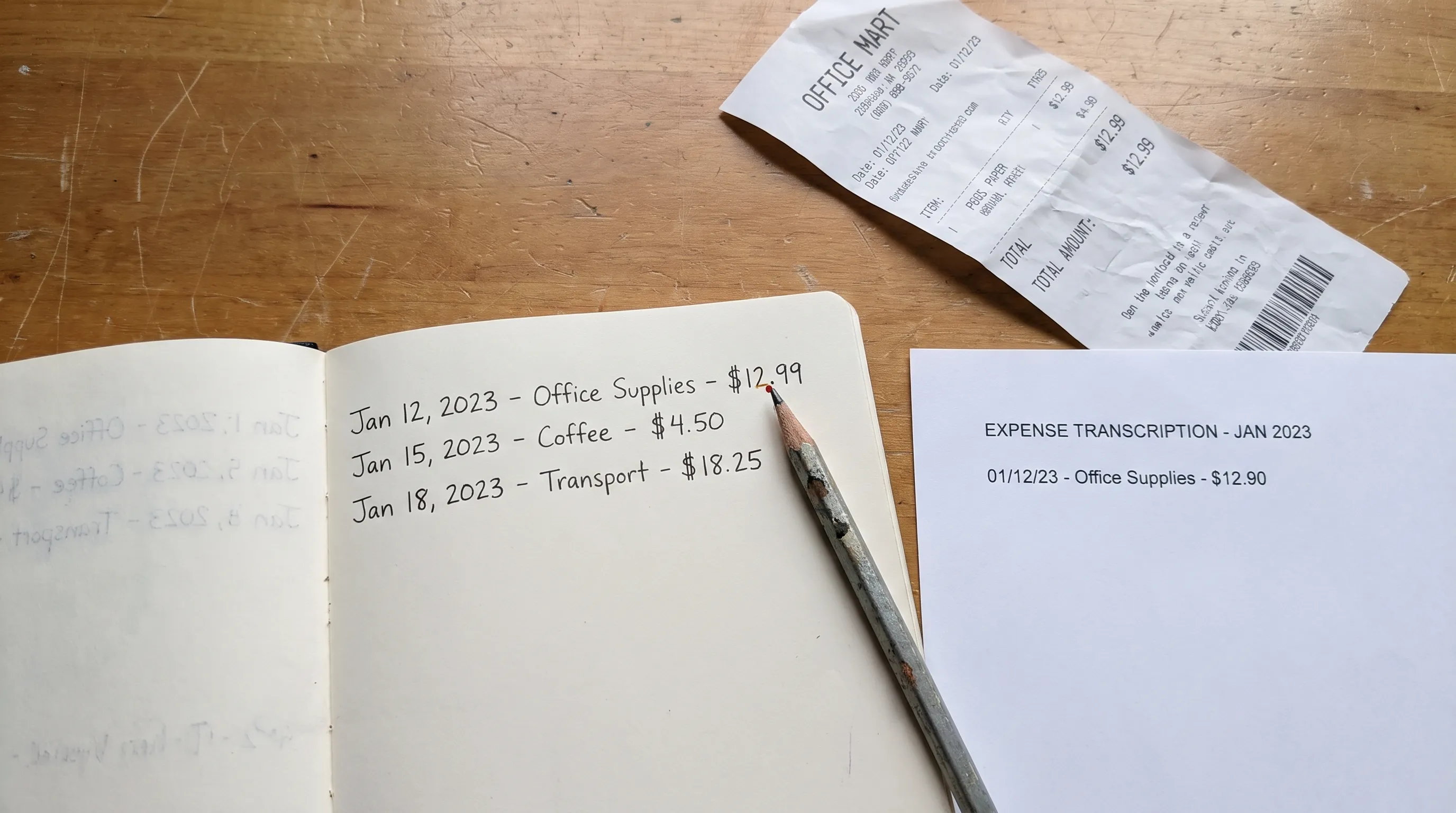
18.70 | 187.0 | The decimal shift changes the amount |
10/04/26 | 10/09/26 | The transaction may be matched to the wrong date |
cash | card | The wrong payment account may be selected |
-12.50 | 12.50 | The sign, and potentially the transaction’s meaning, changes |
Compare every financial field with the image. Count omitted lines, duplicated lines, changed amounts and altered dates separately from spelling mistakes. A correctly spelled description does not compensate for a wrong amount.
Also check relationships: did the amount remain attached to the right description? Did a margin note become a new transaction? Did crossed-out text reappear as an active entry?
Record correction time as well as error count. If fixing the output takes longer than typing the page, manual transcription may be the better choice for that writer or document type. Keep ambiguous entries out of the ready-to-post batch until someone resolves them.
Structure corrected notes without losing context
Once you have checked the literal transcription, organize the information into reviewable rows. Useful columns include source file, page number, original wording, interpreted date, amount, currency, payment method and review status.
Keep the original wording alongside normalized values. For example, retain 10/4 taxi 27 cash even if a separate date column becomes 2026-10-04. That gives the next reviewer a way to distinguish what the writer recorded from what you interpreted.
Leave unknown values blank or mark them for review. Do not default an unspecified currency to USD simply because the rest of your bookkeeping uses dollars. Likewise, do not automatically turn a handwritten minus sign into a refund without checking the note’s context.
Use a text document when the notes mainly contain explanations. If you need a narrative record, our guide to scanning text into editable Word notes covers that workflow. Use a spreadsheet when you need consistent fields for matching and review.
Whichever format you choose, retain a reference to the source image. Plain text alone cannot show whether a figure was overwritten, circled or crossed out.
Protect financial notes during upload and storage
If you scan handwriting to text through an online service, check its data-handling terms before uploading client or employee information. Notes may contain account details, personal addresses, payroll figures or confidential explanations that are absent from the formal transaction record.
Check retention periods, deletion controls, access permissions and whether submitted content may be used to improve models. Confirm that the service is permitted under your organization’s policies. A free conversion allowance is not permission to upload another person’s financial information.
Prefer a trusted network when handling these files. If you use public Wi-Fi, a VPN service such as VPNVision can add connection protection, but it does not prevent the OCR provider from receiving or retaining uploaded documents. Network privacy and the provider’s storage practices are separate issues.
Redact unnecessary identifiers on a working copy where practical, without removing details needed for verification. Store originals and corrected transcriptions in an access-controlled location, and remove temporary downloads according to your retention policy.
Match handwritten notes to statement evidence
Handwritten notes often explain the purpose of a transaction. A bank statement helps establish that a transaction appeared on an account. Neither automatically resolves every bookkeeping question.
After you scan handwriting to text and review the result, match relevant entries against receipts and statements using the amount, approximate date, payee and payment account. Allow for posting delays rather than changing the note’s date merely to force a match.
Extract Bank Statements handles the statement side of this workflow. It converts bank statement PDFs into CSV, Excel, OFX or JSON and checks extracted figures against the statement’s running balance and declared totals. It also supports scanned statements and photos through OCR.
That is distinct from interpreting arbitrary handwriting. Do not assume statement extraction provides reliable transcription of handwritten notebooks or annotations.
Keep an unmatched cash expense, an unclear reimbursement note or a disputed amount in a review queue. Statement arithmetic can help validate extracted statement data, but it cannot prove a handwritten explanation or determine the correct expense category.
Frequently asked questions
Can ChatGPT scan handwriting to text? ChatGPT with image input can attempt to transcribe handwriting from an uploaded image. Results depend on legibility and image quality. Ask it to flag unclear characters, then check every date, amount and sign against the source before using the text for bookkeeping.
Is there a free way to convert handwriting into text? Built-in phone features, Google Lens and limited free access to image-capable assistants can be starting points. Availability, account requirements and export limits vary. Test one page before committing to a workflow or uploading sensitive documents.
Can these tools read cursive handwriting? Some can recognize cursive, but performance varies with the writer, language and image quality. Connected letters, abbreviations and overwritten numbers still need close review. Difficult historical handwriting may require specialist tools or a human transcriber.
Should I export handwritten notes directly into accounting software? Not before reviewing them. First confirm the transcription, resolve ambiguous meanings and match supporting evidence. A spreadsheet prepared for review is safer than an import file containing guessed dates, amounts or categories.
Keep notes readable and statement figures checked
Start with one representative page and measure how much correction it needs. Preserve the source, separate literal transcription from interpretation and resolve uncertain entries before posting them.
For the bank records that support those notes, use Extract Bank Statements to convert statement PDFs into structured data with running-balance and totals checks. Free first conversions let you try the statement workflow before making it part of your bookkeeping process.