
How to Review a Checking Account Bank Statement for Errors
Thomas Gak-Deluen9 min read
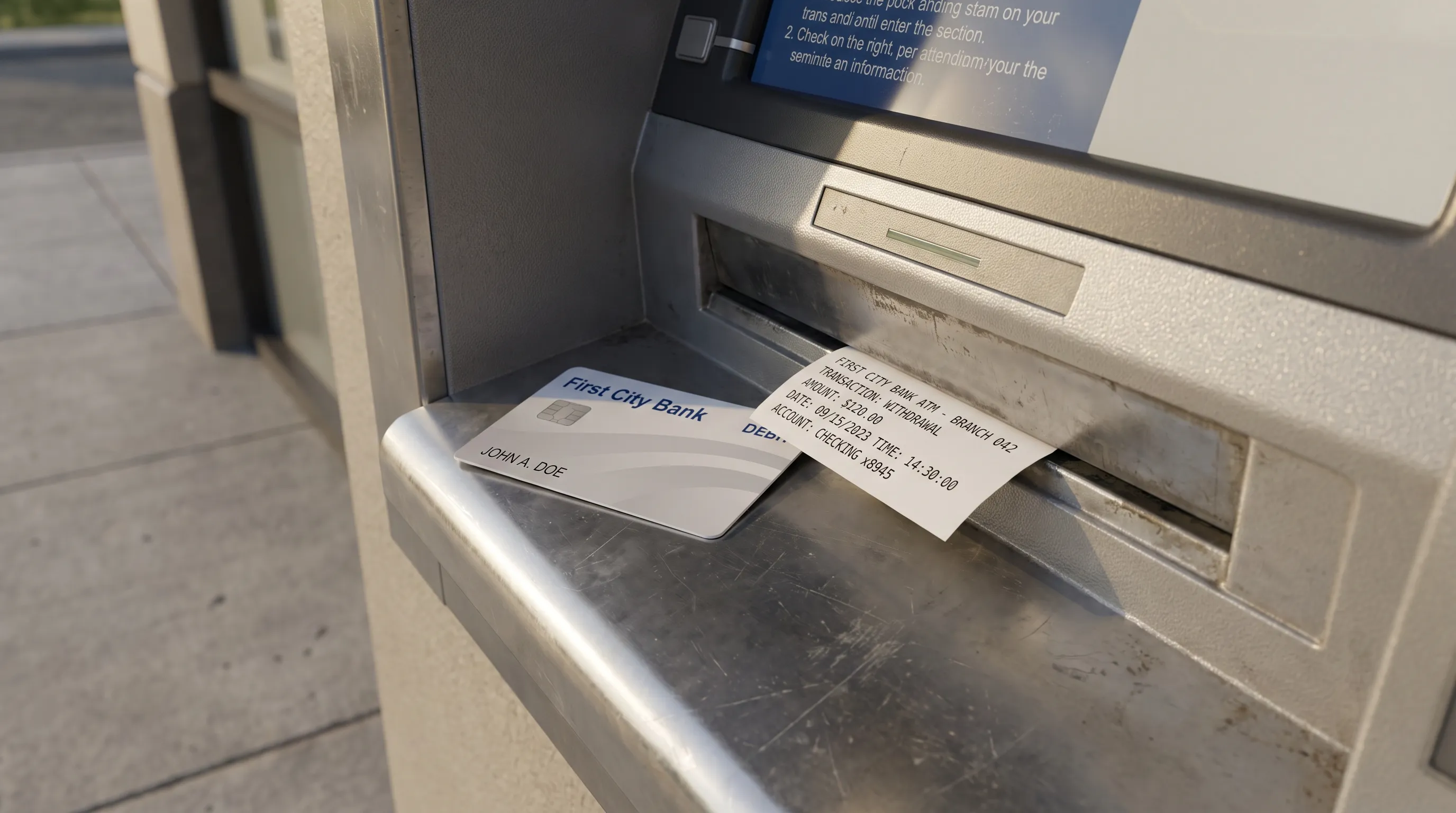
A checking account bank statement can add up perfectly and still contain an unauthorized withdrawal, a duplicate payment or a fee you should not have been charged. Reviewing it for errors takes two separate checks: confirming that the numbers reconcile and confirming that each transaction belongs there.
The most useful approach is to compare the statement with independent records, classify any discrepancy and document what needs correcting. Here is how to do that without mistaking normal posting delays for bank errors.
Address suspicious activity before finishing your review
If you spot an electronic transfer or withdrawal you did not authorize, contact your bank immediately through its official app, website or the number printed on your card. Do not wait until you have checked every transaction, and do not use contact details supplied in an unexpected text message.
Tell the bank whether your debit card, PIN or online banking credentials may be compromised. Ask what steps are needed to prevent further transactions and formally report the disputed activity. Locking a card does not necessarily submit an error claim.
Keep the confirmation number and the time of your call. For a routine discrepancy, such as a fee you do not recognize, you can gather supporting records first. For suspected fraud, reporting promptly matters more than assembling a perfect evidence packet.
Compare your checking account bank statement with independent records
Download the original statement from your bank and confirm the account, statement period and page count. The opening balance should normally match the previous statement’s closing balance. A mismatch may mean you are comparing different accounts or missing a statement period.
Next, collect evidence that exists outside the statement: receipts, bill confirmations, payroll records, check images and transfer confirmations. The bank’s transaction list tells you what posted, not whether the amount was authorized or expected.
Match each transaction using its amount, payee and identifying details, not its date alone. A purchase made on Friday might post on Monday, and a merchant’s legal name may differ from the name on its storefront.
For checks, compare the check number and the image of the cleared check with your register. For transfers between your own accounts, inspect both sides. Money leaving one account should have a corresponding credit in the destination account, allowing for processing time and any disclosed fee.
Record unresolved items separately rather than changing the original PDF. That preserves the evidence you may need later.
Classify the discrepancy before disputing it
When reviewing a checking account bank statement, distinguish an actual account error from a timing difference or an error introduced during data extraction.
| What you notice | What to check next | Possible explanation |
|---|---|---|
| Two similar charges | Whether both are posted and have distinct references | A duplicate payment, separate purchases or a pending authorization |
| An unfamiliar merchant | Receipt, location and merchant billing name | An unfamiliar descriptor or unauthorized activity |
| A missing deposit | Payment confirmation, effective date and destination account | A delay, failed payment or incorrect account details |
| An unexpected fee | Account terms and the event that triggered it | A valid charge, misapplied fee or eligibility issue |
| A balance mismatch | Previous statement, transaction totals and original PDF | A missing entry, wrong sign or extraction error |
| A purchase near the cutoff is absent | Posting date and the next statement period | A normal timing difference |
Do not label a discrepancy as fraud solely because its description is unfamiliar. Equally, do not dismiss it because the amount is small. A receipt or transaction reference is better evidence than either assumption.
Recalculate the balances without treating the math as proof
For a typical checking statement, the basic relationship is:
Closing balance = opening balance + posted credits − posted debits.
Include interest and refunds among credits, and include fees among debits. Do not subtract a fee twice if it is already included in the statement’s debit total.
Here is an illustrative example, not an actual customer account:
| Entry | Credit | Debit | Running balance |
|---|---|---|---|
| Opening balance | $1,200.00 | ||
| Payroll deposit | $1,800.00 | $3,000.00 | |
| Grocery purchase | $68.42 | $2,931.58 | |
| Rent payment | $1,250.00 | $1,681.58 | |
| Monthly account fee | $4.95 | $1,676.63 | |
| Merchant refund | $25.00 | $1,701.63 |
Credits total $1,825.00 and debits total $1,323.37, producing a closing balance of $1,701.63.
A checking account bank statement that passes this calculation is internally consistent, but that does not establish that every debit was legitimate. An unauthorized withdrawal can reduce the balance correctly. Two extraction mistakes can also offset each other.
This distinction is explained further in the guide to what bank statement reconciliation actually proves. Arithmetic checks support a review; they do not replace transaction-level evidence.
Investigate duplicates that still reconcile
A duplicate posted charge can appear in a perfectly balanced statement because the bank deducted both amounts. To identify it, compare the merchant, amount, transaction references and your receipts. Two equal charges on the same day are a reason to investigate, not automatic proof of duplication.
Check for a reversal or refund elsewhere in the period and, where relevant, in the following period. Preserve the original debit and any correcting credit as separate entries. Removing one from your working file can hide what happened.
Also distinguish a posted charge from a pending authorization visible in online banking. A temporary hold alongside the final charge is not necessarily two settled payments.
If the duplicate appears only in your spreadsheet, compare it with the original PDF. Repeated page headers, overlapping scans or extraction mistakes may have created an extra row. Review the checking account bank statement itself before asking the bank to correct a transaction that exists only in your export.
Check missing deposits, fees and balance differences
For a missing paycheck or transfer, verify the expected payment date, receiving account and whether the sender actually released the funds. A payment confirmation may show initiation rather than completed settlement. Ask payroll or the sender for a trace or reference number when needed.
For fees, compare the charge with your account’s terms and any waiver requirements. A monthly maintenance fee, overdraft fee and returned-payment fee can have different triggers. Ask the bank which event caused the charge and which rule it applied.
Finally, compare like-for-like balances. A statement closing balance reflects posted activity at the period’s end. Your current available balance may reflect later transactions or holds, so a difference between those figures is not itself an error.
When investigating an overdraft charge, ask about the relevant transactions and balance calculation rather than relying only on today’s balance.
Report confirmed errors with specific evidence
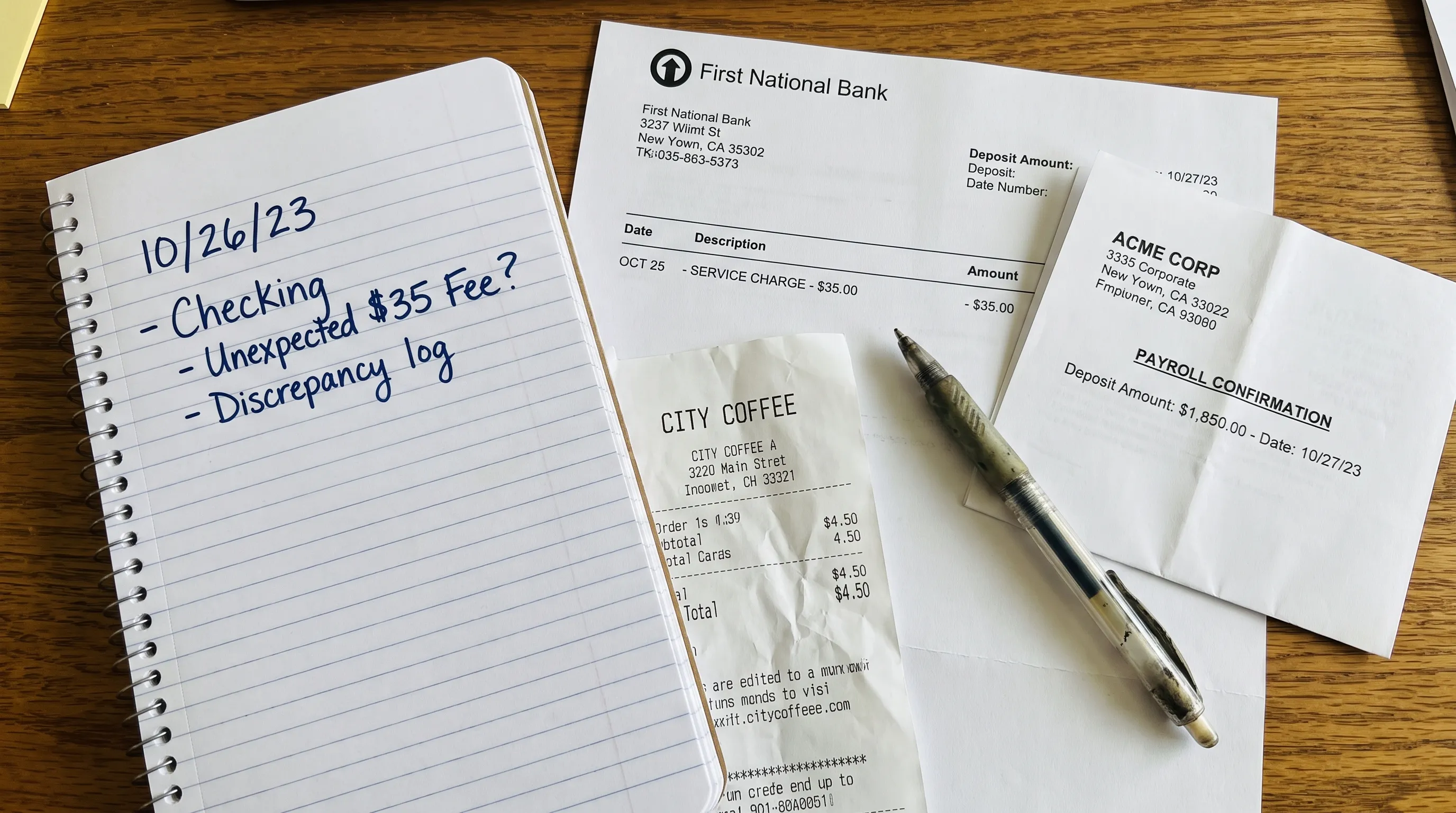
Contact the bank through its designated error-reporting channel. Identify the account, transaction date, amount and why you believe the entry is wrong. State the correction you are requesting, such as investigating an unauthorized transfer, correcting a duplicate debit or reviewing a misapplied fee.
For electronic fund transfers covered by US Regulation E, the CFPB’s error-resolution rule generally requires notice no later than 60 days after the bank sends the periodic statement on which the error first appears. That is not simply 60 days from the transaction date.
Do not treat that deadline as permission to wait. Separate liability rules apply when an access device, such as a debit card, is lost or stolen. Under Regulation E’s consumer liability provisions, reporting within two business days of learning of the loss or theft can affect your liability.
Reviewing your checking account bank statement promptly helps you identify problems while reporting options remain available. These federal consumer protections generally concern accounts established primarily for personal, family or household purposes. Business accounts and paper-check disputes can involve different rules, so ask the bank about the applicable deadline.
Keep a dispute record you can follow up on
Create a short log containing the disputed amount, transaction reference, supporting evidence, date reported and case number. Keep copies of messages and note any promised response dates.
A concise written description might read:
I am reporting a suspected duplicate debit. Two posted transactions for $68.42 from the same merchant appear on my September statement, dated September 12 and September 13. I made one purchase and have attached the receipt. Please investigate the second debit and confirm the case number and next steps.
Use wording that reflects your situation. An unauthorized transaction should be described as unauthorized, not merely unfamiliar, if you know you did not approve it.
Ask when to expect a decision and whether provisional credit applies. If the bank requests written confirmation after a phone report, send it promptly and retain proof of delivery. Keep any temporary credit separate from your final resolution record because it may be reversed following the investigation.
Use spreadsheets and automation to find exceptions
For an account with many transactions, converting the statement into Excel or CSV makes it easier to sort by amount, compare merchant names and isolate unexplained entries. Keep the source PDF alongside the working file, and preserve the original extracted rows before making changes.
Treat a converted checking account bank statement as a review aid, not a substitute for the bank’s source document. Scans can introduce misread digits or misplaced amounts; this guide explains how OCR handles blurry statement scans and why verification matters.
In a business workflow, reconcile posted transactions against invoices, receipts and payment records. Match candidates using references and amounts, then review exceptions manually. Elia’s French-language guide to automated bank reconciliation and exception handling describes approaches such as reference-based matching and fuzzy matching that can support this process.
A suggested match still needs judgment. Similar merchant names or equal amounts do not establish that two records represent the same payment, and a match does not prove authorization. Automation is most useful when it narrows the unresolved items without hiding them.
Frequently asked questions
Can a statement balance correctly and still contain an error? Yes. A duplicate or unauthorized debit can be included correctly in the bank’s arithmetic. Balance verification checks consistency, while receipts and payment records help establish whether each transaction is valid.
How often should I review my checking account bank statement? Review every statement promptly after it becomes available. Monitor account activity between statements as well, especially for unfamiliar withdrawals or missing expected deposits. Suspected fraud should be reported immediately rather than saved for a monthly review.
Does a pending charge count as a duplicate payment? Not necessarily. A pending authorization and a posted charge may refer to the same purchase. Confirm whether both entries have settled, and contact the bank if the hold persists or two posted charges remain. Report any activity you know is unauthorized promptly.
Should I dispute an error with the merchant or the bank? A merchant may resolve a known purchase problem, such as a duplicate billing. Report unauthorized electronic transfers to your bank promptly. Contacting a merchant does not replace bank notice or pause a bank’s reporting deadline.
Make the numbers easier to check
Manual comparisons become harder when a statement spans many pages or arrives as a scan. Extract Bank Statements converts PDF statements into CSV, Excel, OFX or JSON and checks extracted figures against the statement’s running balance and declared totals. It also supports scans and photos through OCR.
Use the verified extraction to reduce transcription work, then compare your checking account bank statement with receipts and payment records to resolve the remaining questions. Free first conversions let you try the workflow before using it for recurring reviews.